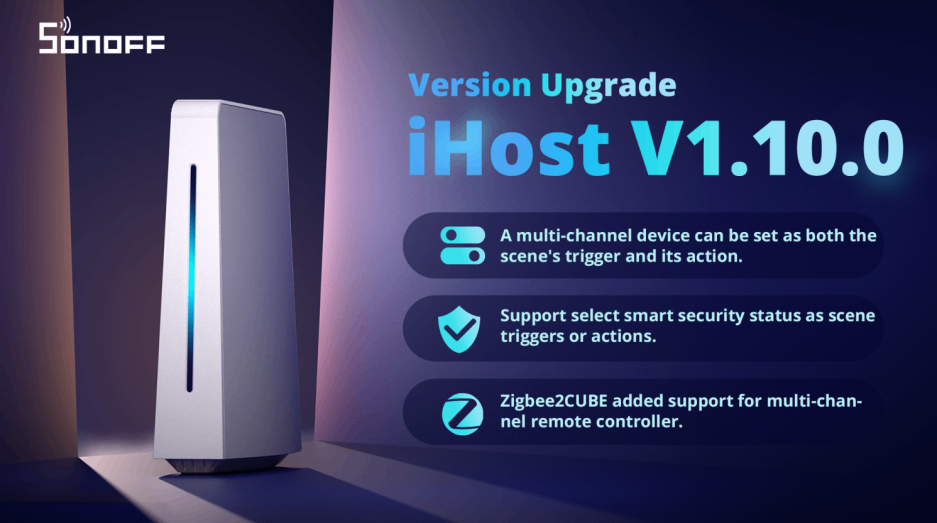
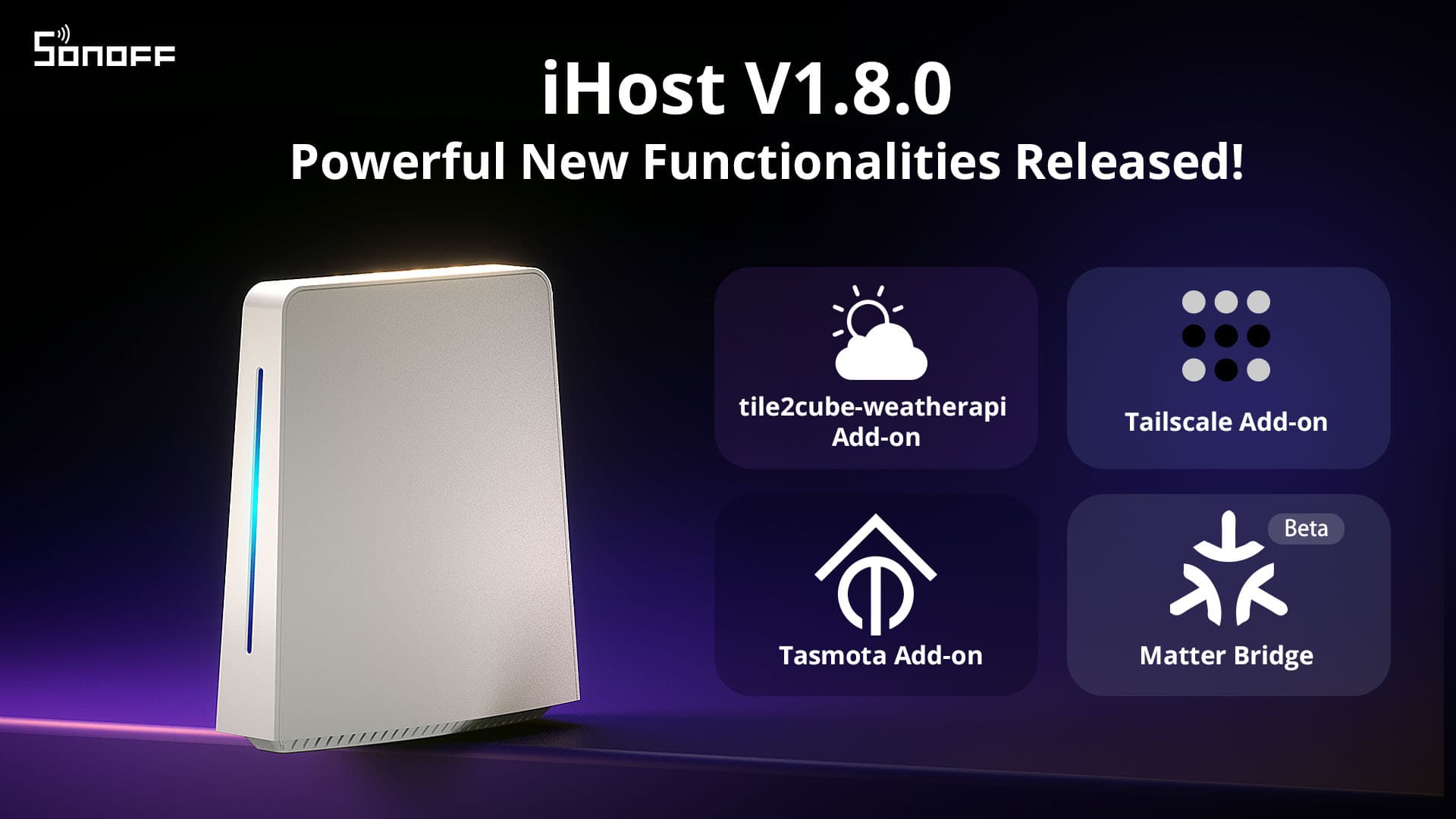
We released three versions of iHost in May, with the current latest version being 1.6.2. These updates include enhancing Zigbee compatibility and Add-on management to provide an improved user experience. Now, let's explore the new features together!
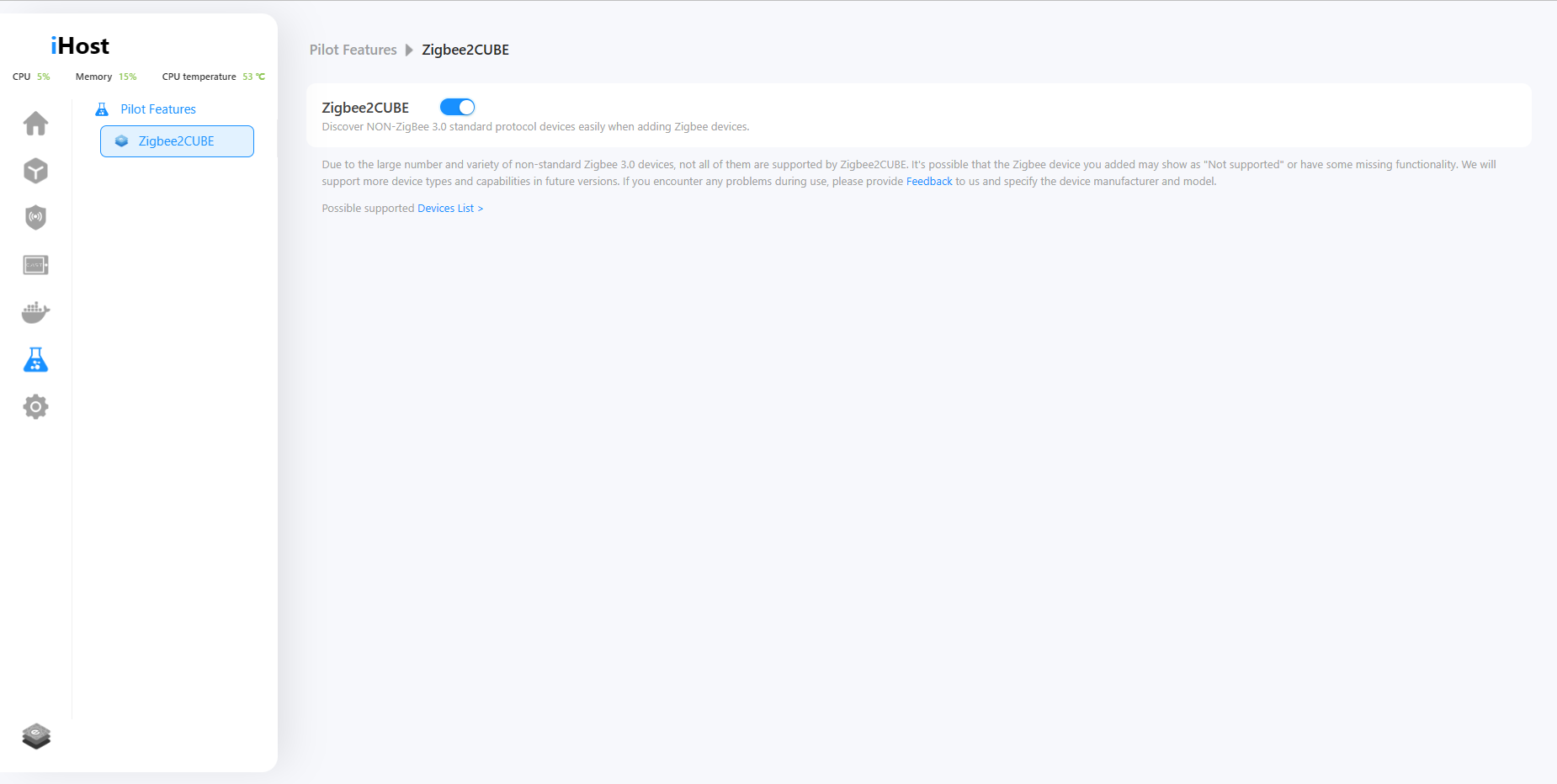
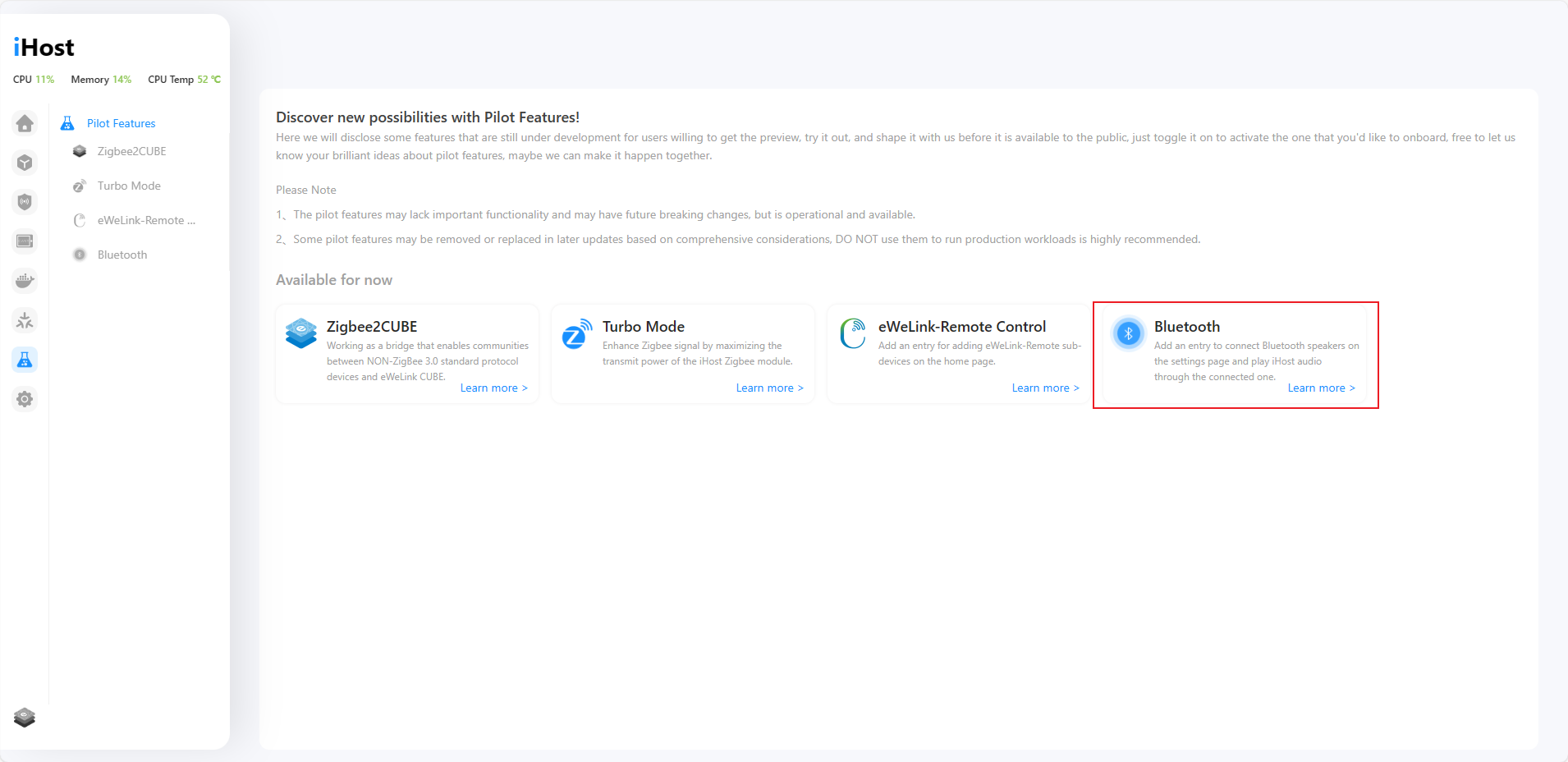
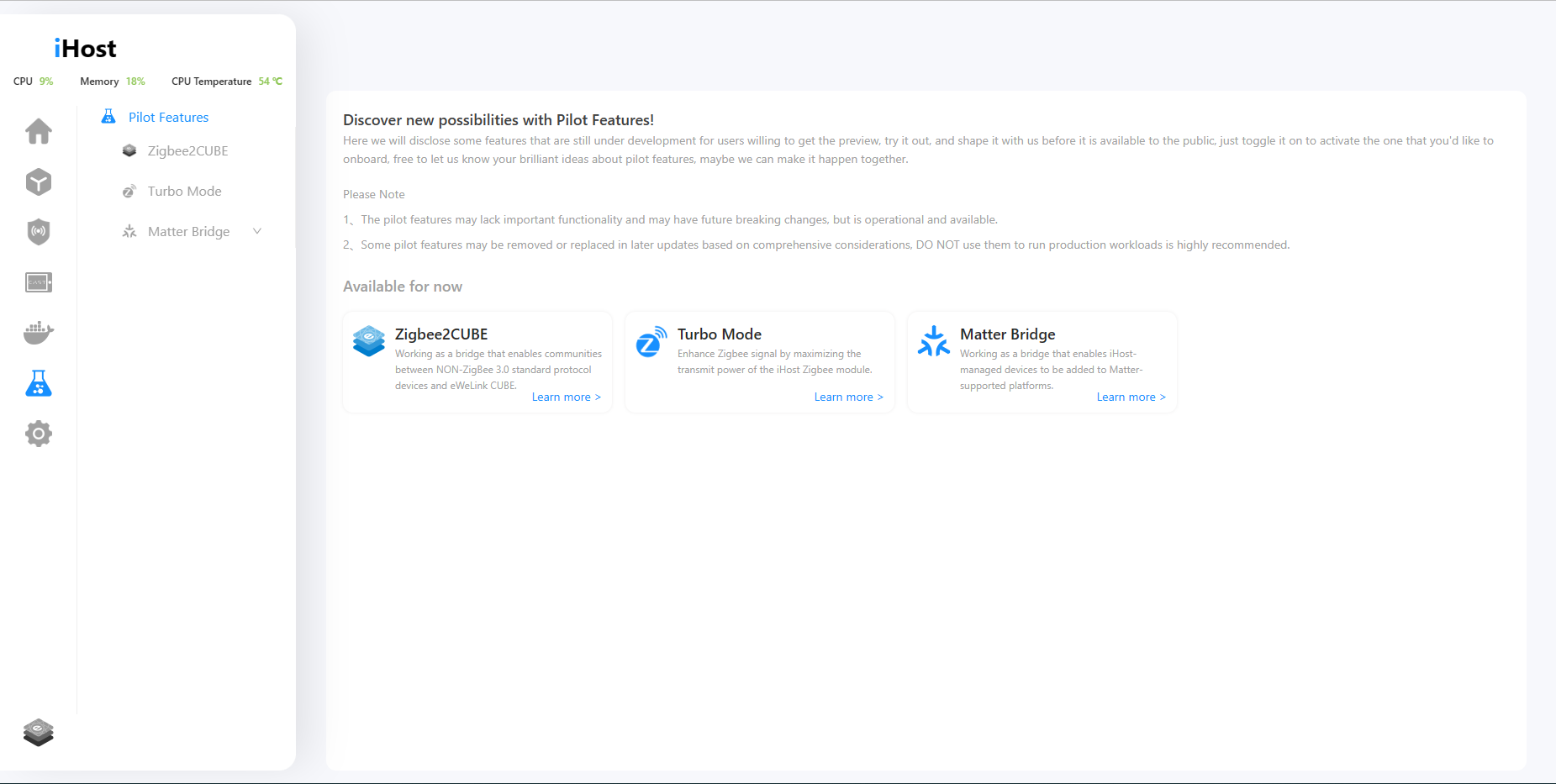
1. Added Pilot Features menu, in which a new feature Zigbee2CUBE is available, allowing you to add non-Zigbee 3.0 devices.
We will disclose some features that are still under development for users willing to get the preview, try it out, and shape it with us before it is available to the public in the Pilot Features menu.
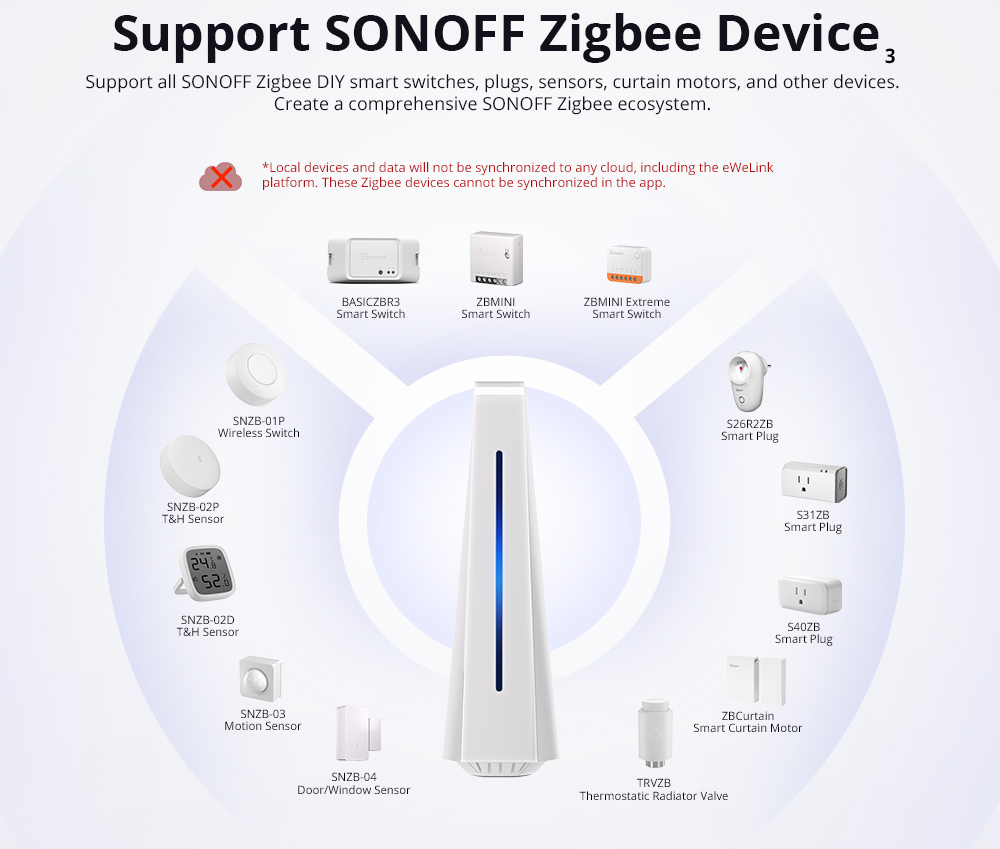
In the current version, there is a new capability called "Zigbee2CUBE." Once enabled, iHost allows you to discover NON-ZigBee 3.0 standard protocol devices when adding Zigbee devices. It may help resolve the issue of being unable to pair NON-ZigBee 3.0 standard protocol devices that you currently have. We have compiled a list of Zigbee2CUBE possible supported devices, so you can check if your device is included: https://appcms.coolkit.cn/uncategorized/16355.html
*We will support more device types and capabilities in future versions. If you encounter any problems during use, please provide feedback to us.

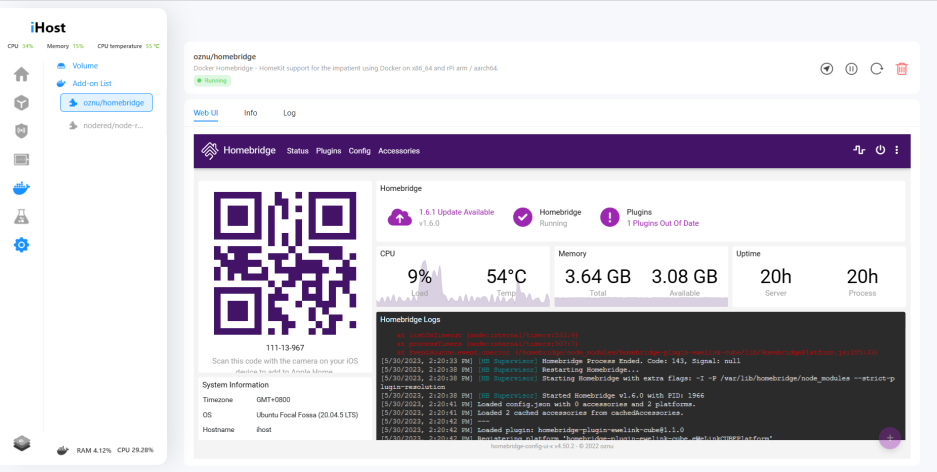
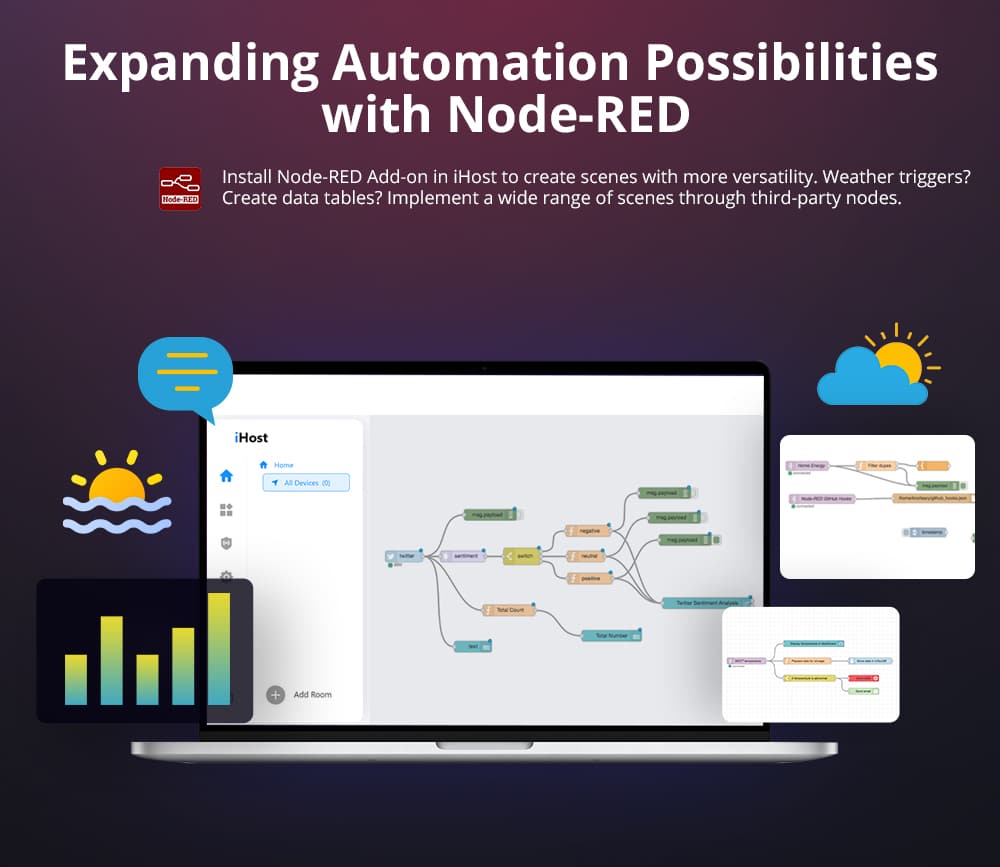
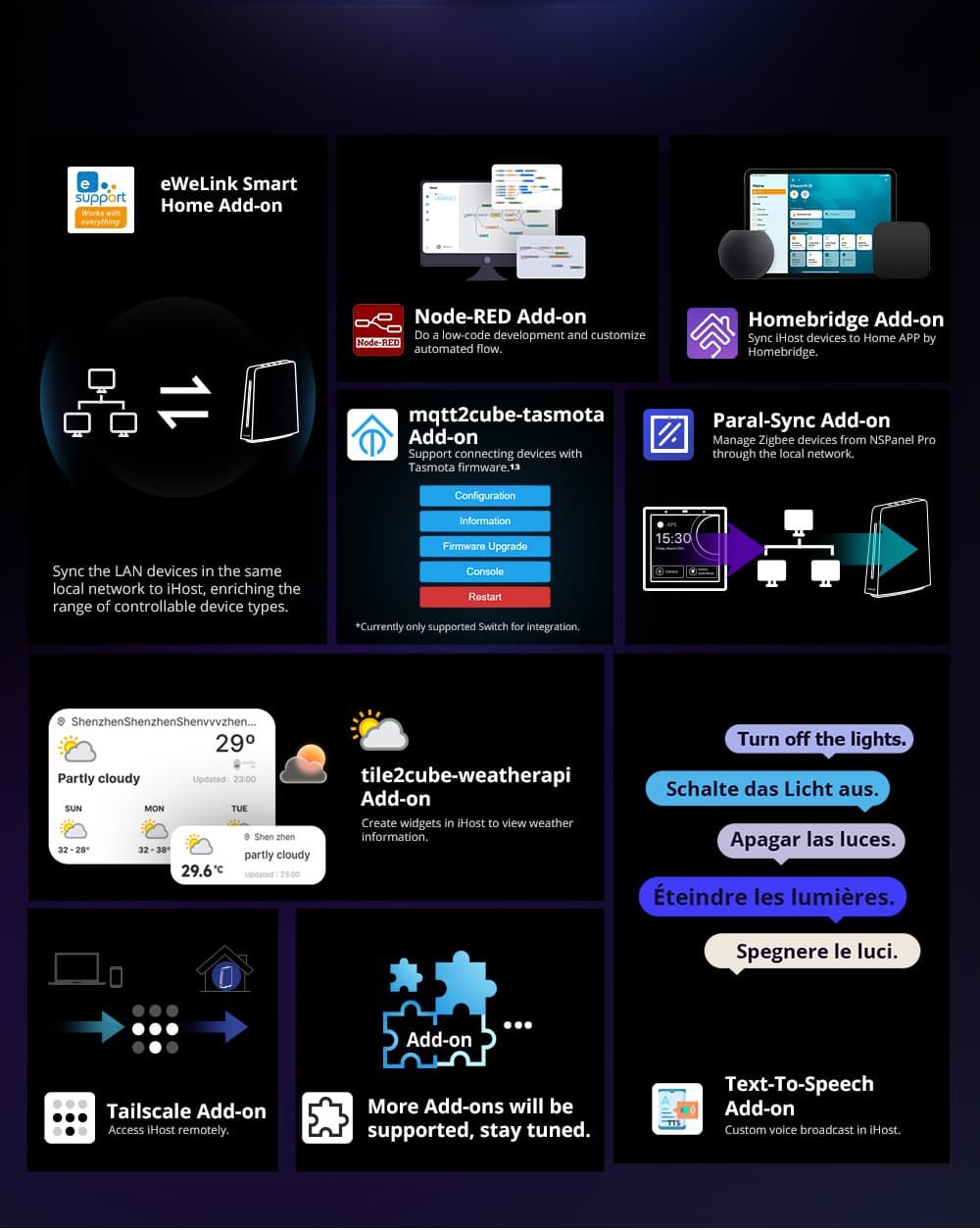
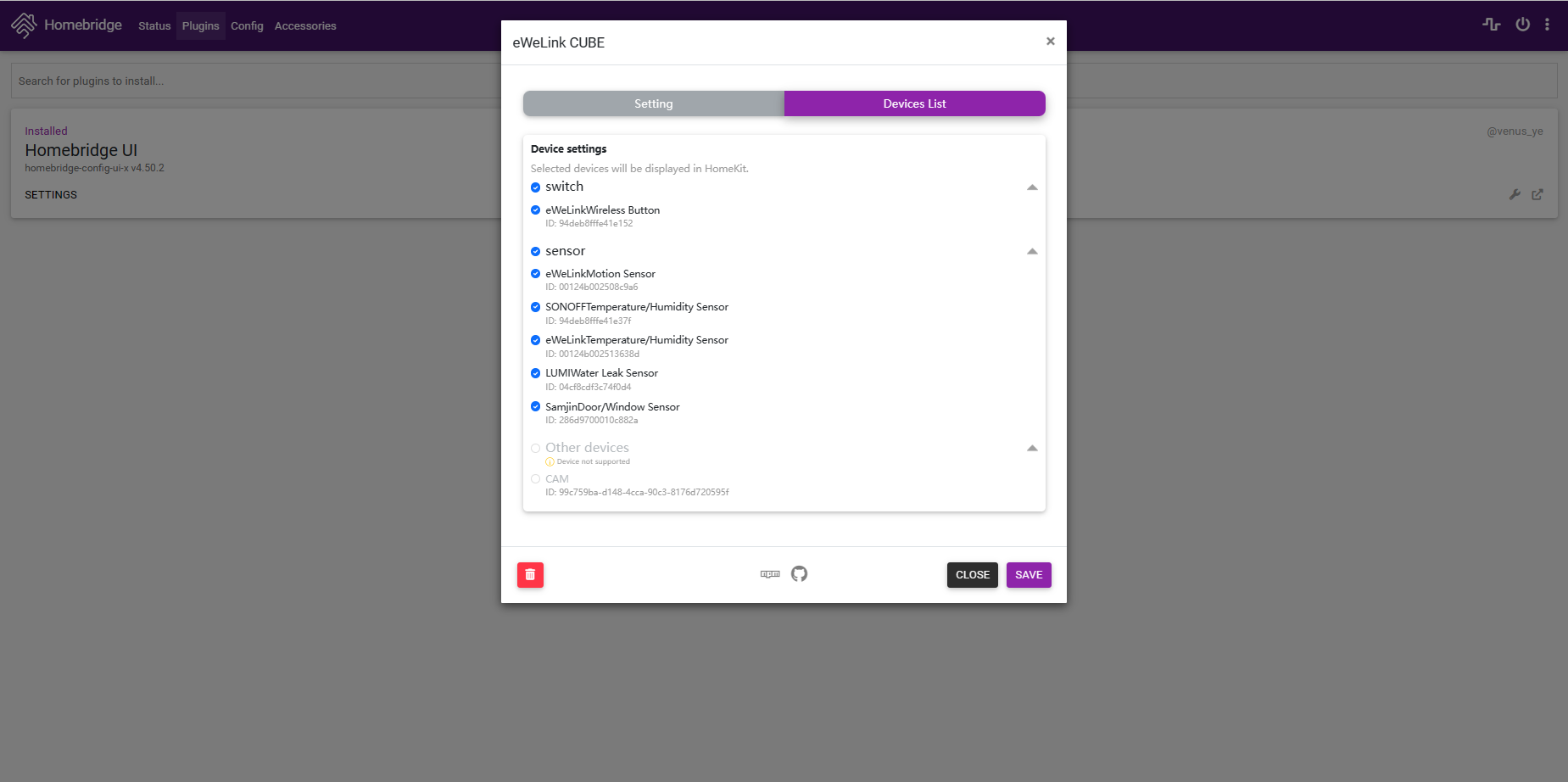
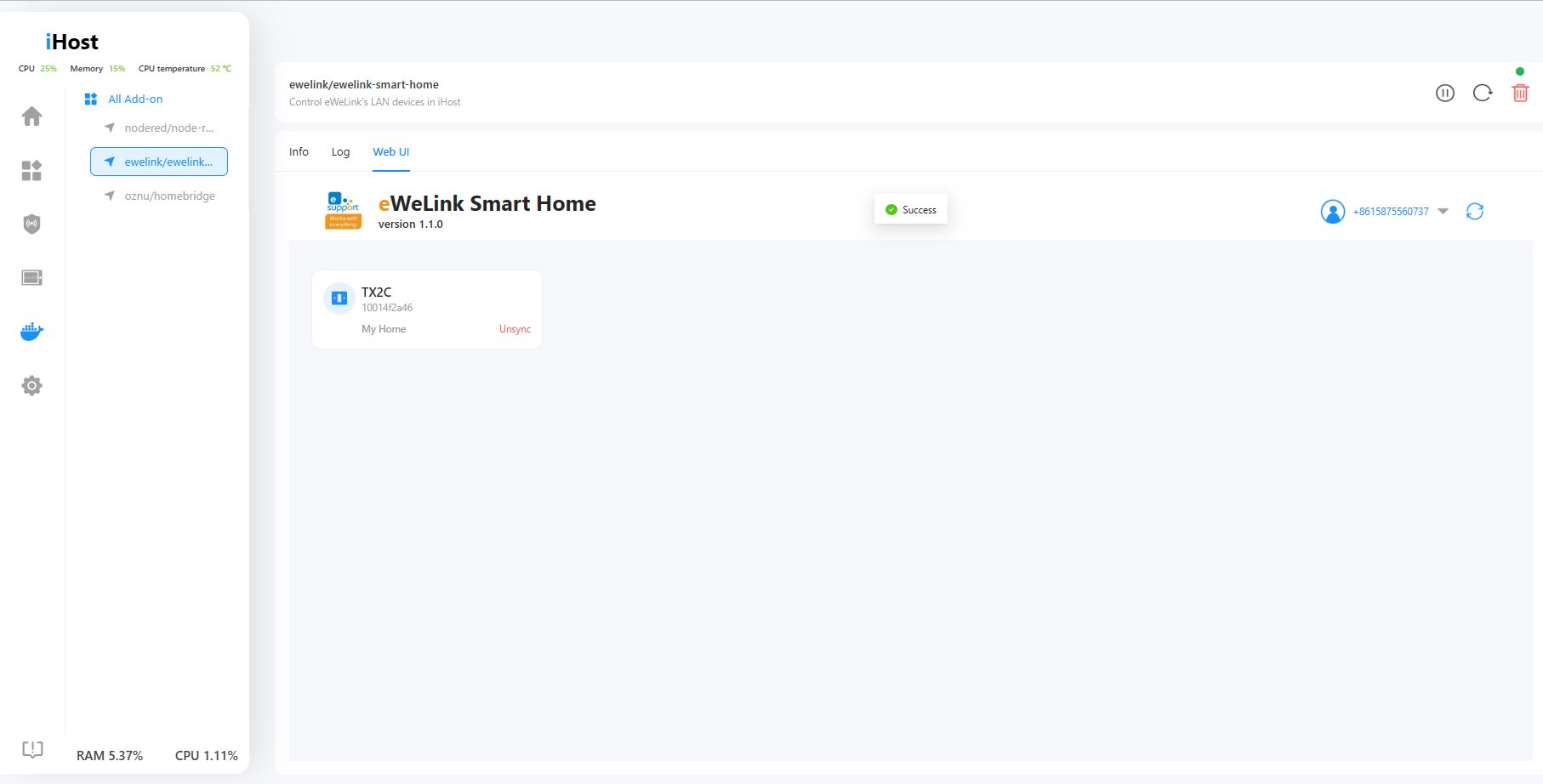
2. The webUI of HomeBridge and Node-RED is accessible on their detail pages.
No need to open a new tab anymore. After installing and running the Add-on, you can directly access the web user interfaces of Homebridge and Node-RED.

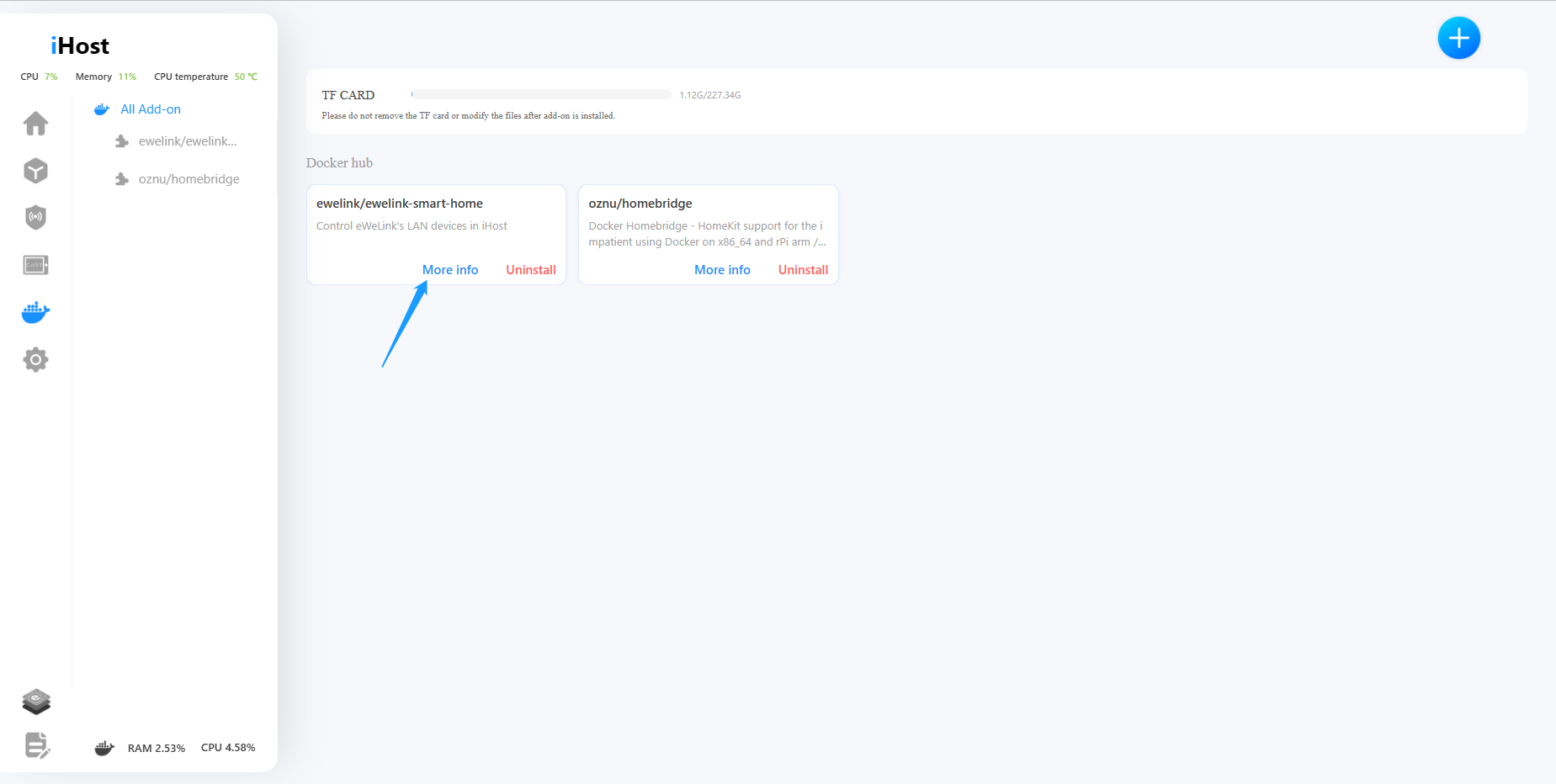
3. Uninstalled Add-ons can be removed from the Add-on list.
If you encounter an Add-on that you can't use or need to remove, you can simply click on "Delete" now.

4. Mute system volume with one press on the mute button.
Do not need a system prompt tone? Just press on the mute button!

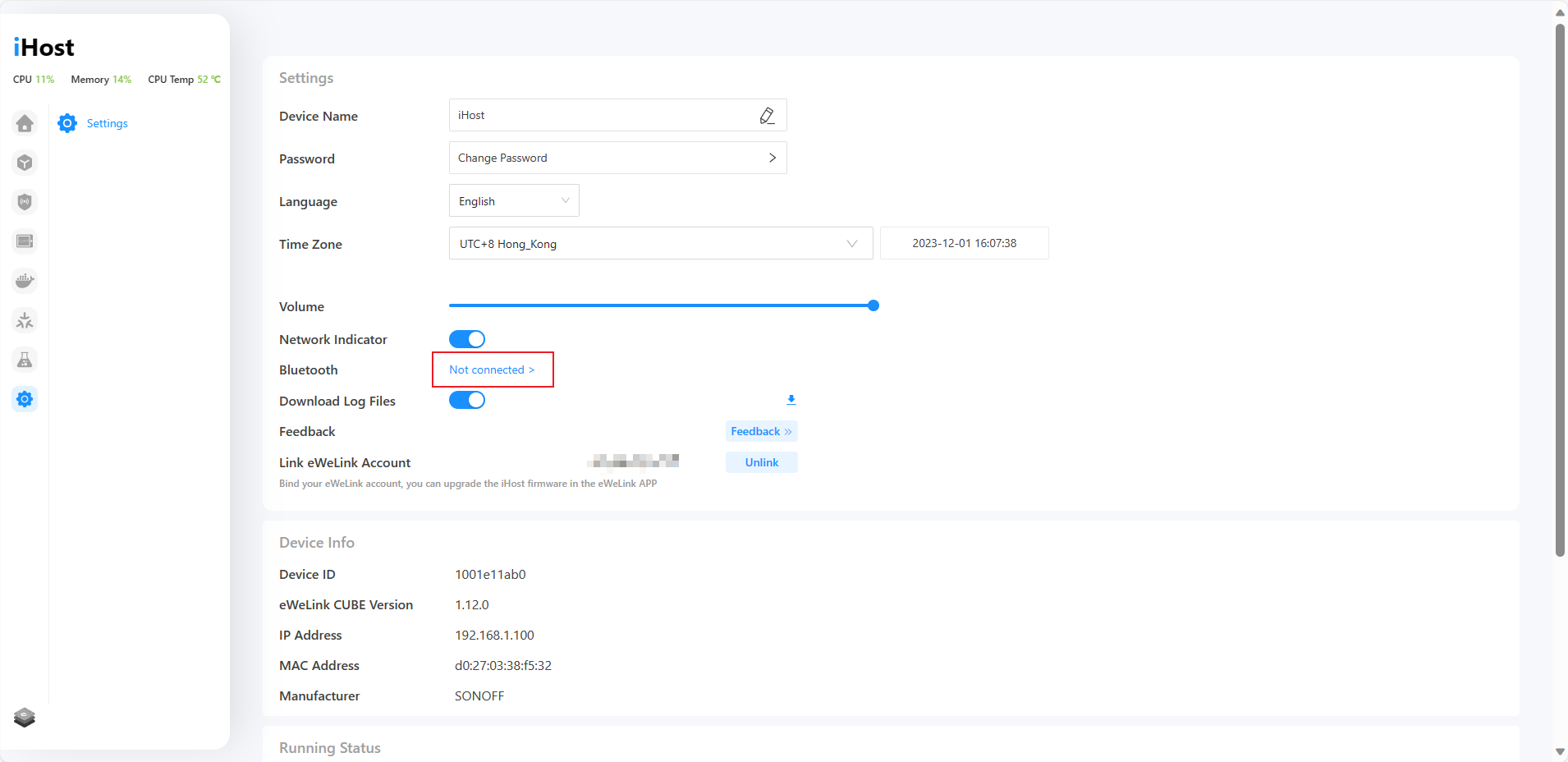
5. The time on iHost will automatically switch between daylight saving time and standard time.
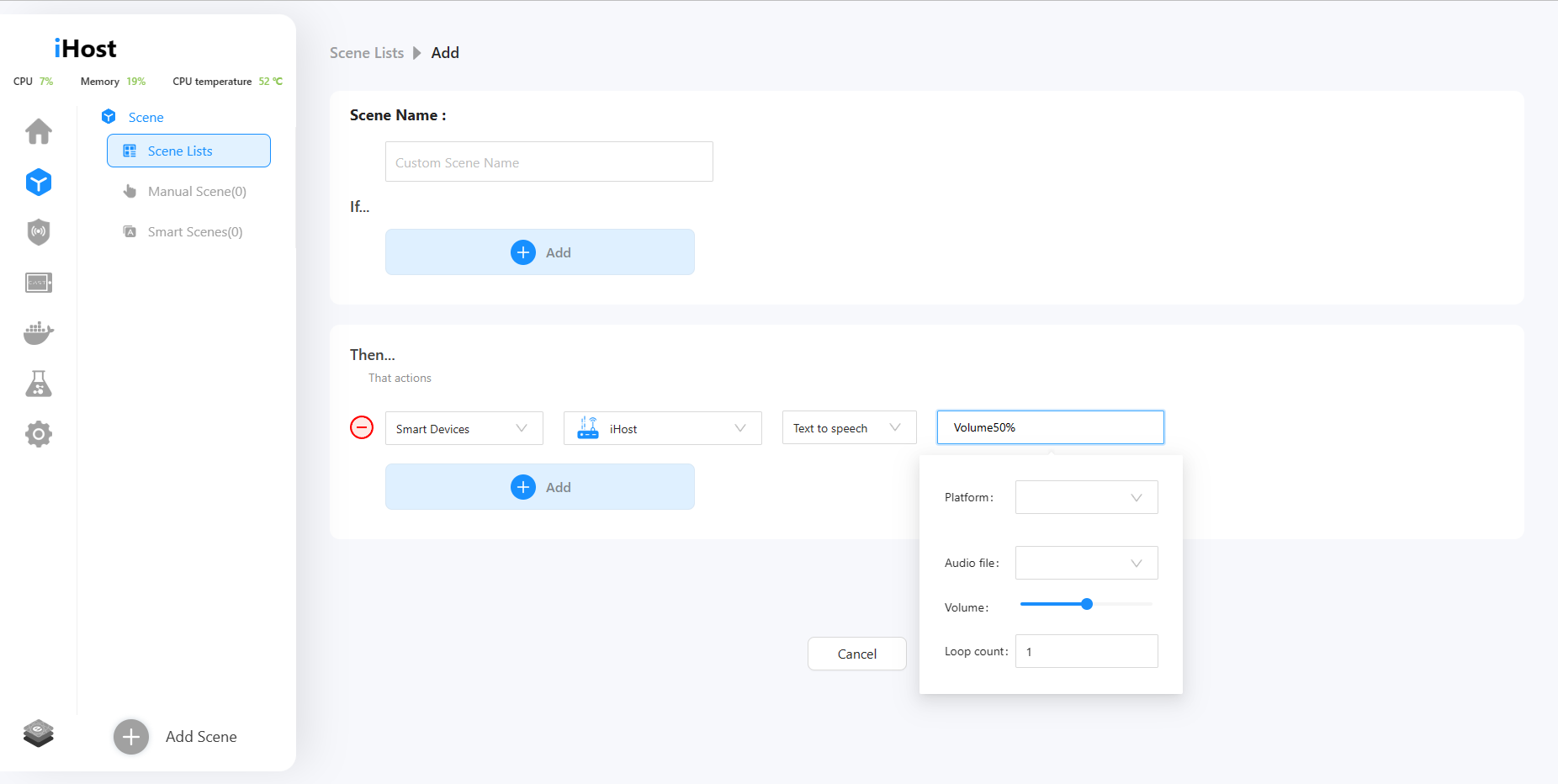
Is your country or region currently observing daylight saving time? In the new version, both scenes and system time in iHost support automatic daylight saving time adjustment. iHost will accompany you in transitioning to daylight saving time.
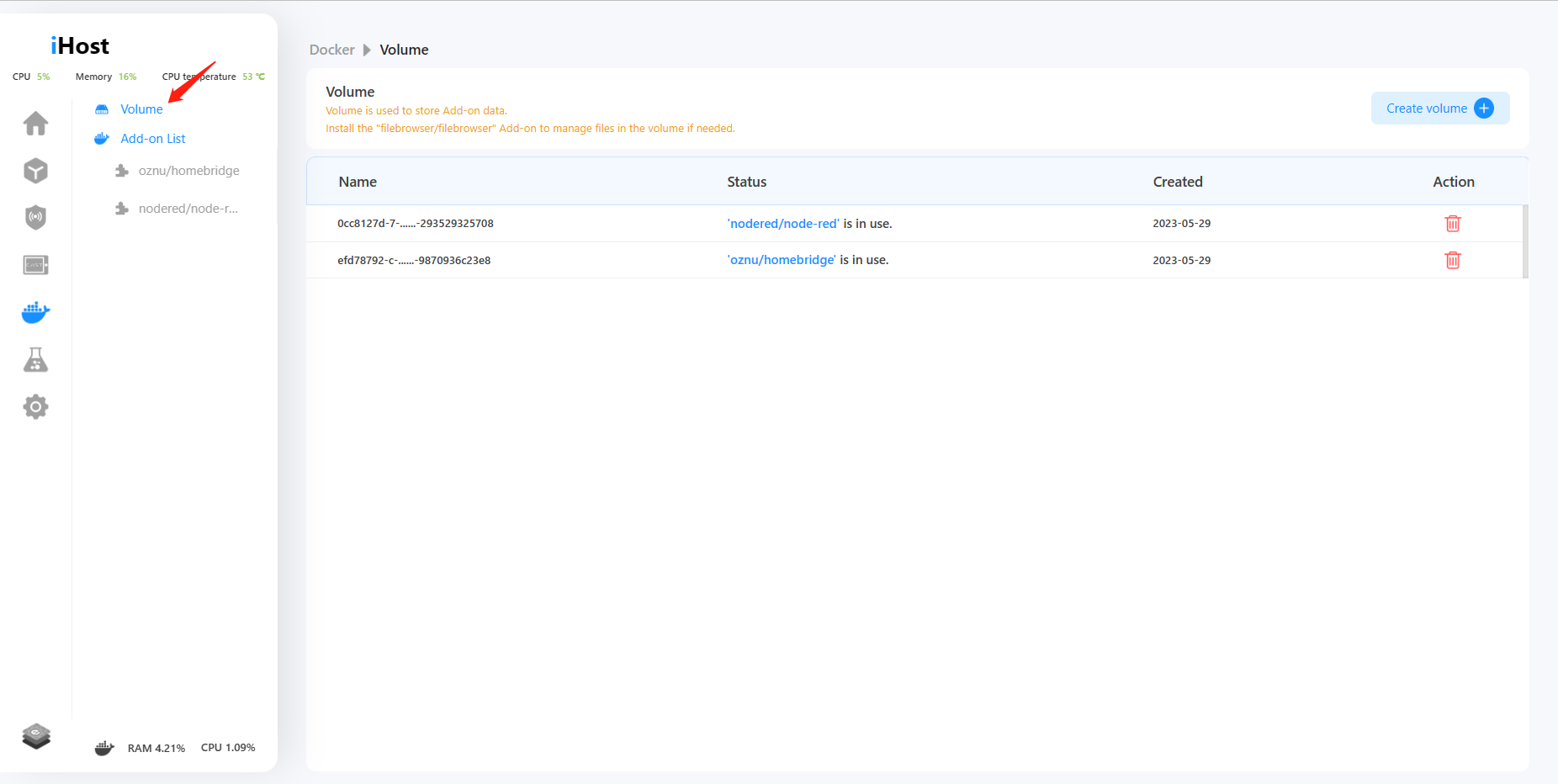
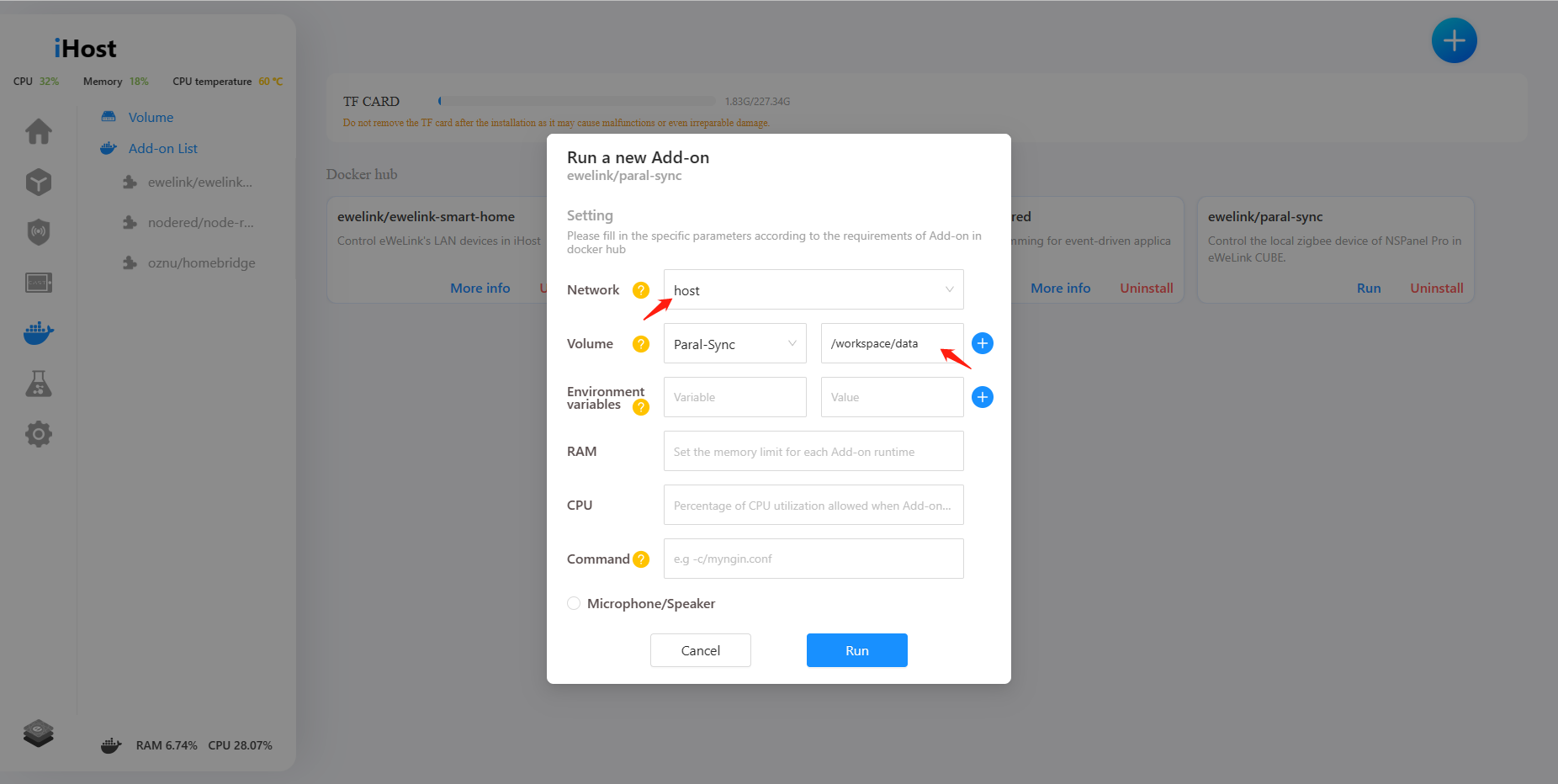
6. Enhanced volume management in Docker. Enable to create/delete volumes in the volume list, and support to select existing volumes to store Add-on data.
We've added a volume management feature on Docker, now you can create or delete volumes, as well as specify a volume for an add-on before running it.
7. Configure parameters of environment variables, commands, and volumes during Add-on runtime.
Now you can configure environment variables, commands, and volume parameters for Add-on before running it.

We have prepared a tutorial to help you better understand how to manage the files of an add-on via the filebrowser/filebrowser add-on.
https://forum.ewelink.cc/t/add-on-guide-volume-management-filebrowser-add-on/18254
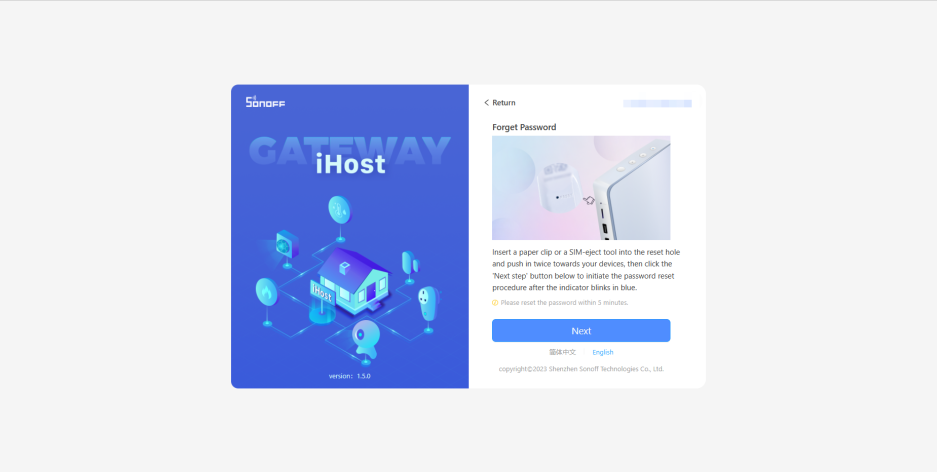
8. Login password is visible.
Now you can switch to display a password when you enter a password on the login, registration, and Forget password pages.

In addition to the above new features, we have fixed some bugs:
● Fixed known TF-card related issues.
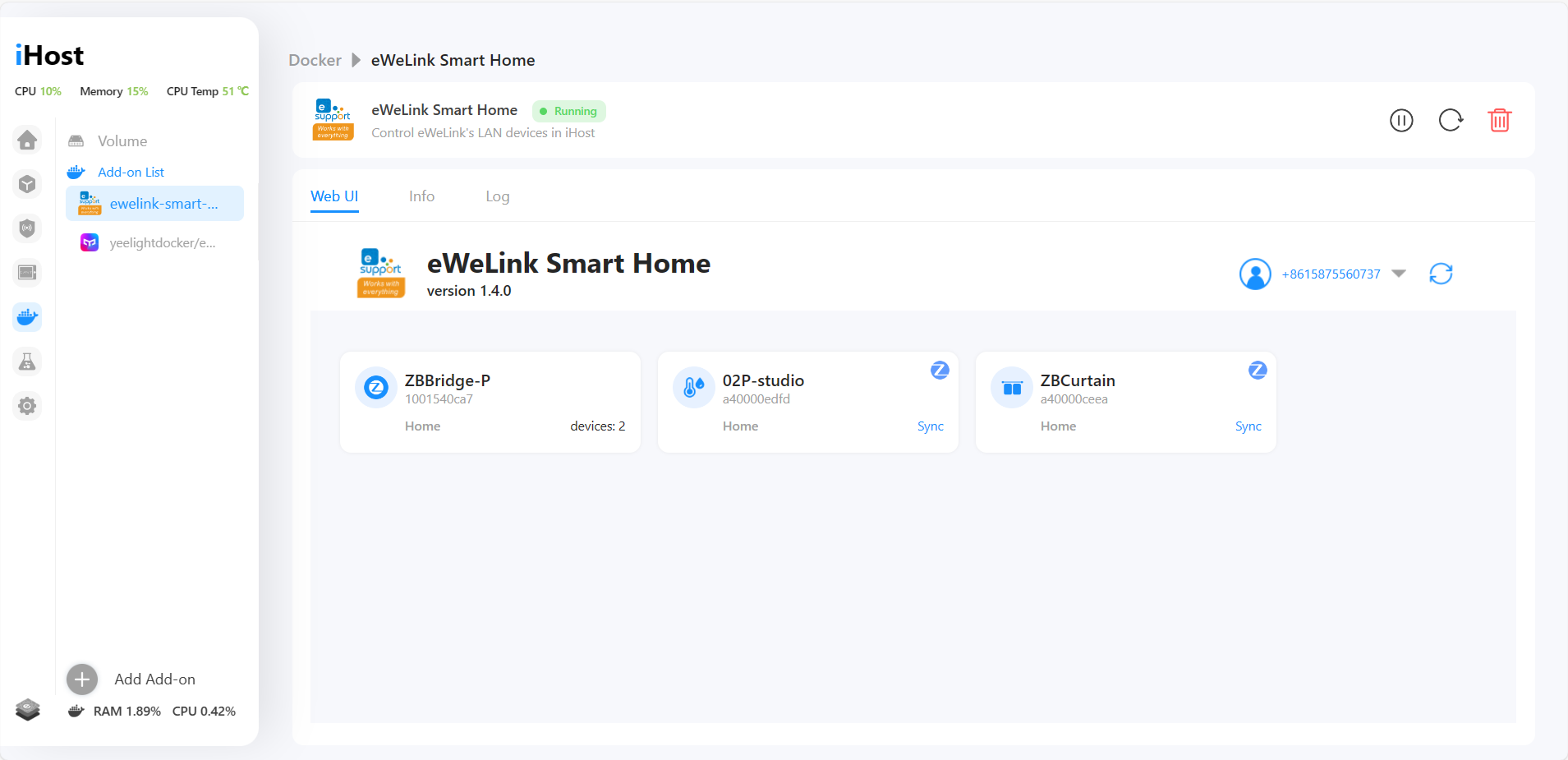
● Resolved loading failure of eWeLink Smart Home Add-on WebUI.
● Fixed the length limitation for email address input on the feedback page.
● Fixed delay issues of smart scenes.
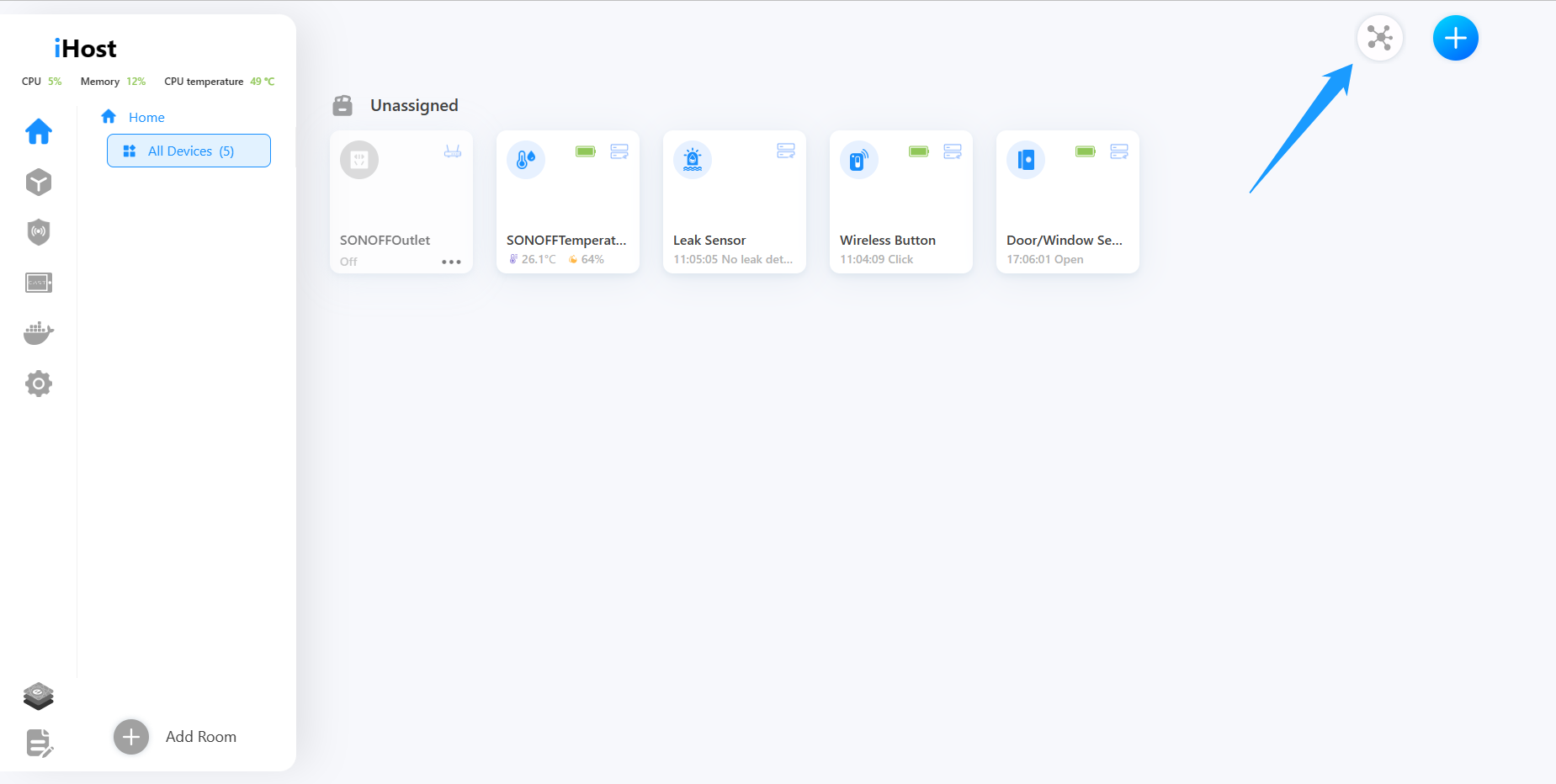
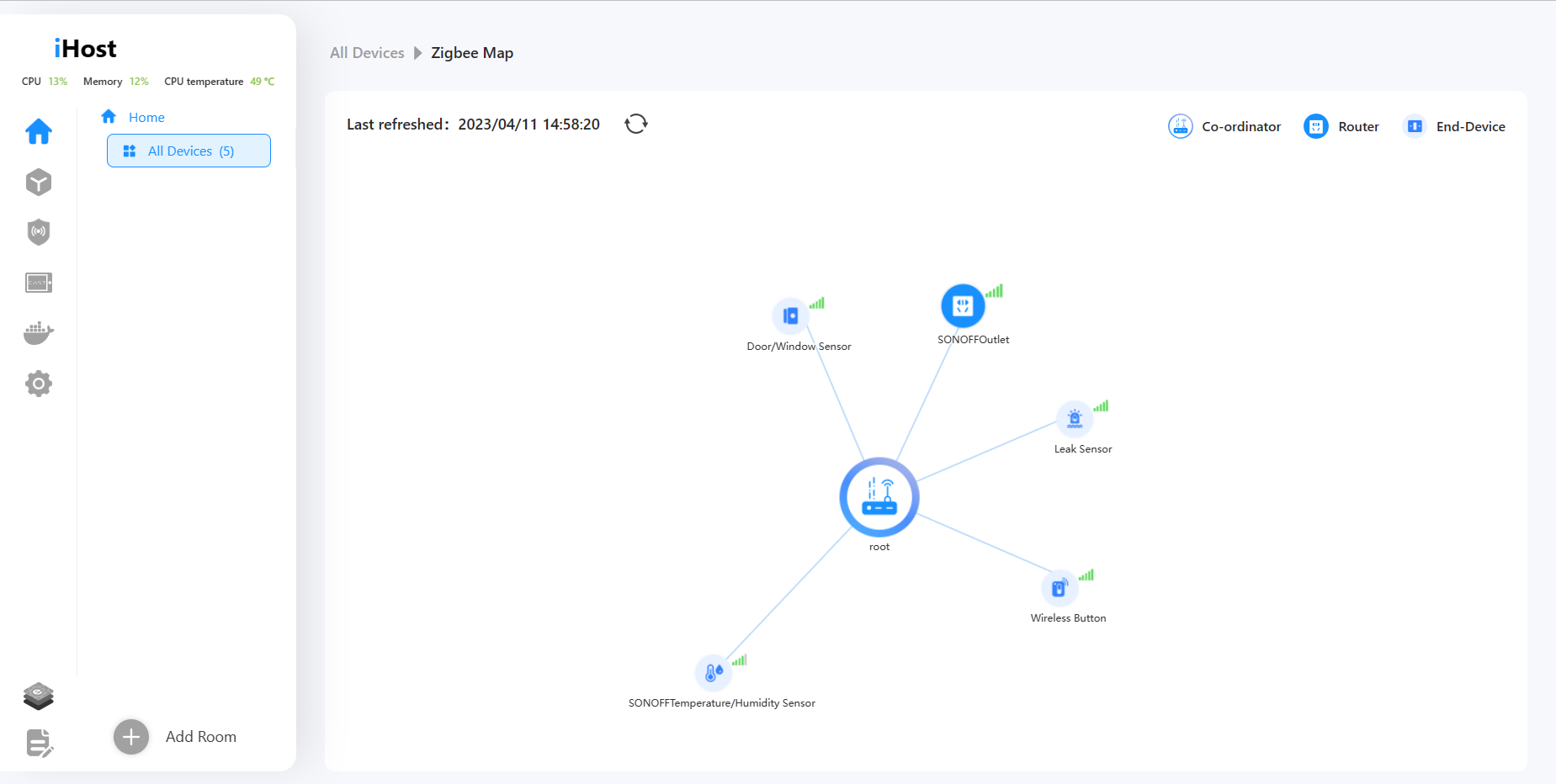
● Fix the problem that Zigbee map cannot be displayed after adding some third-party Zigbee devices.
Thank you all for your invaluable support and for choosing iHost. We sincerely appreciate your trust and decision to purchase our product. We are dedicated to enhancing your experience through ongoing updates and improvements. Stay tuned for the upcoming updates and exciting new features!















 button, fill in your name, Email address, and the problem detail (including firmware version and device ID), and maybe provide the related uploading pictures, videos, or log files.




 Translate & Edit
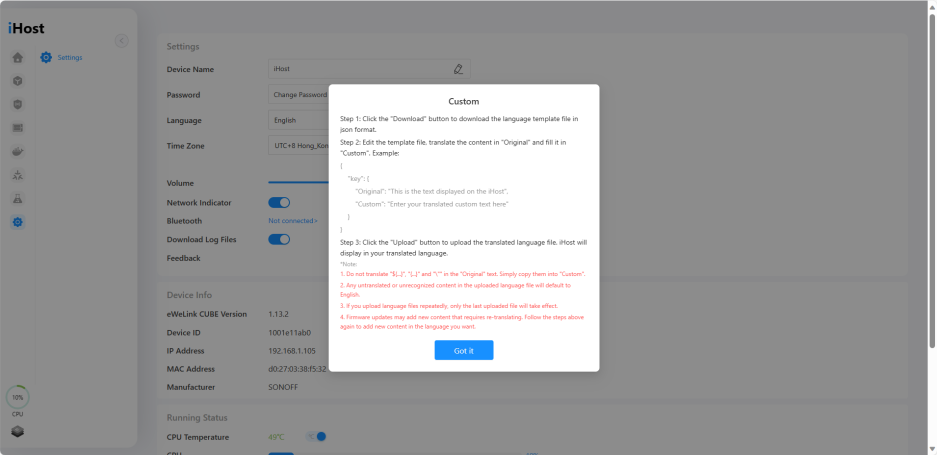 Optimizations:
 ● Optimized the firmware update process.
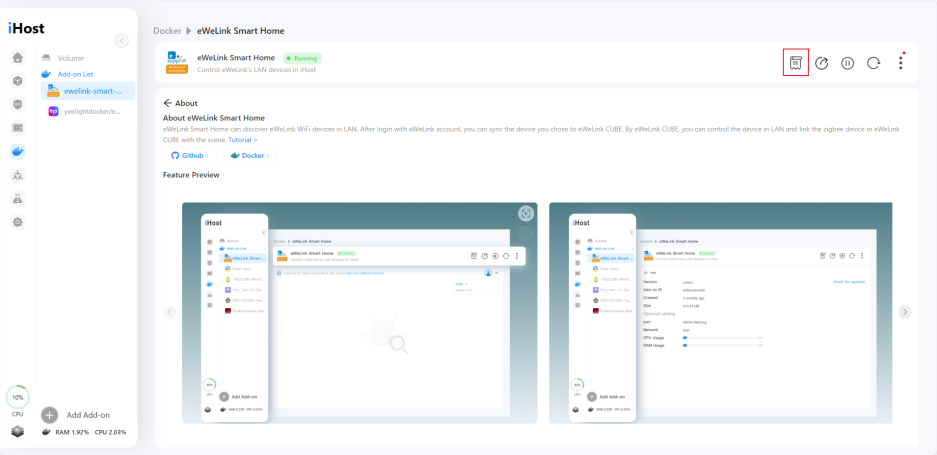
 ● Added "About" menu to installed add-ons page.
 Bug Fixes:
 ●Paral-sync Add-on now supports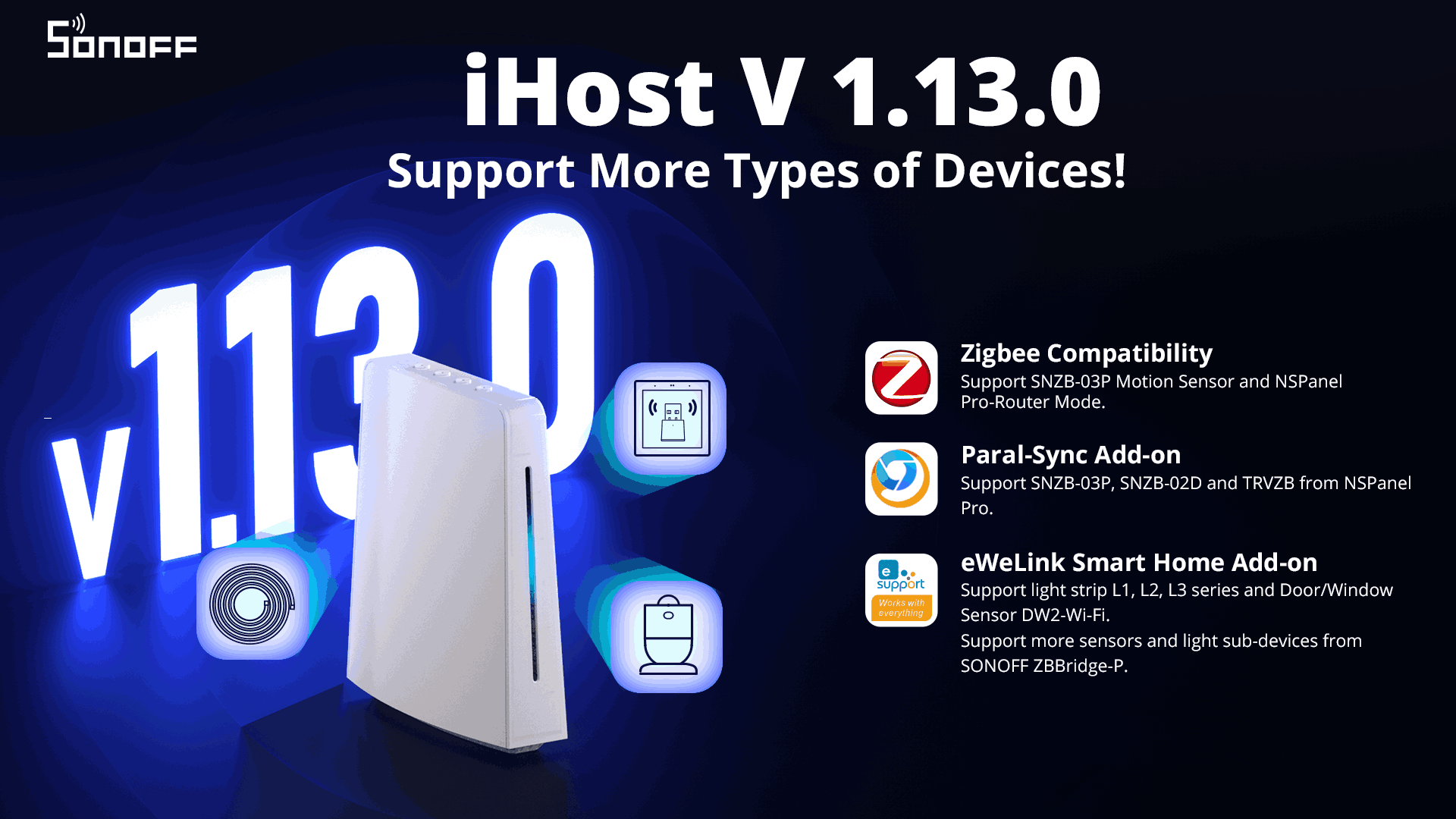







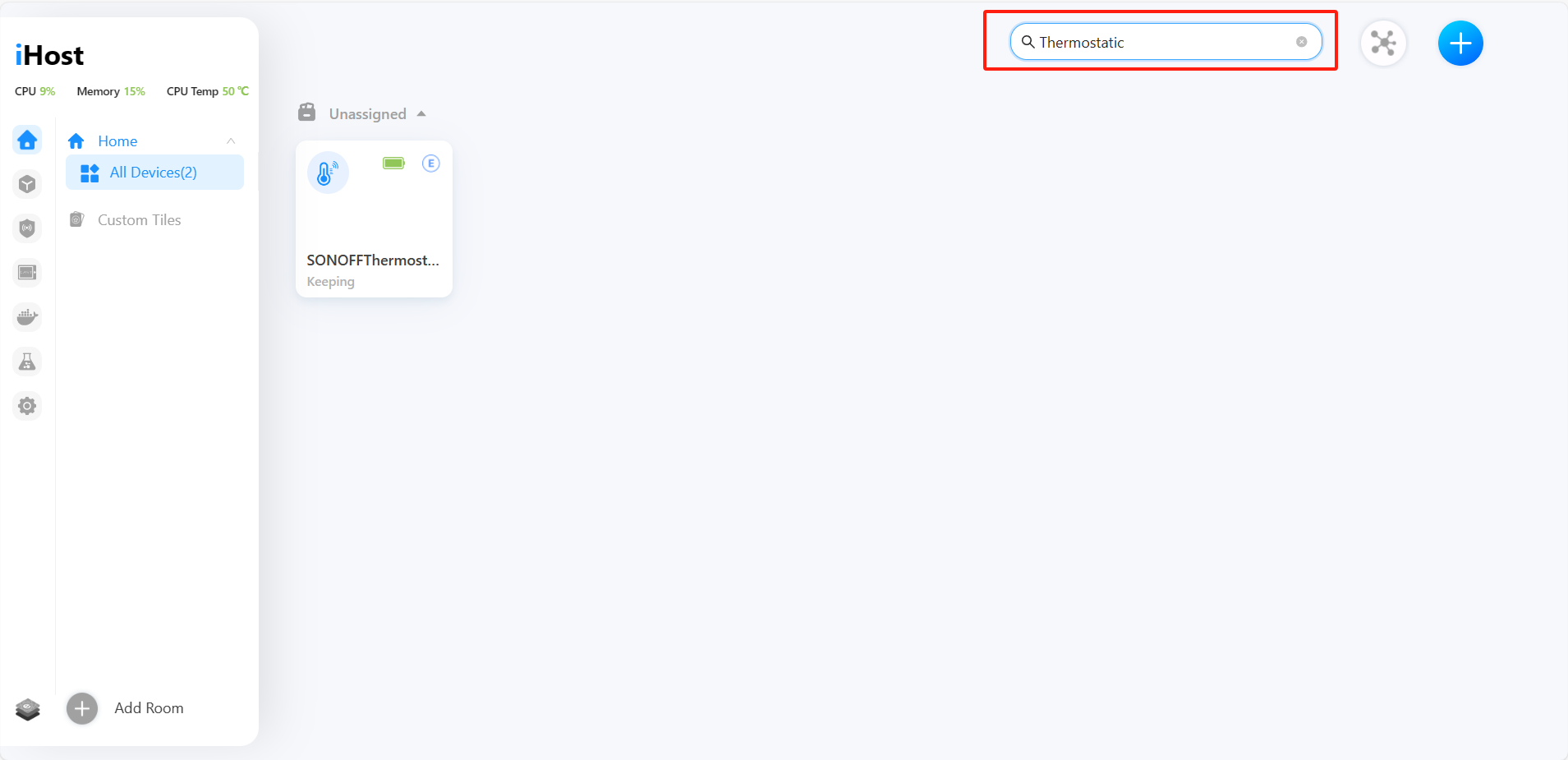


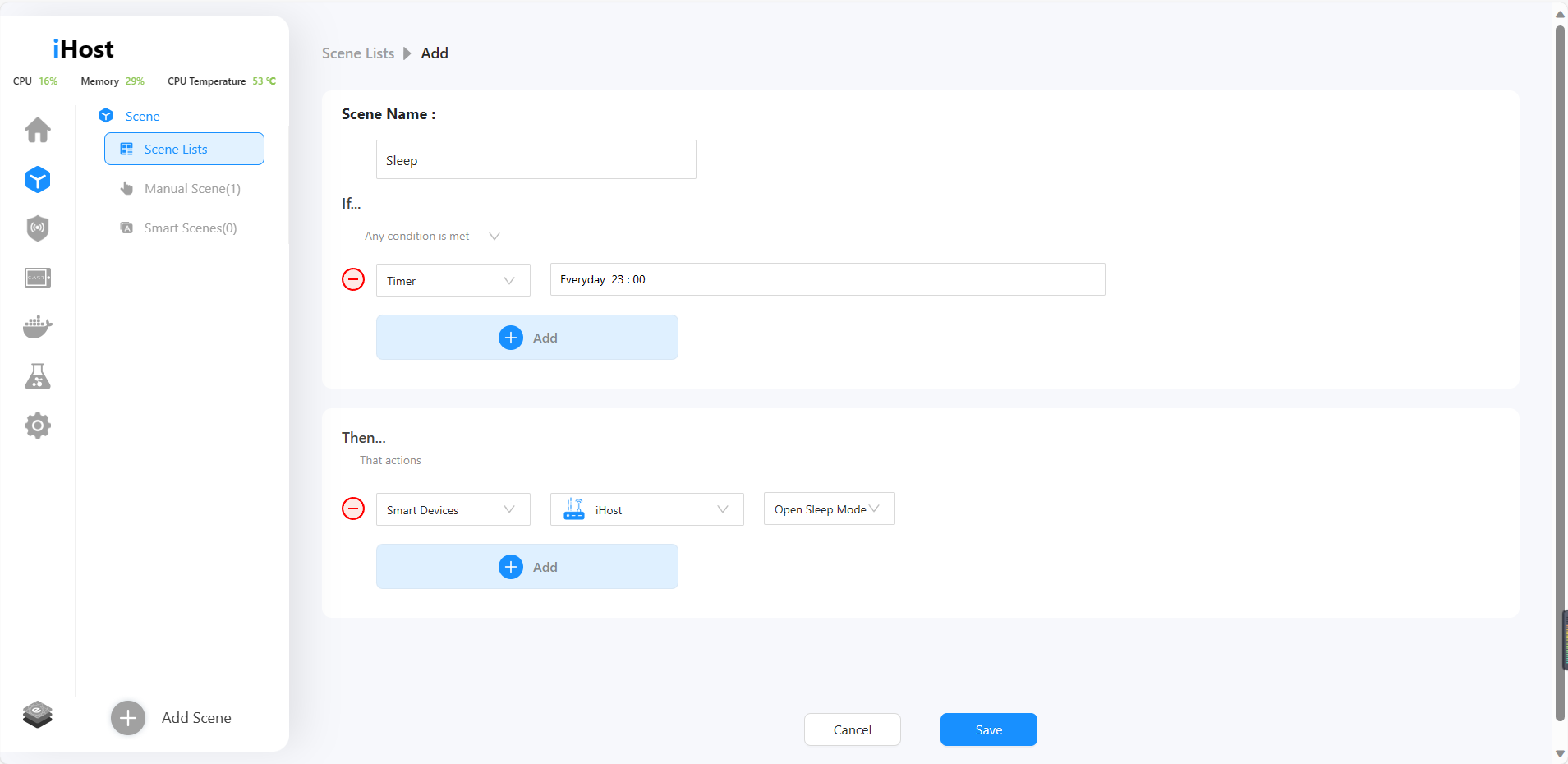


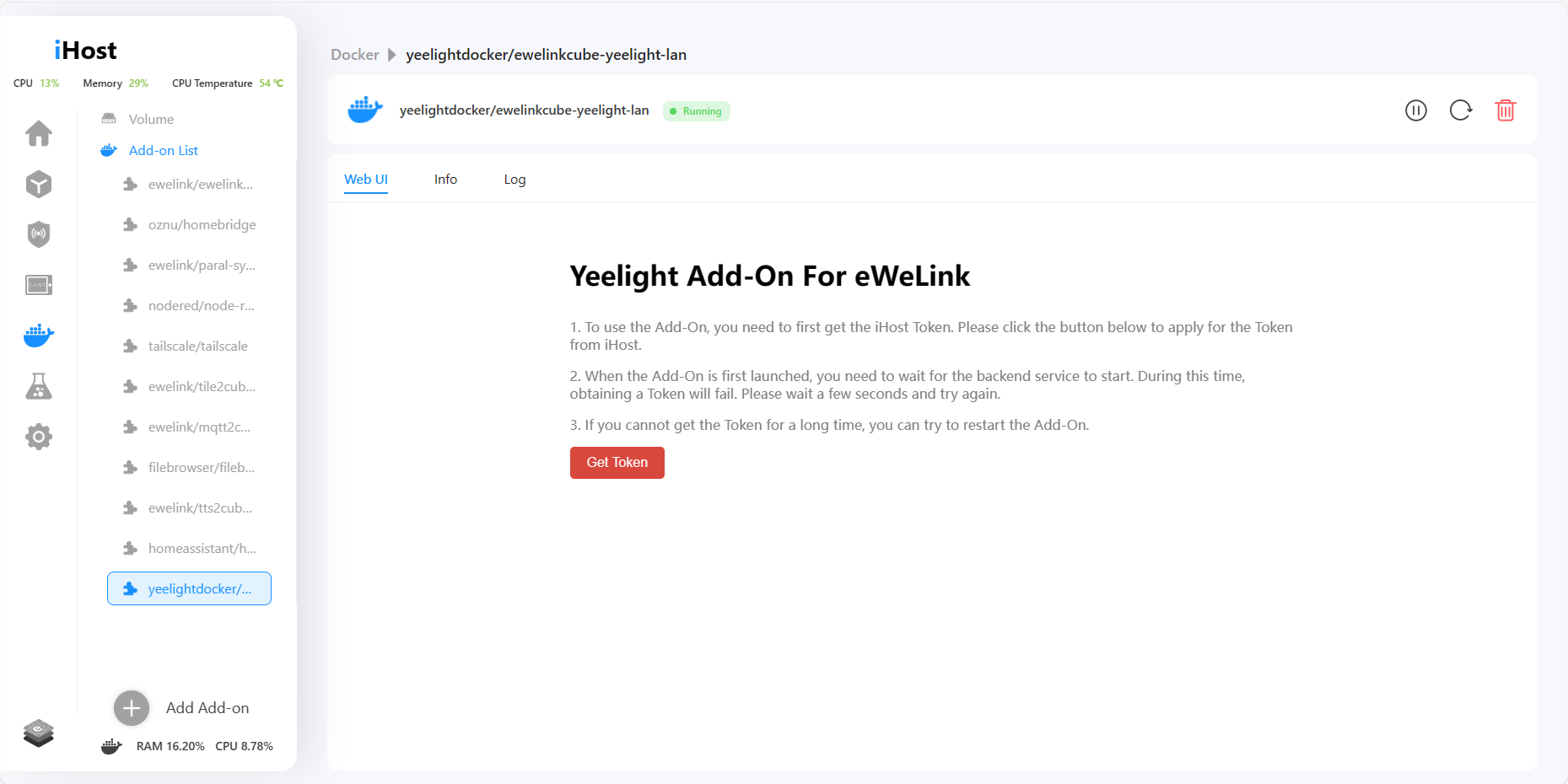


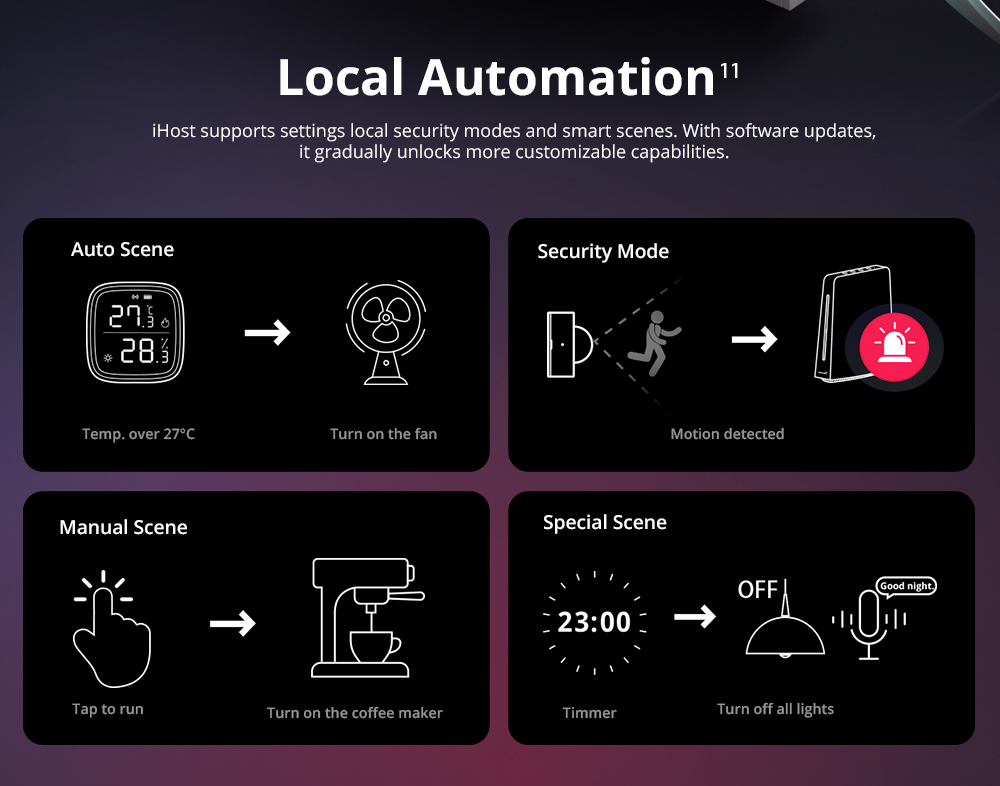
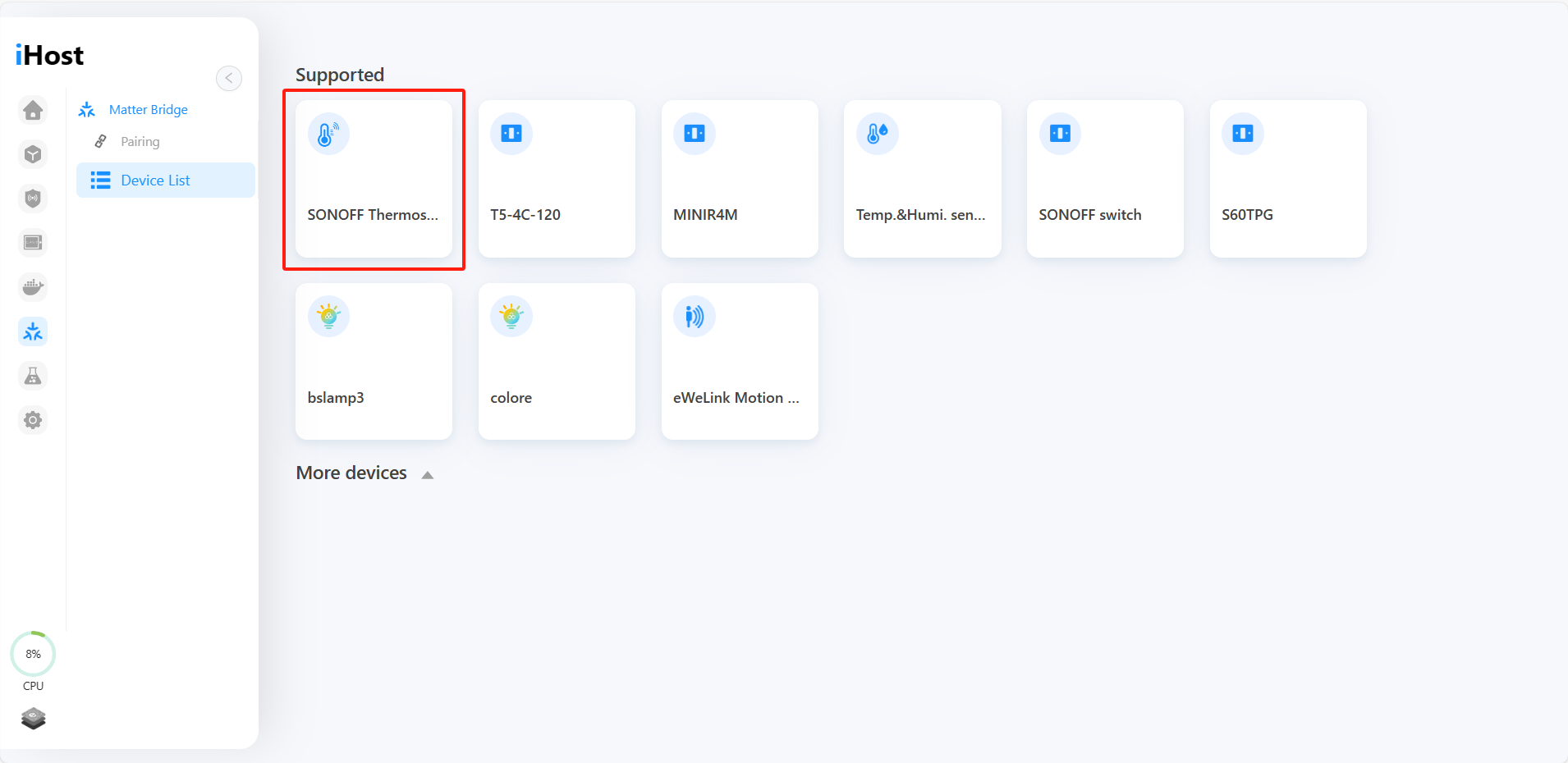
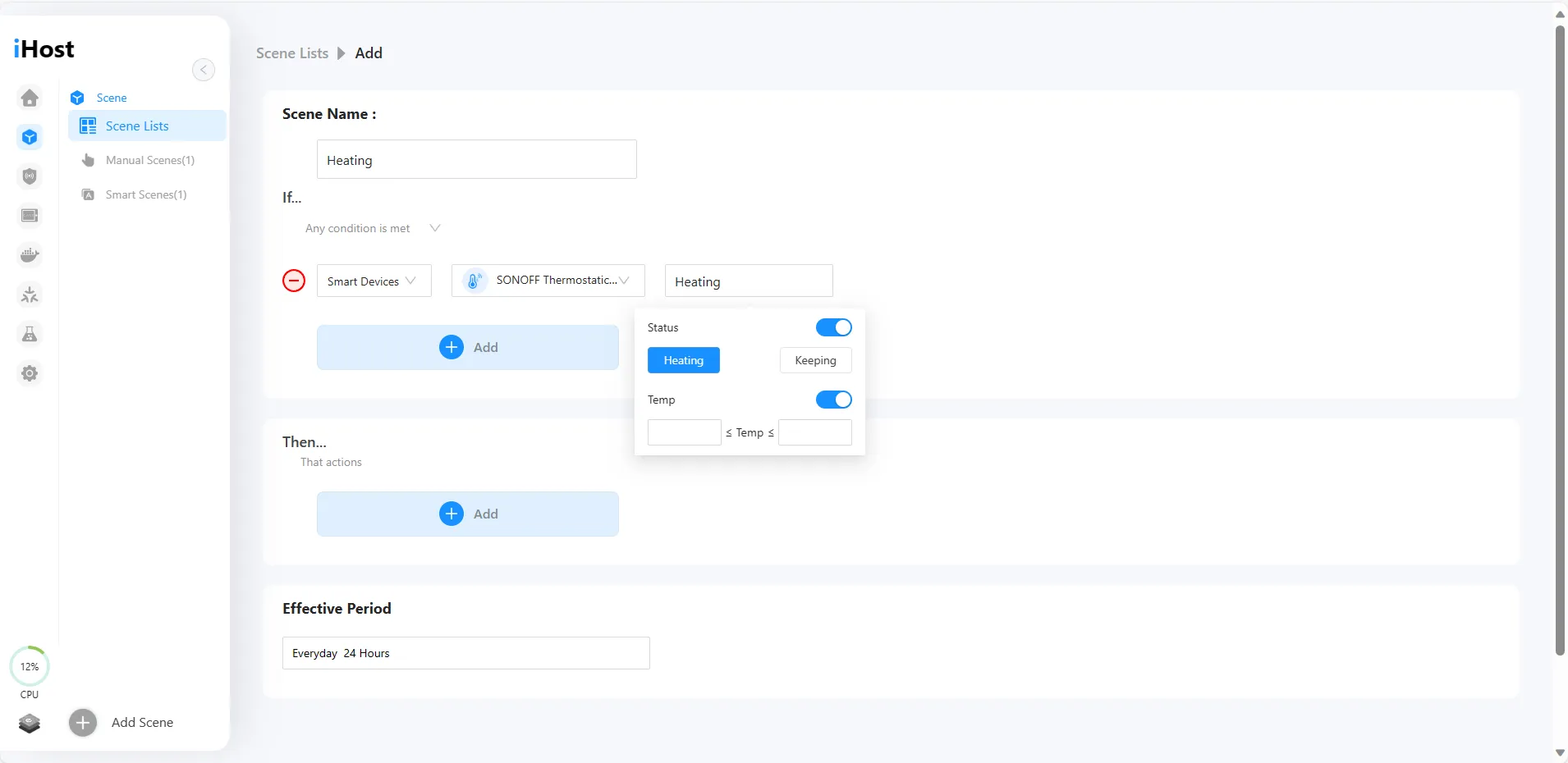
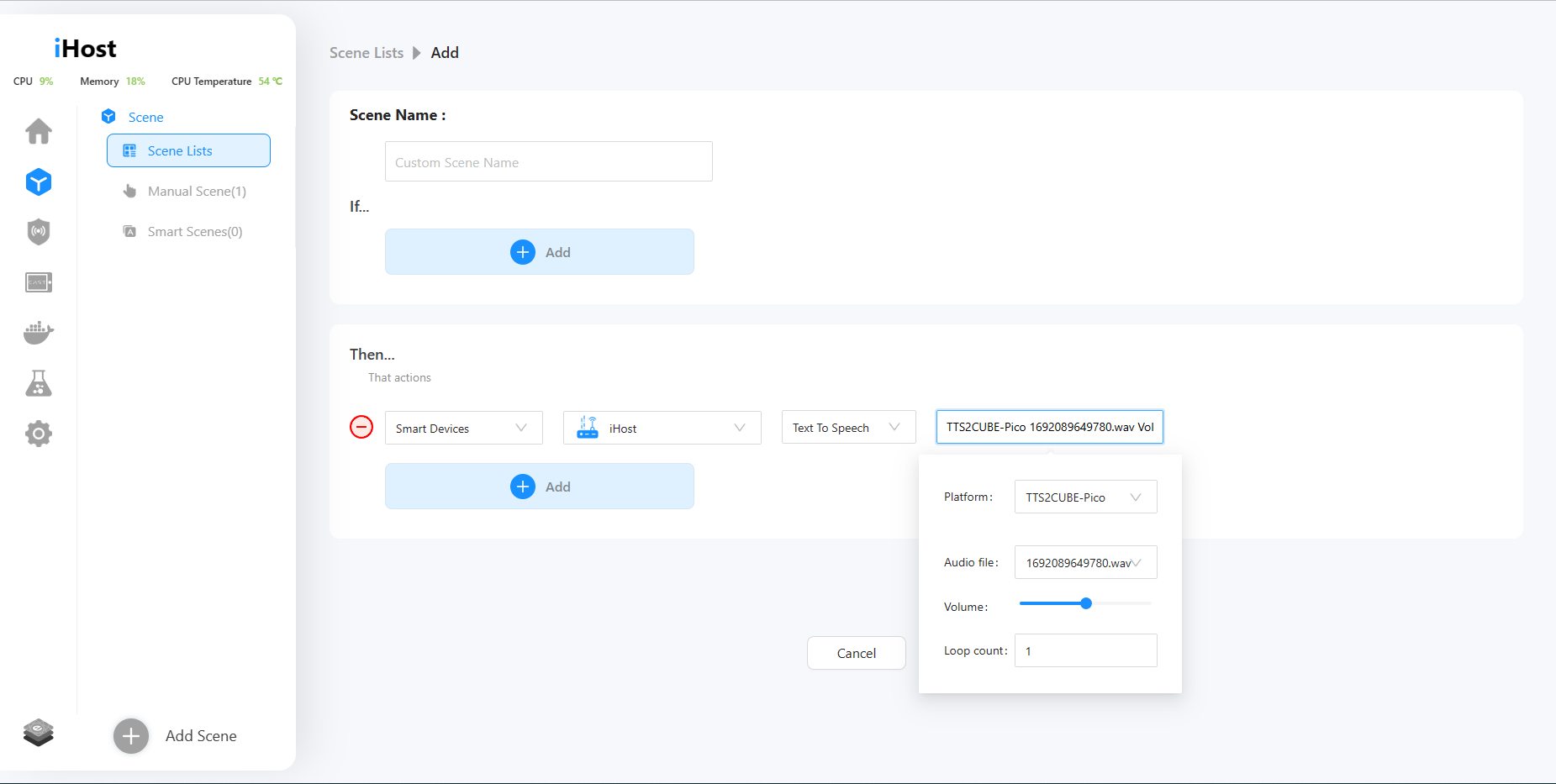
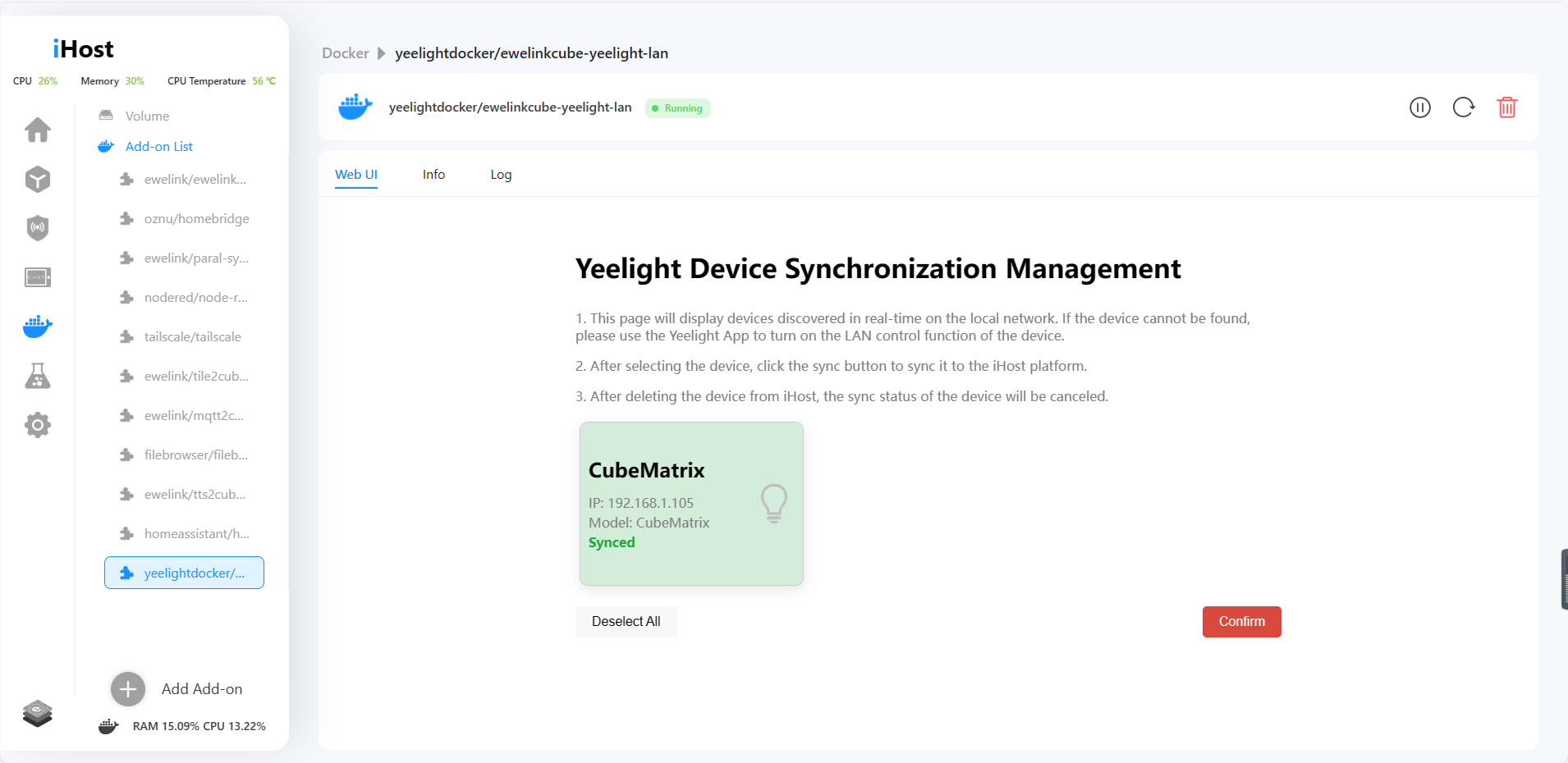 4. Now you can control the Yeelight device in iHost, and set the local scene!

















Milan (verified owner) –
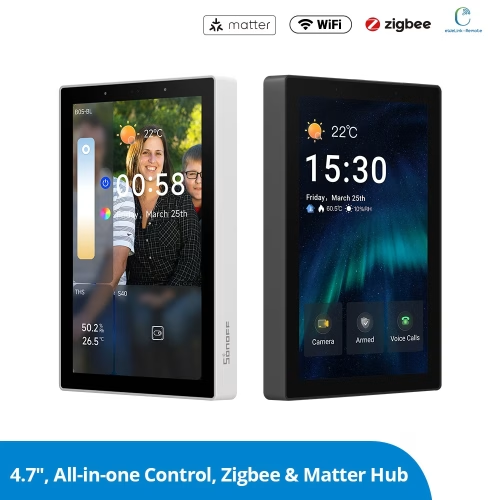
SONOFF iHost Smart Home Hub 4GB
Nice device with great potential ! I wanted a device that would control a smart home without the cloud. However, an important function is still missing – the possibility of sending security notifications to the phone (e.g. the status of sensors, switches, etc.), as it now works via eWeLink.
00
mals_m –
Hello, dear Sonoff developers.
At the moment, my Sonoff equipment works as part of the “Yandex Smart Home” managed by Alice. Are you planning to organize the work of the iHost Smart Home Hub and Alice?
coskarl –
SONOFF iHost is the only way to use the Cube platform? I installed the eWeLink Cast to a tablet, but it asks for eWeLink Cube for a local link. What I have to do (I don’t have the SONOFF iHost yet)?
Martin Alemann (verified owner) –
Hi there, I would like to see the reviews people are posting on the iHost. Mine has not gone up yet. This is a good measure of what the customers that have bought the device are experiencing. Thanks kindly
Martin
kevin.amandacoombes (verified owner) –
Hello,
I just received mine, but i’m very disappointed or i’m not setting up the device as it should be.
1/ I’ve added a zigbee device, but can’t find it to be controlled on the eWelink app.
2/ I cannot sync all my devices from my eWelink account to the iHost.
3/ I cannot use this device to help extending the Zigbee signal of my Zigbee bridge Pro.
Thus for now, it’s useless.
If anyone can help, most welcome.
Thanks,
Kevin
JMG (verified owner) –
I have received the following information from Support: iHost currently does not specifically adapt to iPad. When you plan to solve this problem that prevents me from fully enjoying not with iHost
p.miro –
Thinking to upgrade from my ZBridge Pro to the iHost, the only thing stopping me is the impossibility to control the devices on the ihost through the eWeLink app in my smartphone.
Are you thinking to add this possibility?
Ath Thaareq Mahesa –
Hello, can I access iHost via the ewelink app, thank you
Jack Z (verified owner) –
How to check what hardware version I have without opening the device. Yes I know about the label at the bottom.
But I want to verify hardware version by software and without opening the device.
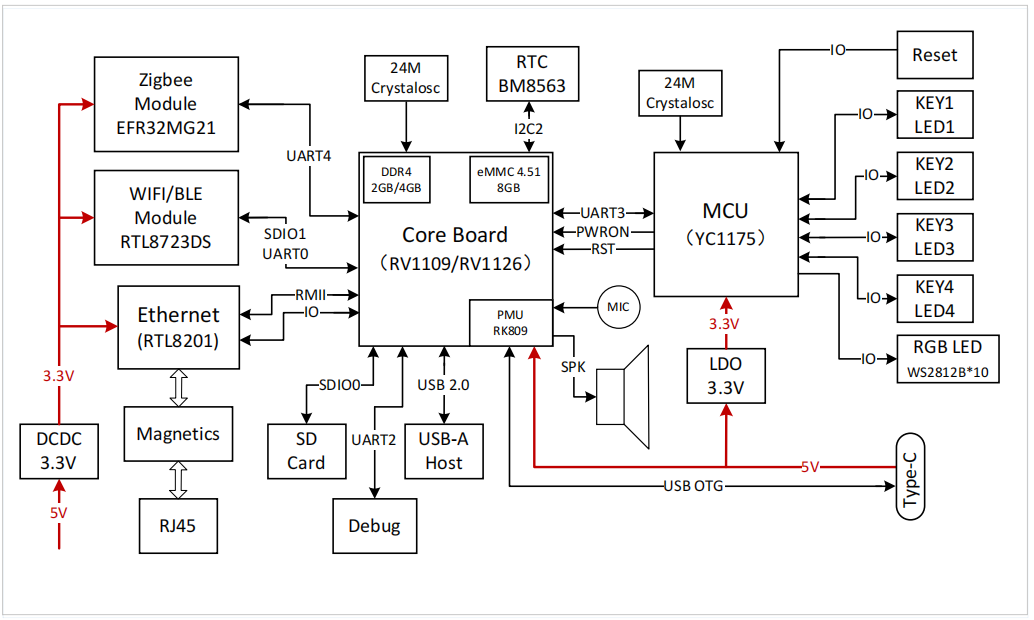
I’m concerned that I ordered RV1126 DDR4 4GB version…
But when installing any docker addons the CPU usage is going up to 80% !!!
I opened ticket regarding this problem long time ago… Sonoff never answered it !!!
In Sonoff manual the login screen to iHost providing Device ID and Device model. But my iHost showing only Device ID on login screen!!!
WHY ???
Jack Z (verified owner) –
How it is possible that after 1 year on the market iHost don’t have proper backup option?
This is a joke that I have to do print screens for my scenes to have backup !!!
Sonoff please fix this ASAP !!! or remove this device from the market !!!
meeran –
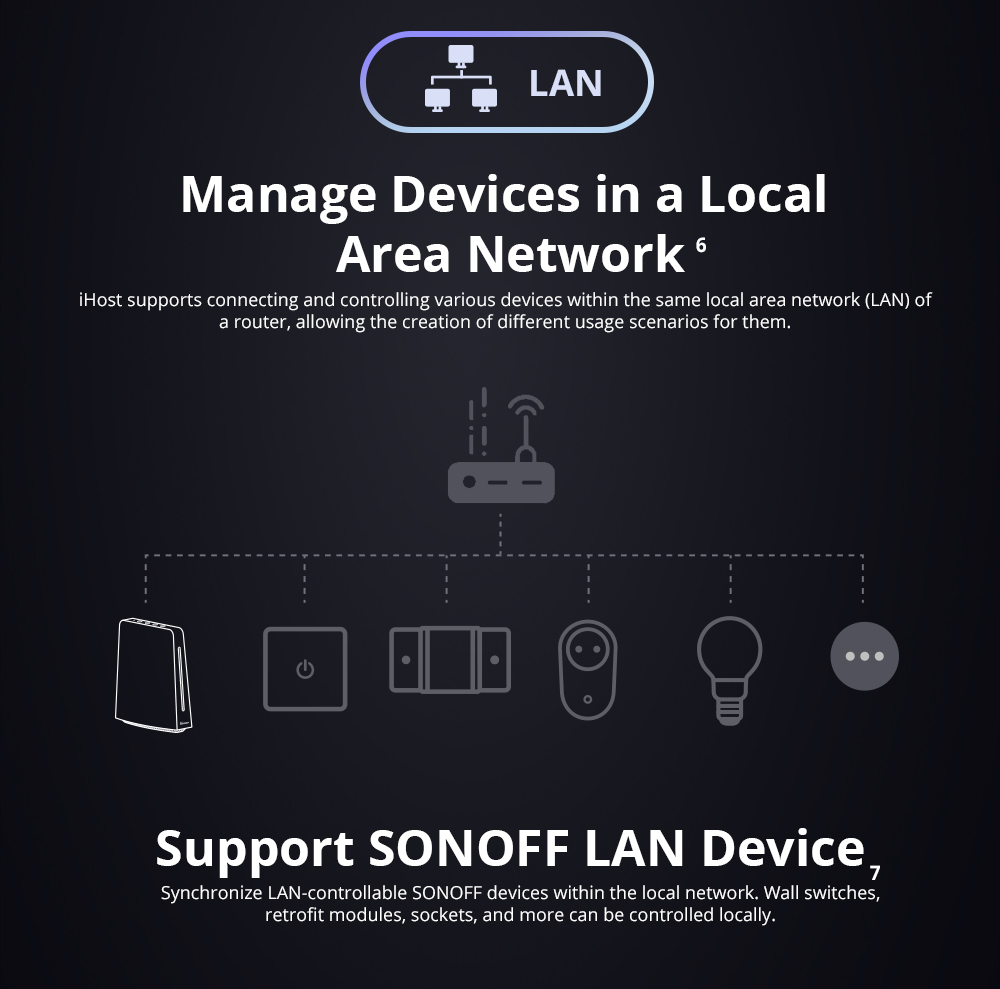
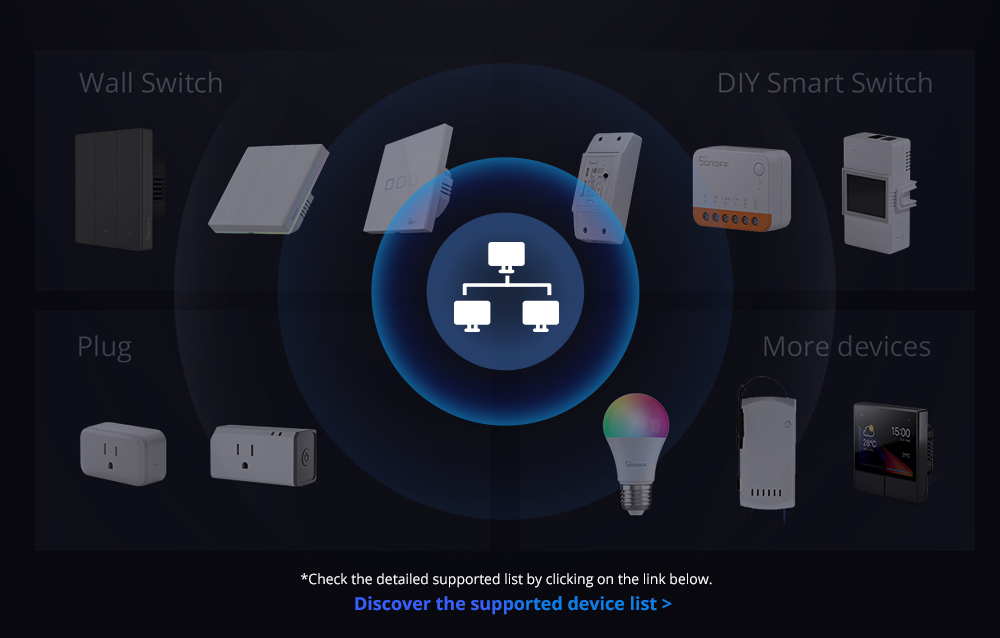
I have a couple of Basic R2 and R4s. Can they be controlled locally via iHOST?