We released three versions of iHost in May, with the current latest version being 1.6.2. These updates include enhancing Zigbee compatibility and Add-on management to provide an improved user experience. Now, let's explore the new features together!
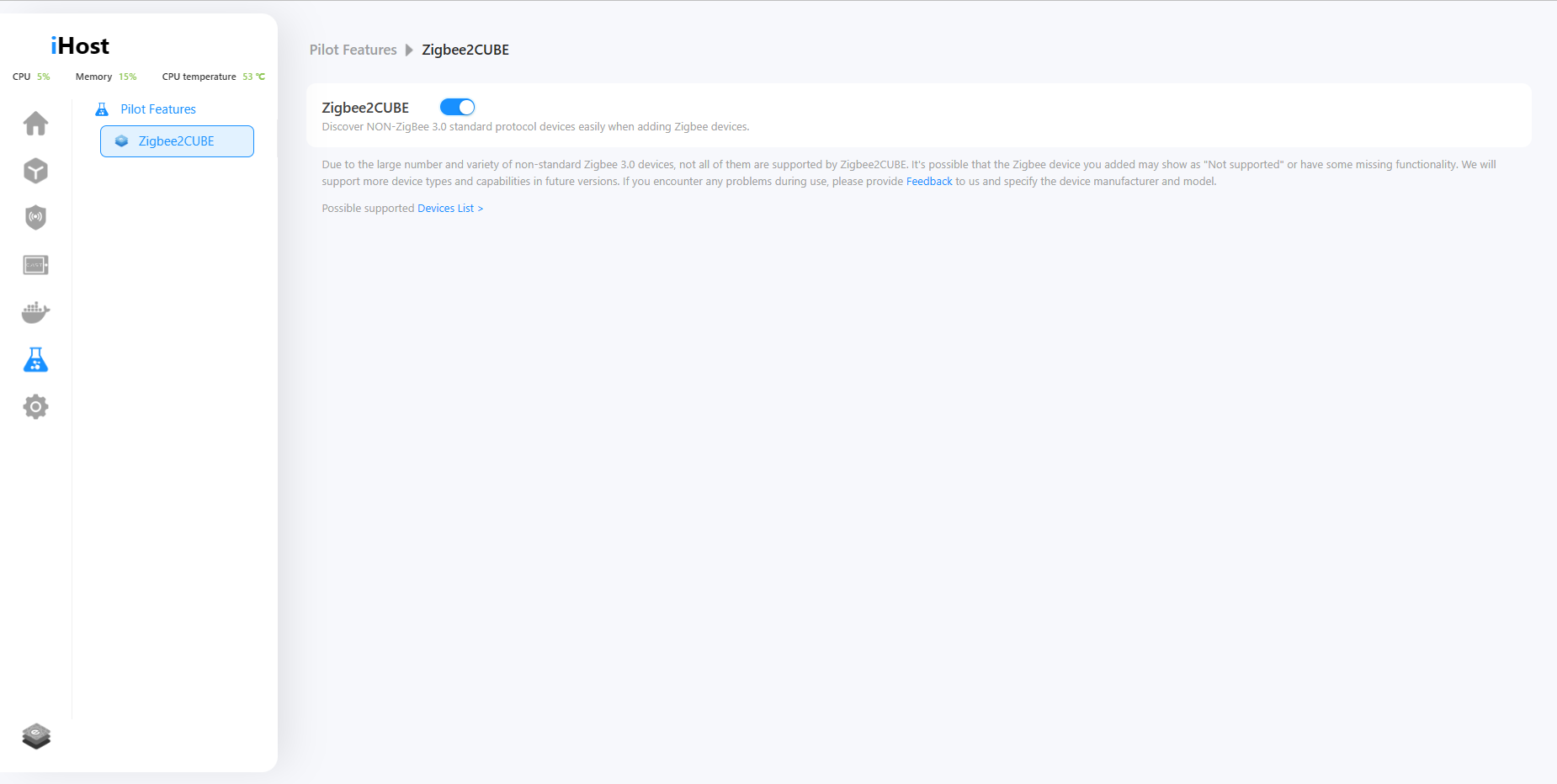
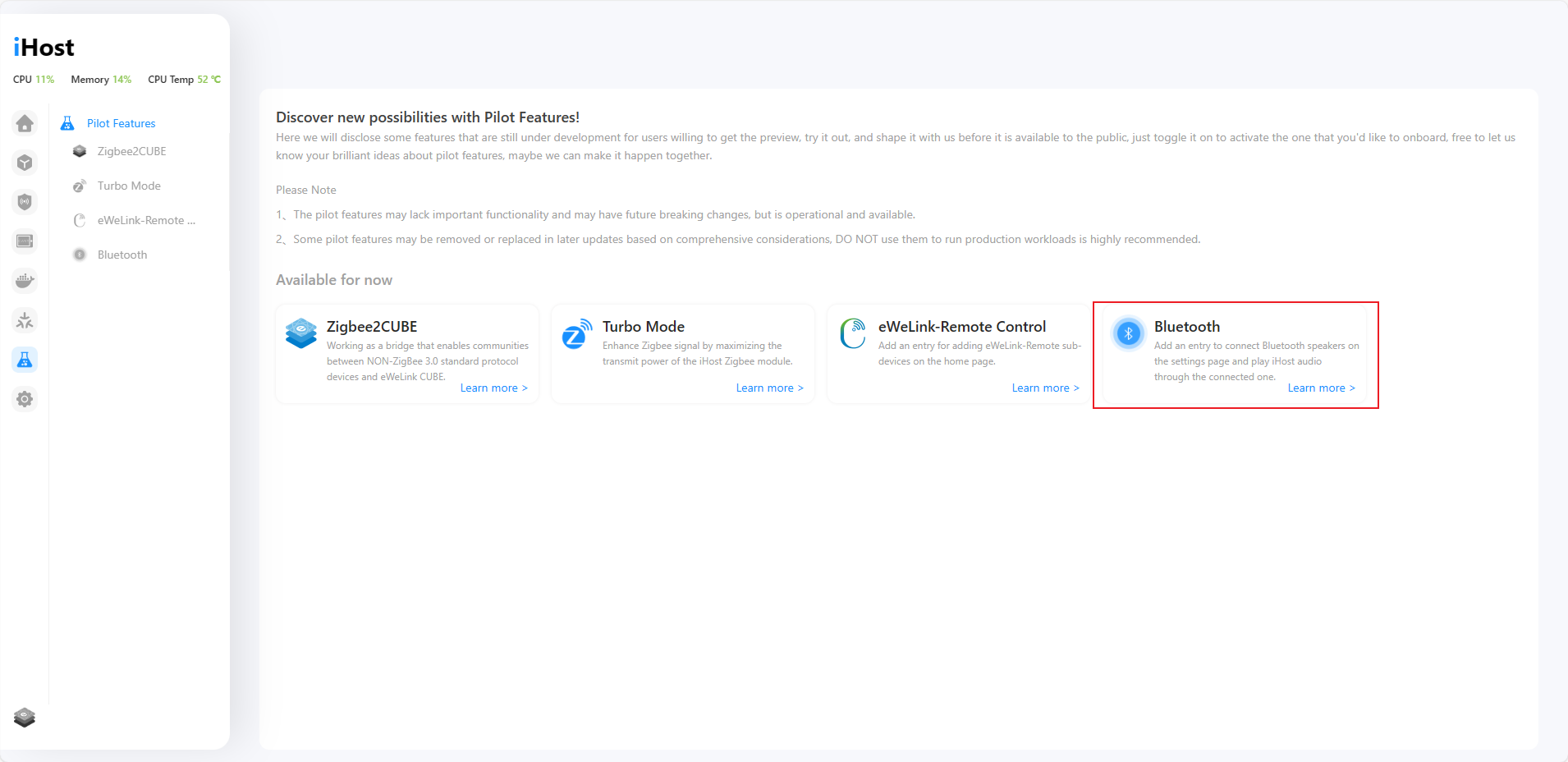
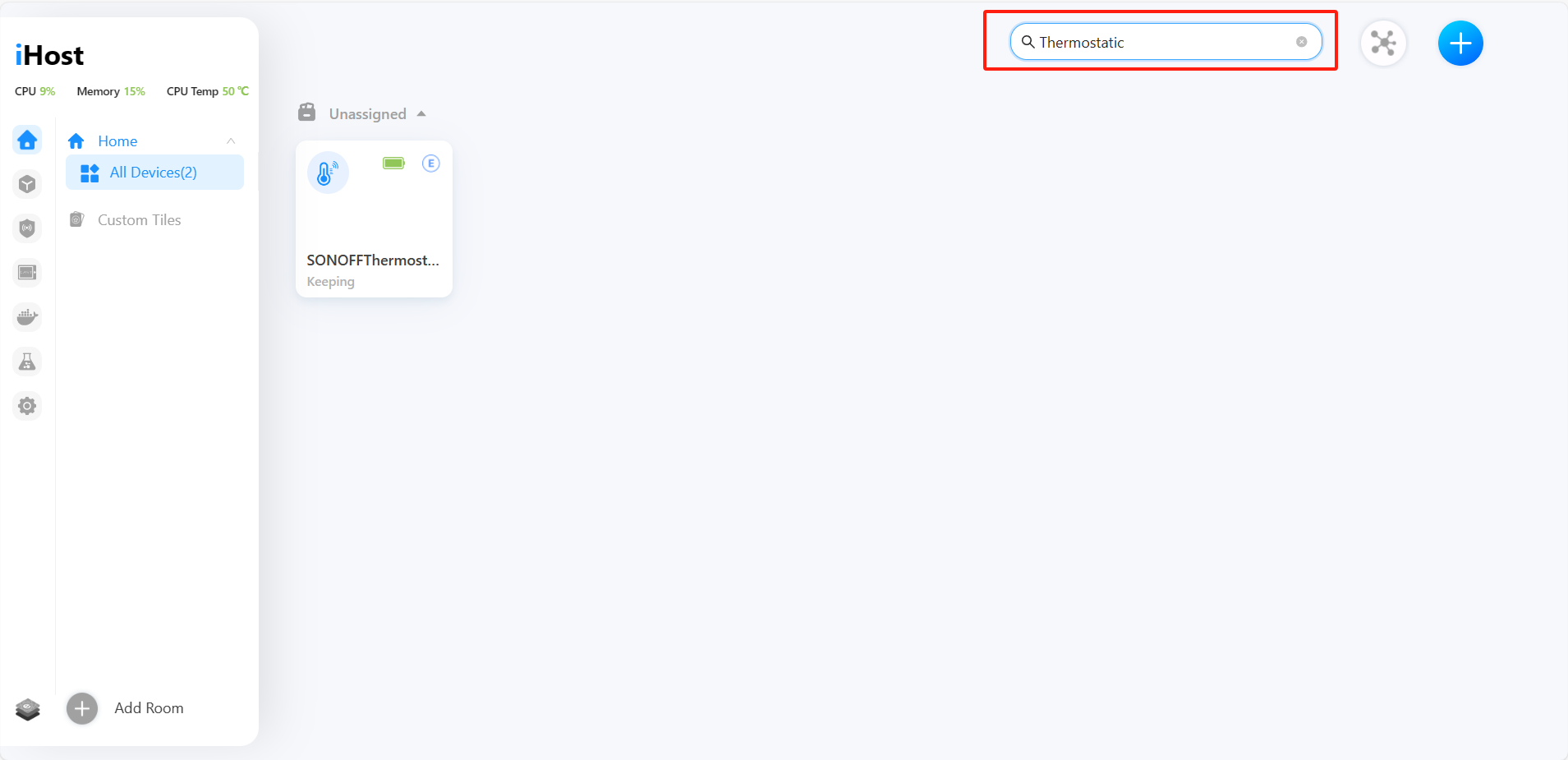
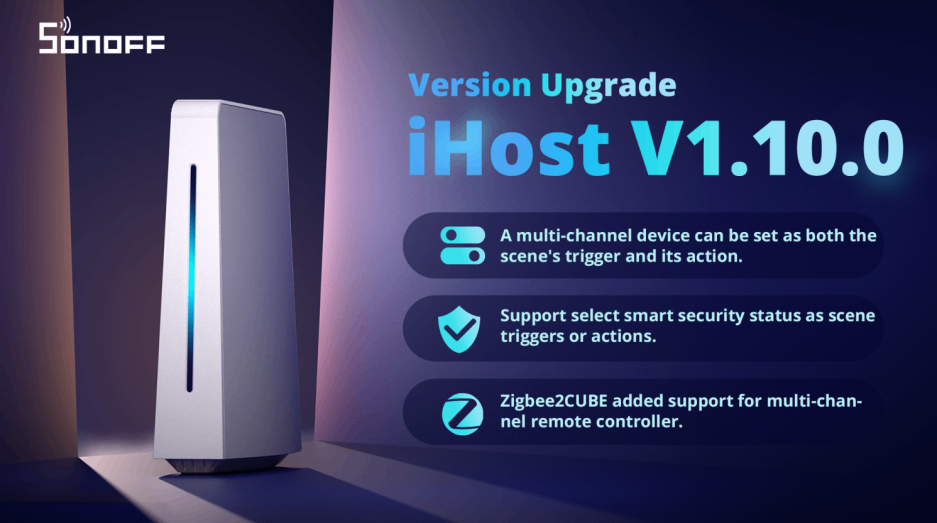
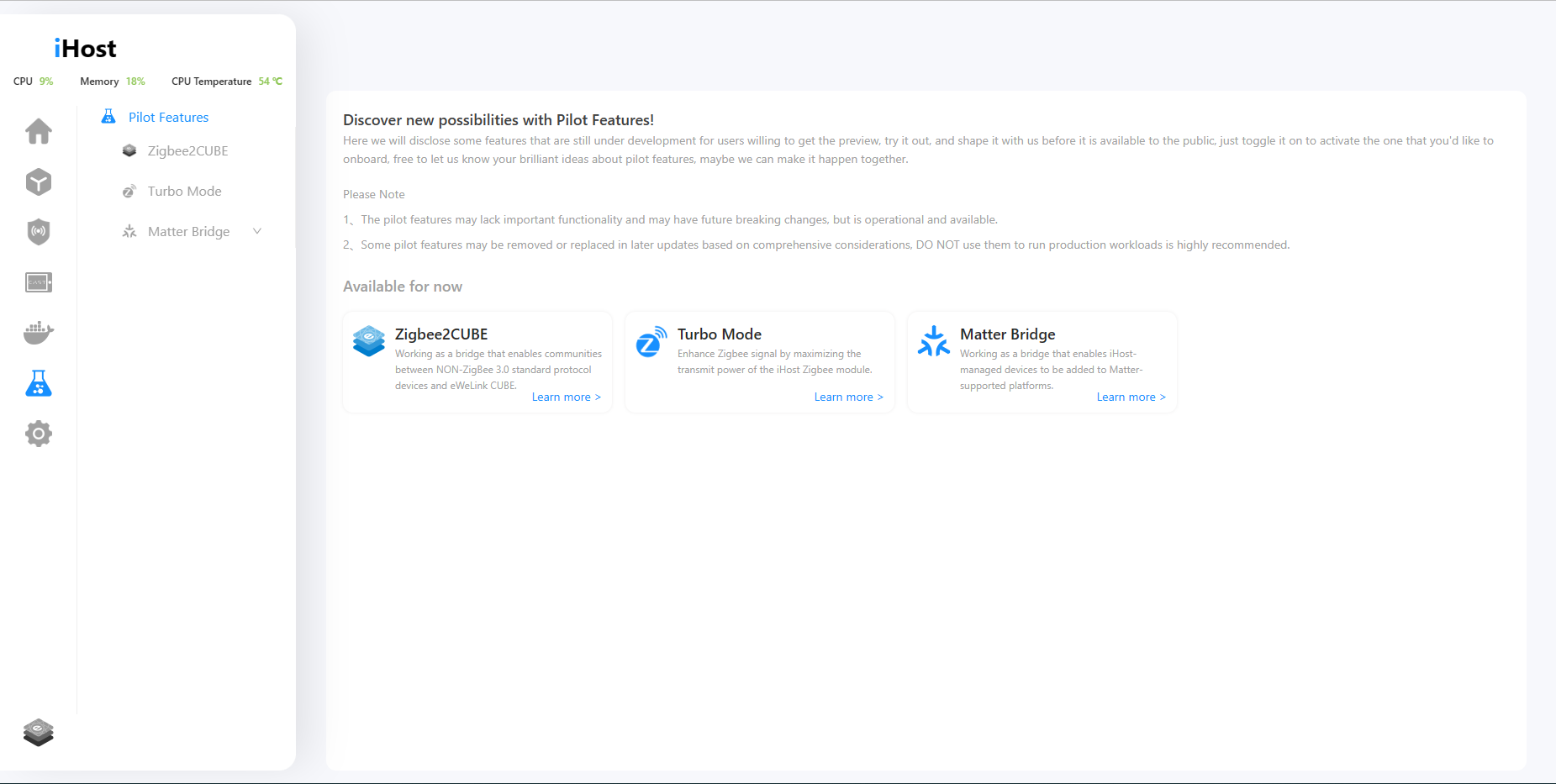
1. Added Pilot Features menu, in which a new feature Zigbee2CUBE is available, allowing you to add non-Zigbee 3.0 devices.
We will disclose some features that are still under development for users willing to get the preview, try it out, and shape it with us before it is available to the public in the Pilot Features menu.
In the current version, there is a new capability called "Zigbee2CUBE." Once enabled, iHost allows you to discover NON-ZigBee 3.0 standard protocol devices when adding Zigbee devices. It may help resolve the issue of being unable to pair NON-ZigBee 3.0 standard protocol devices that you currently have. We have compiled a list of Zigbee2CUBE possible supported devices, so you can check if your device is included: https://appcms.coolkit.cn/uncategorized/16355.html
*We will support more device types and capabilities in future versions. If you encounter any problems during use, please provide feedback to us.

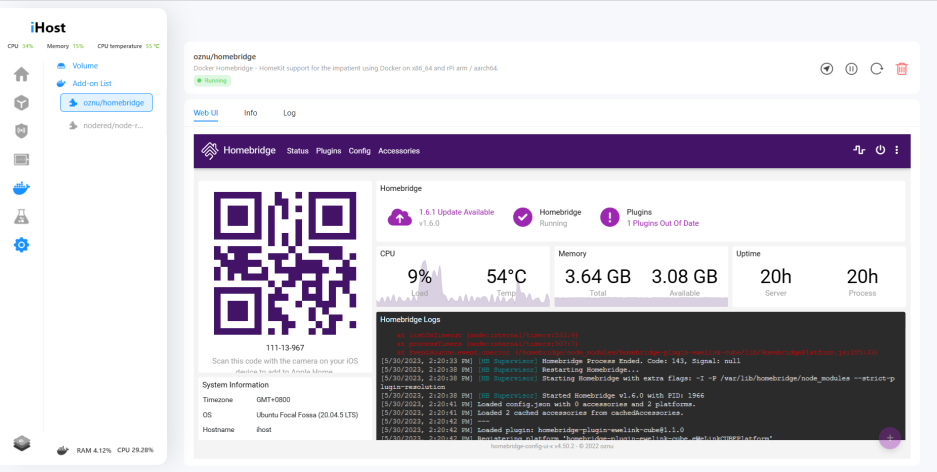
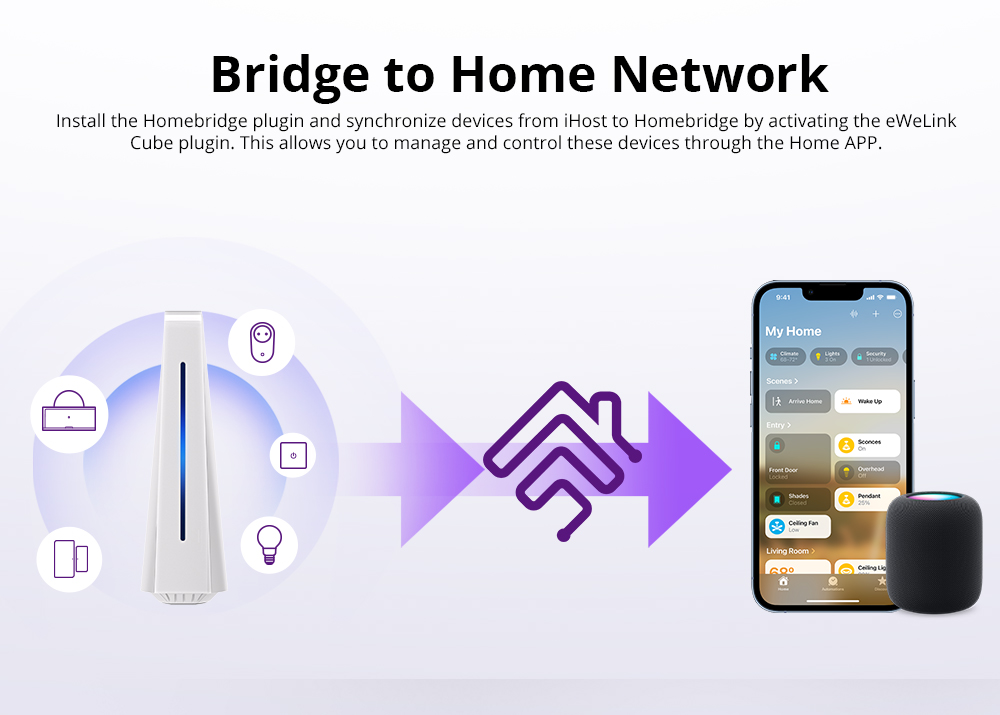
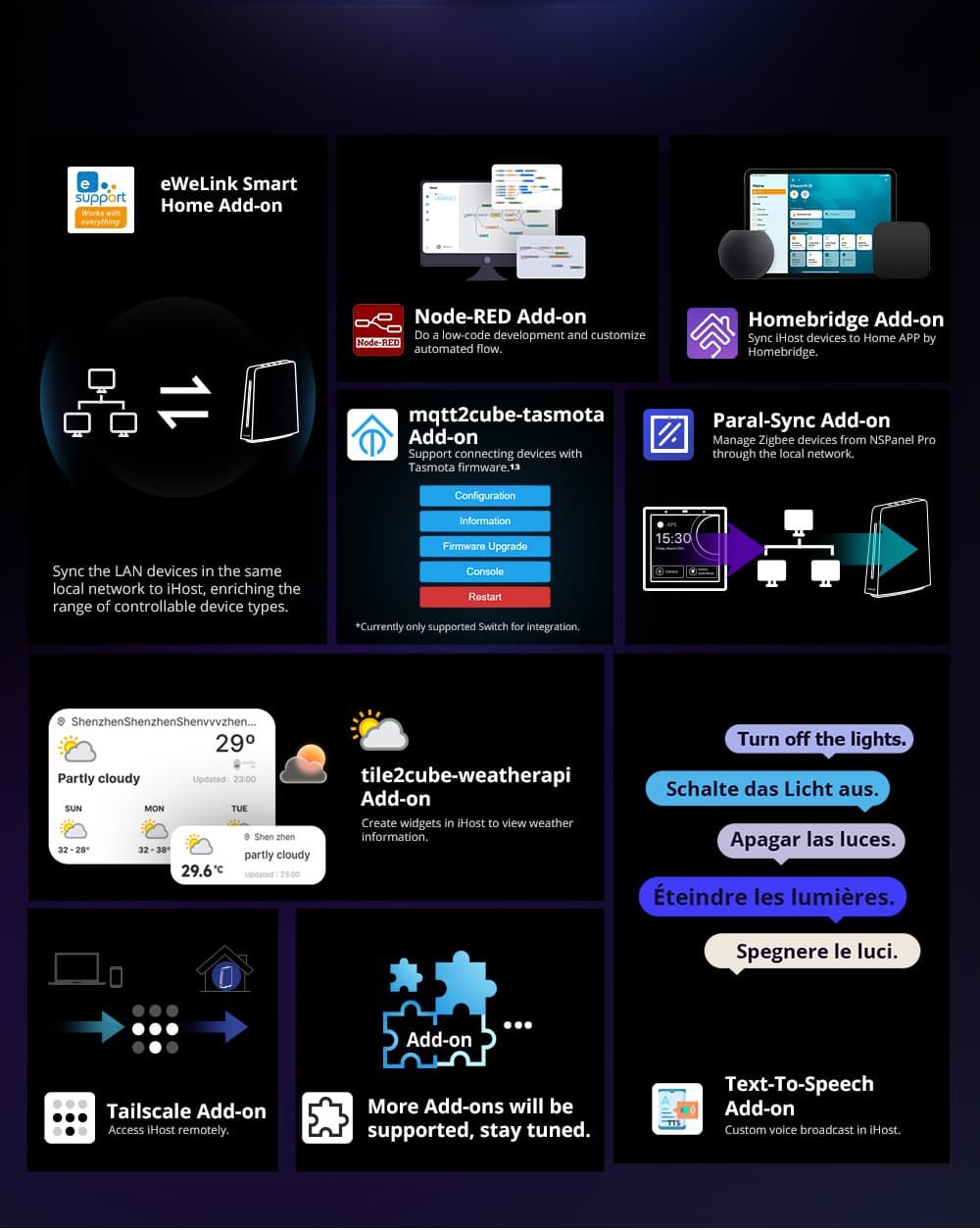
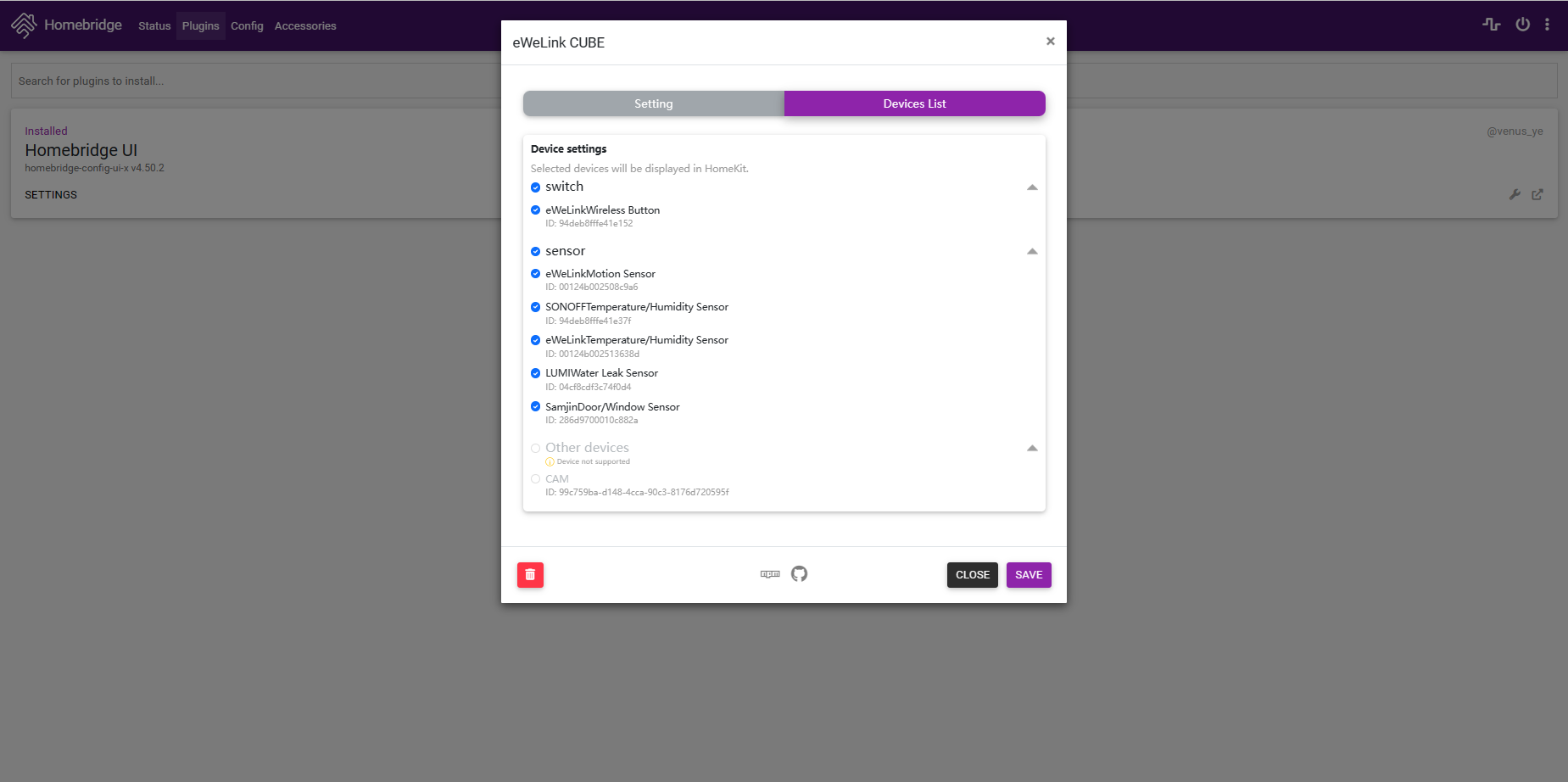
2. The webUI of HomeBridge and Node-RED is accessible on their detail pages.
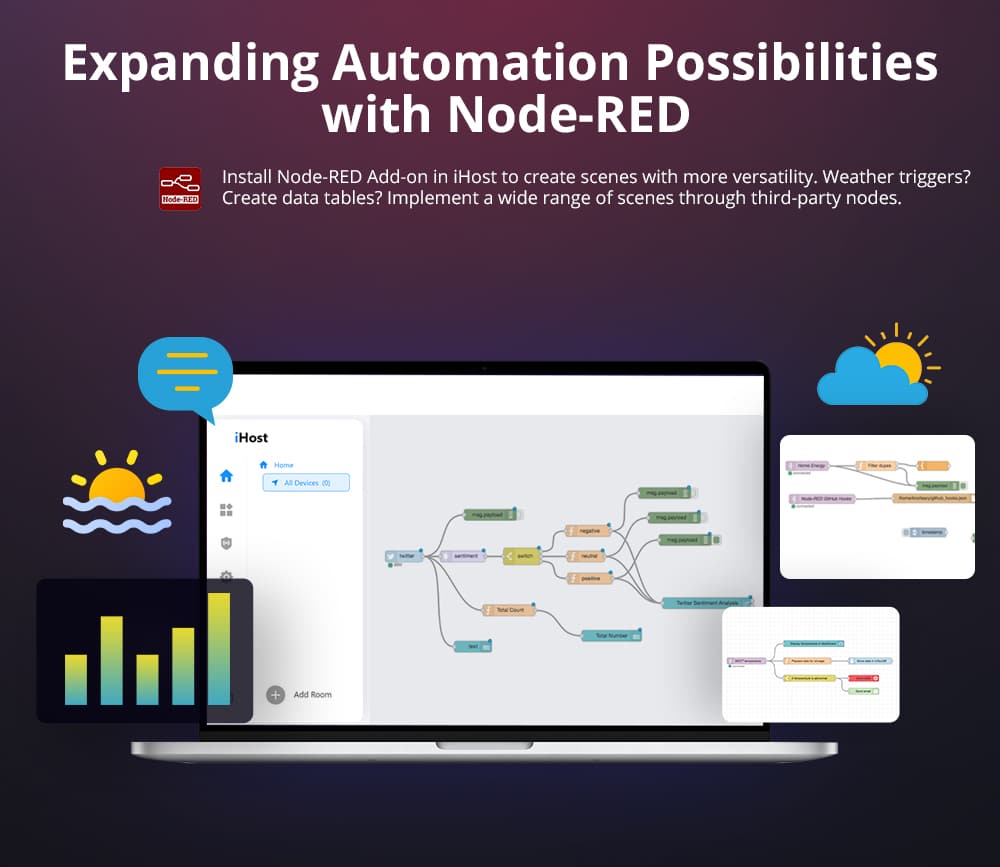
No need to open a new tab anymore. After installing and running the Add-on, you can directly access the web user interfaces of Homebridge and Node-RED.

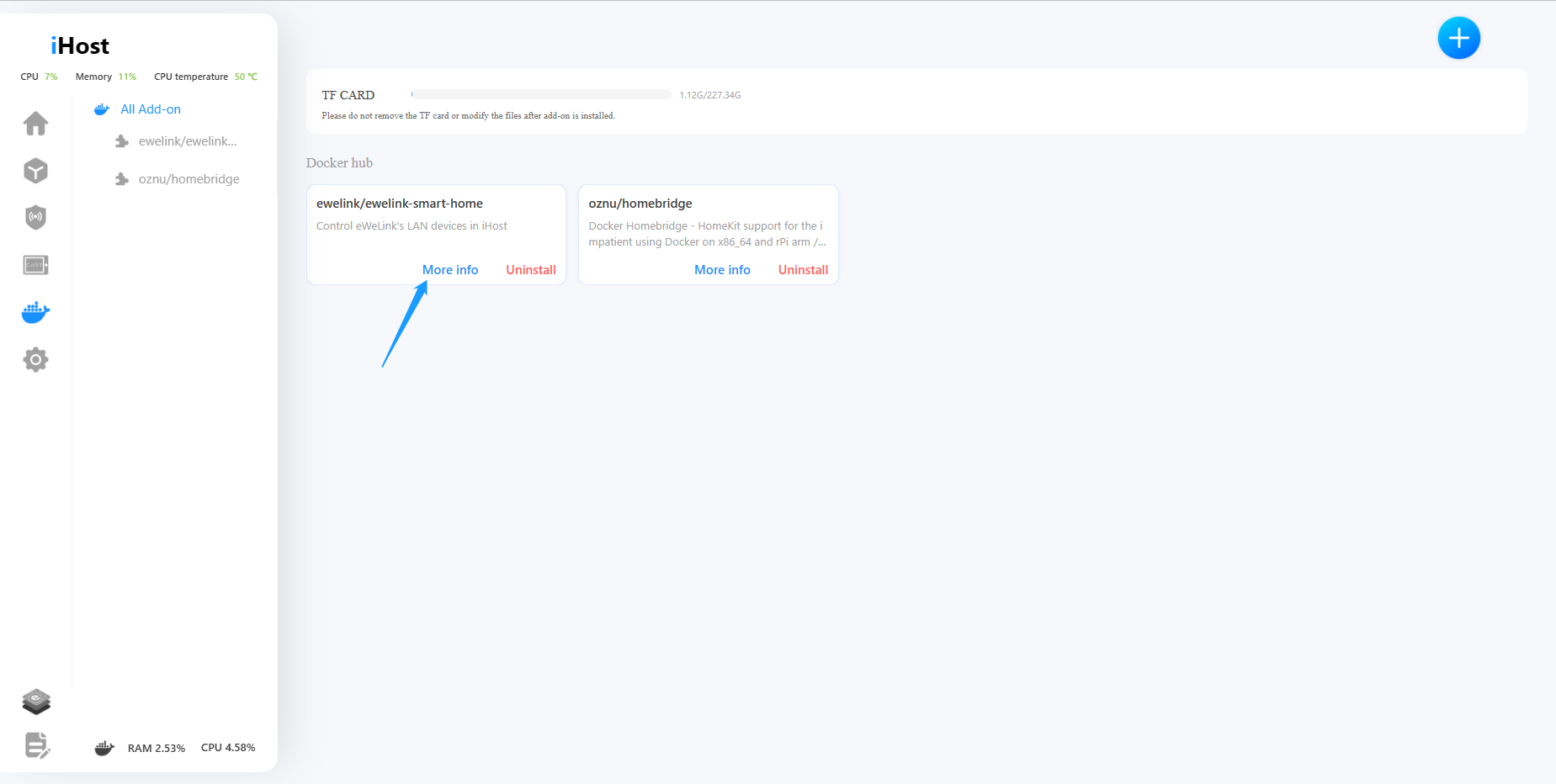
3. Uninstalled Add-ons can be removed from the Add-on list.
If you encounter an Add-on that you can't use or need to remove, you can simply click on "Delete" now.

4. Mute system volume with one press on the mute button.
Do not need a system prompt tone? Just press on the mute button!

5. The time on iHost will automatically switch between daylight saving time and standard time.
Is your country or region currently observing daylight saving time? In the new version, both scenes and system time in iHost support automatic daylight saving time adjustment. iHost will accompany you in transitioning to daylight saving time.
6. Enhanced volume management in Docker. Enable to create/delete volumes in the volume list, and support to select existing volumes to store Add-on data.
We've added a volume management feature on Docker, now you can create or delete volumes, as well as specify a volume for an add-on before running it.
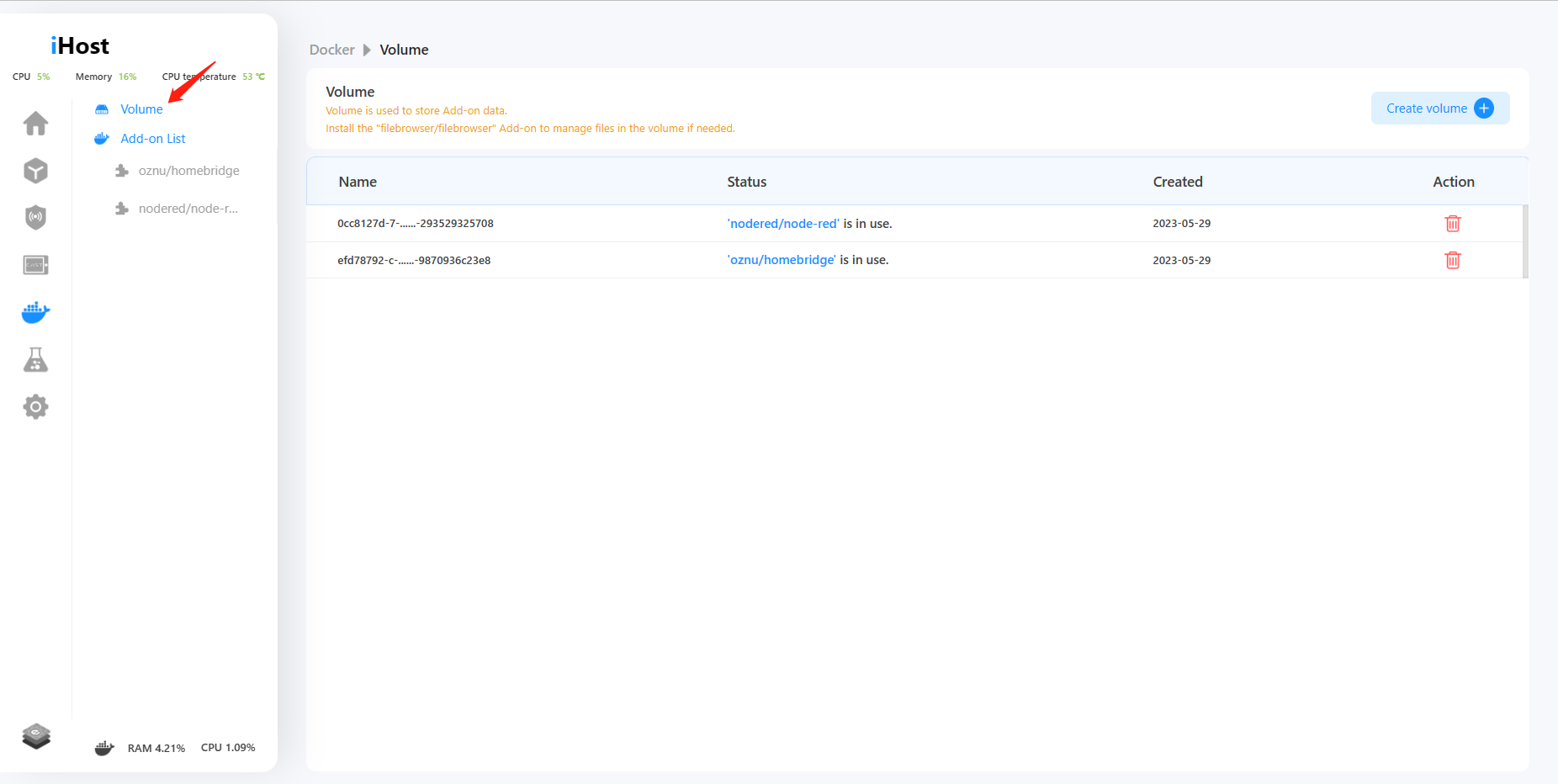
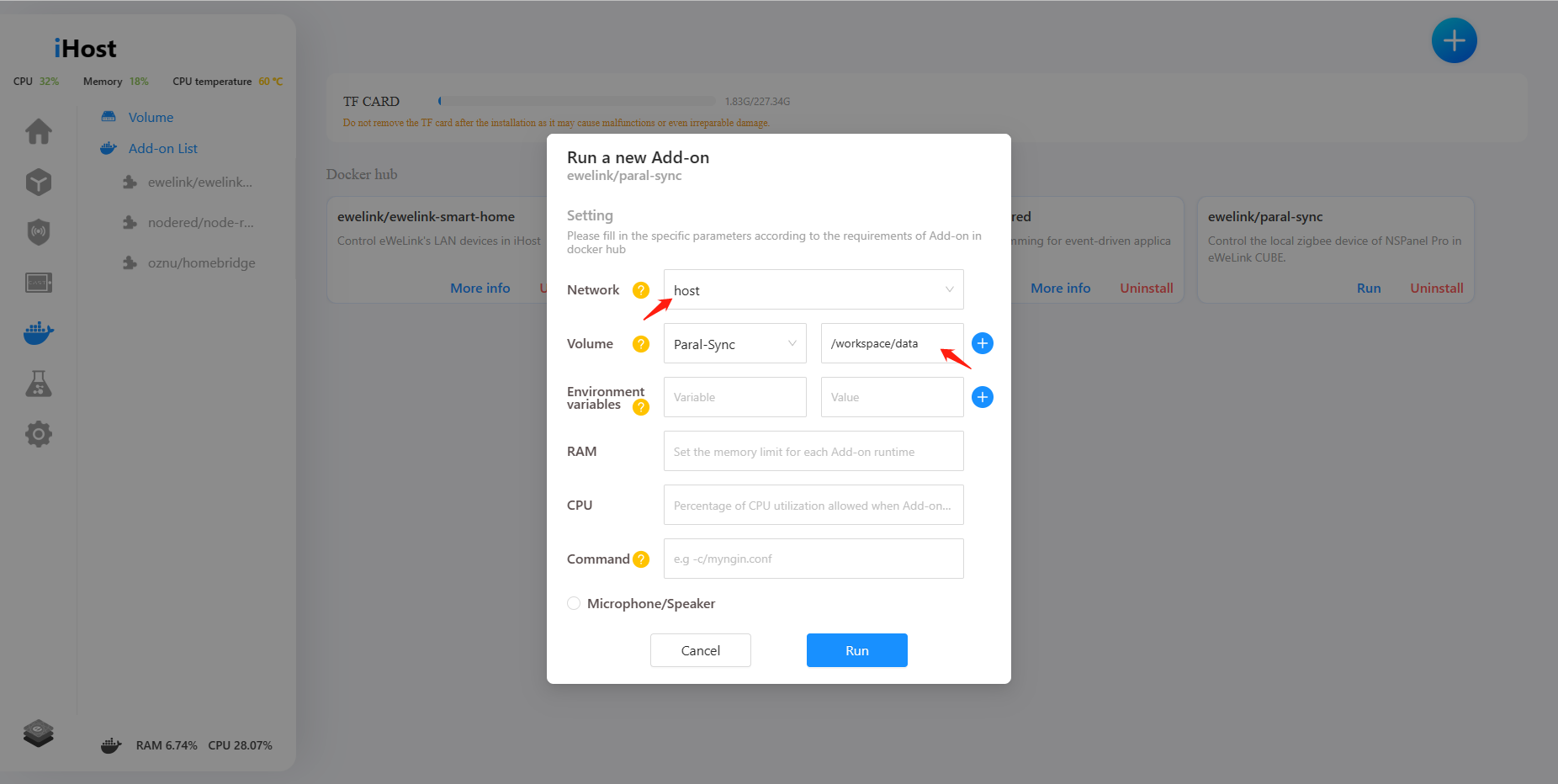
7. Configure parameters of environment variables, commands, and volumes during Add-on runtime.
Now you can configure environment variables, commands, and volume parameters for Add-on before running it.

We have prepared a tutorial to help you better understand how to manage the files of an add-on via the filebrowser/filebrowser add-on.
https://forum.ewelink.cc/t/add-on-guide-volume-management-filebrowser-add-on/18254
8. Login password is visible.
Now you can switch to display a password when you enter a password on the login, registration, and Forget password pages.

In addition to the above new features, we have fixed some bugs:
● Fixed known TF-card related issues.
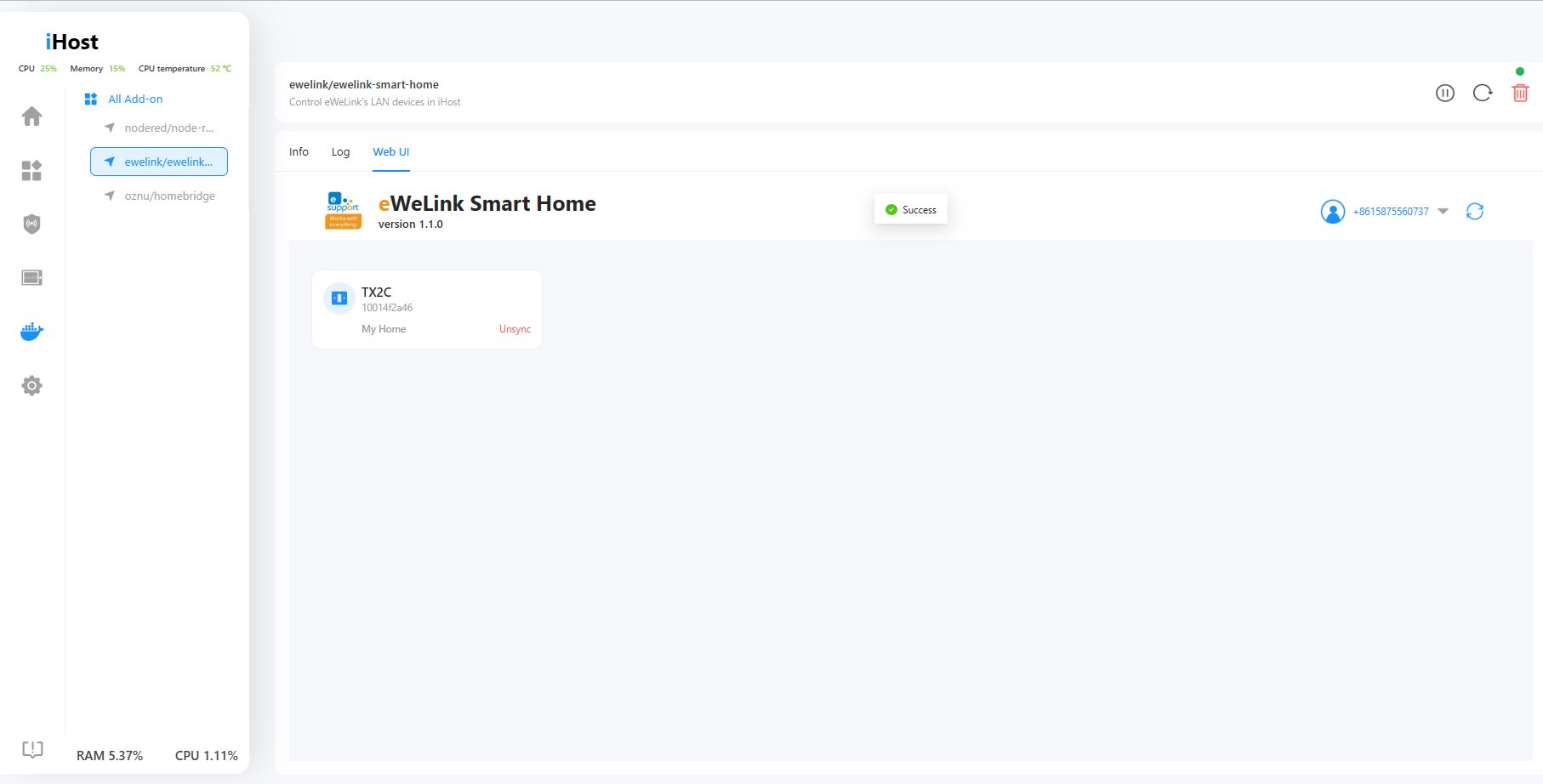
● Resolved loading failure of eWeLink Smart Home Add-on WebUI.
● Fixed the length limitation for email address input on the feedback page.
● Fixed delay issues of smart scenes.
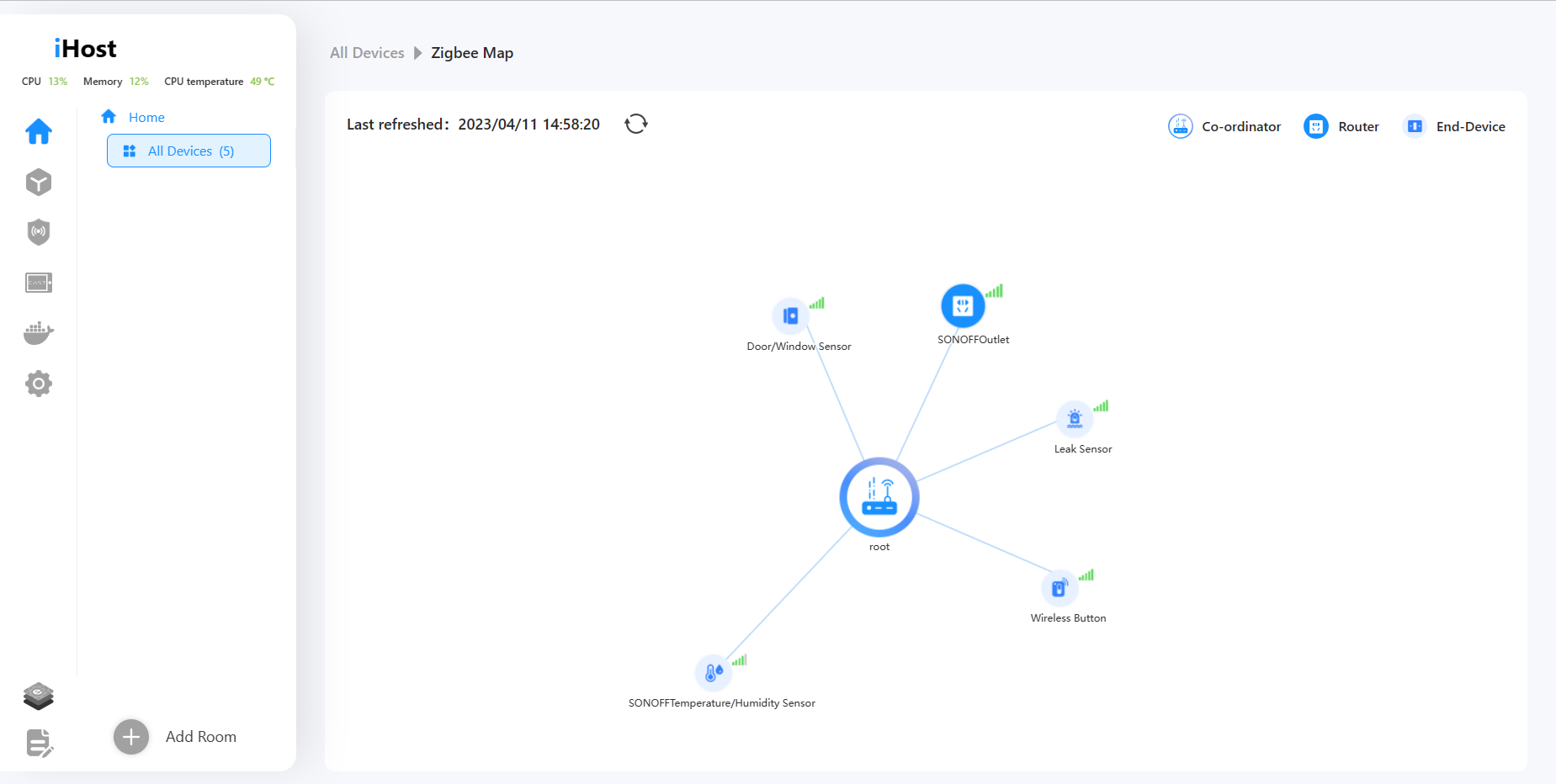
● Fix the problem that Zigbee map cannot be displayed after adding some third-party Zigbee devices.
Thank you all for your invaluable support and for choosing iHost. We sincerely appreciate your trust and decision to purchase our product. We are dedicated to enhancing your experience through ongoing updates and improvements. Stay tuned for the upcoming updates and exciting new features!















 button, fill in your name, Email address, and the problem detail (including firmware version and device ID), and maybe provide the related uploading pictures, videos, or log files.




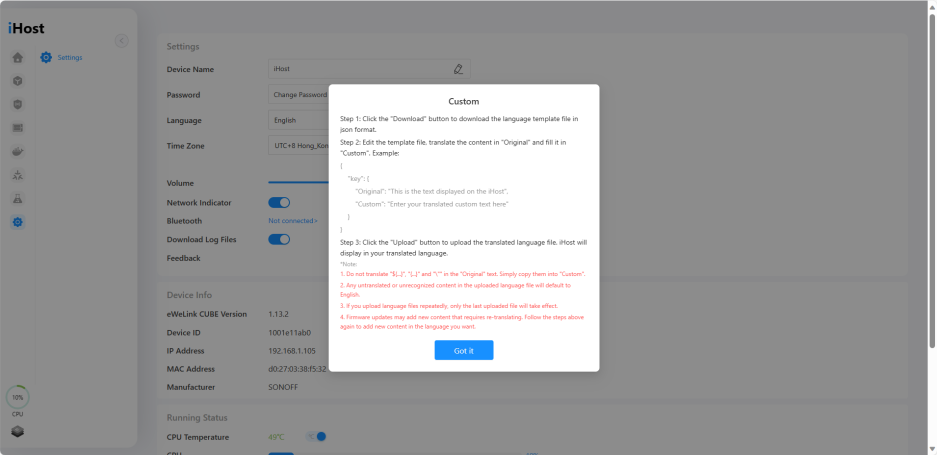
 Translate & Edit
 Optimizations:
 ● Optimized the firmware update process.
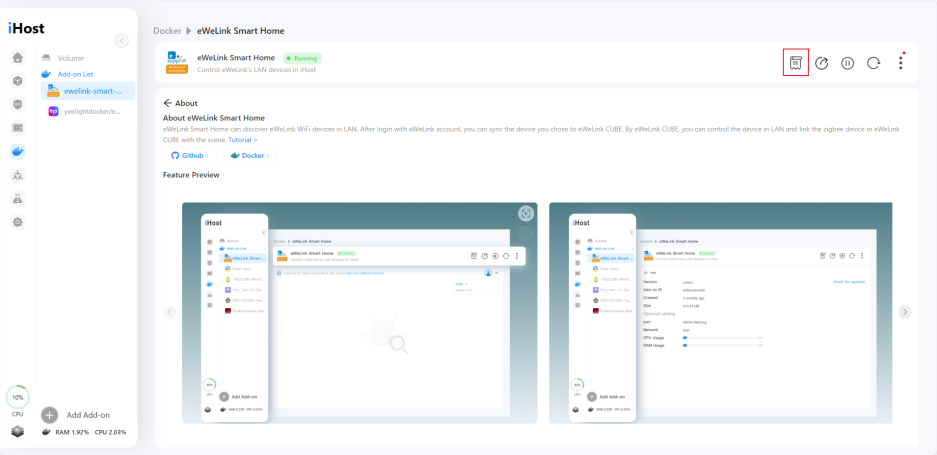
 ● Added "About" menu to installed add-ons page.
 Bug Fixes:
 ●Paral-sync Add-on now supports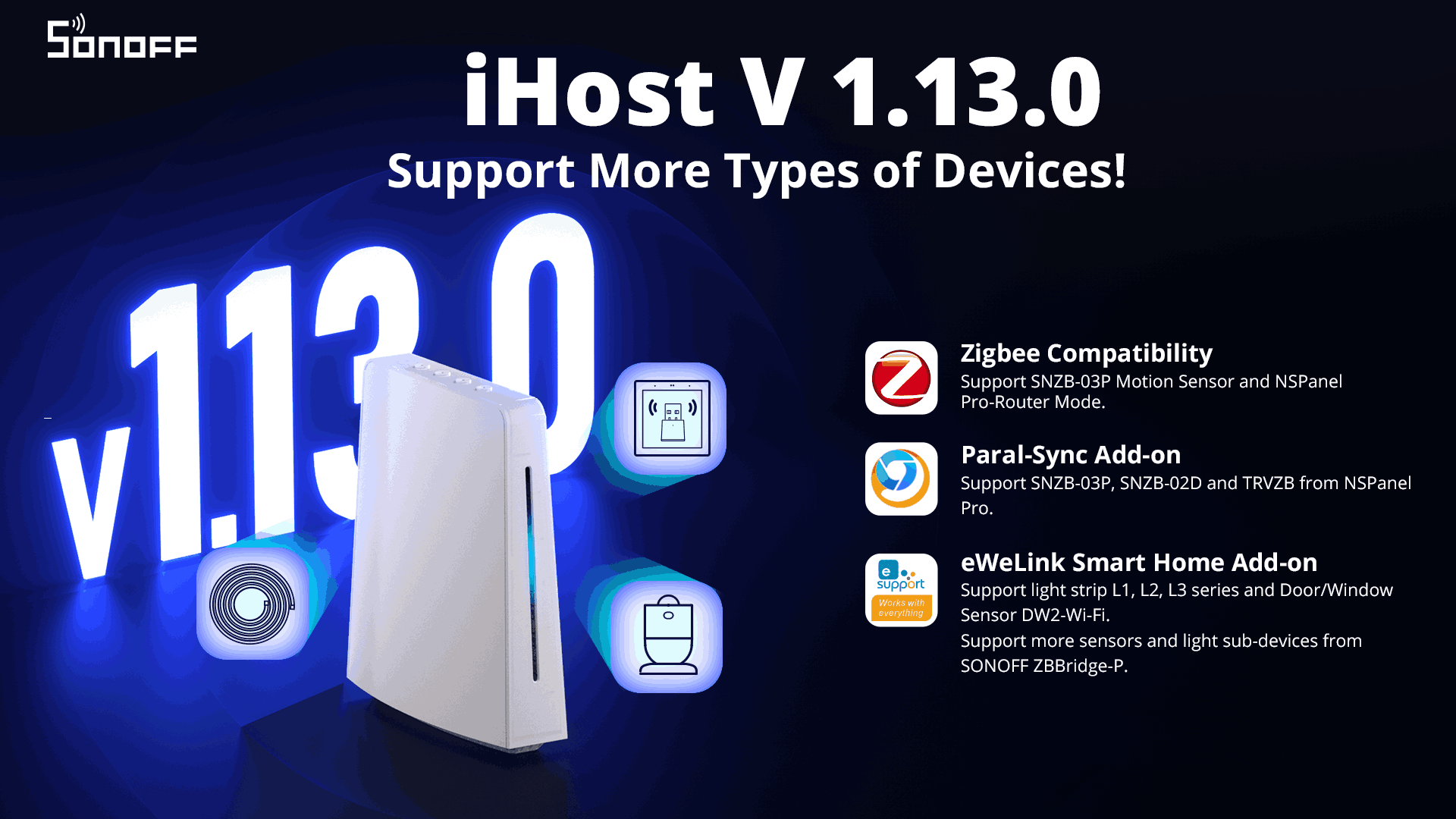





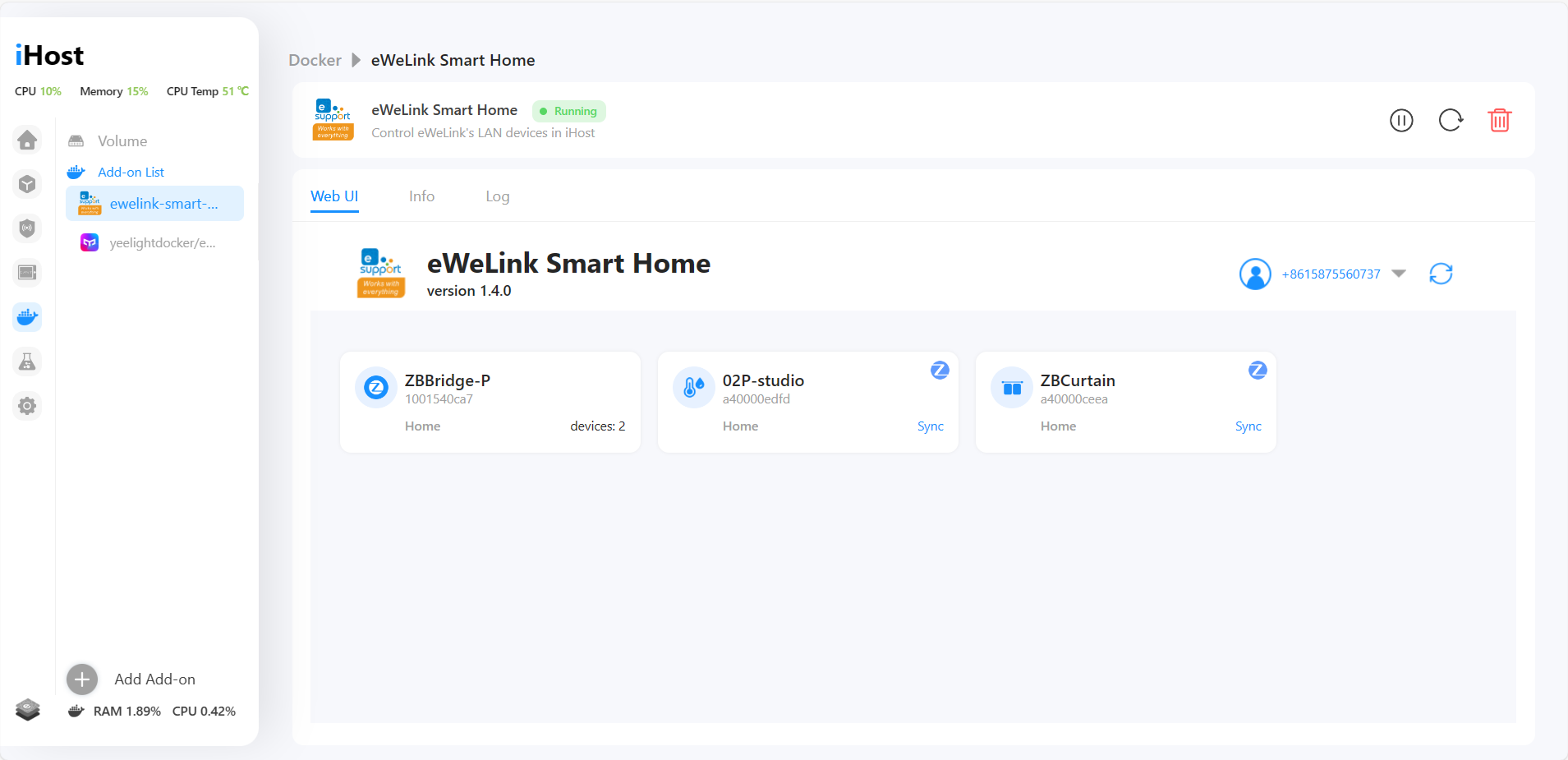




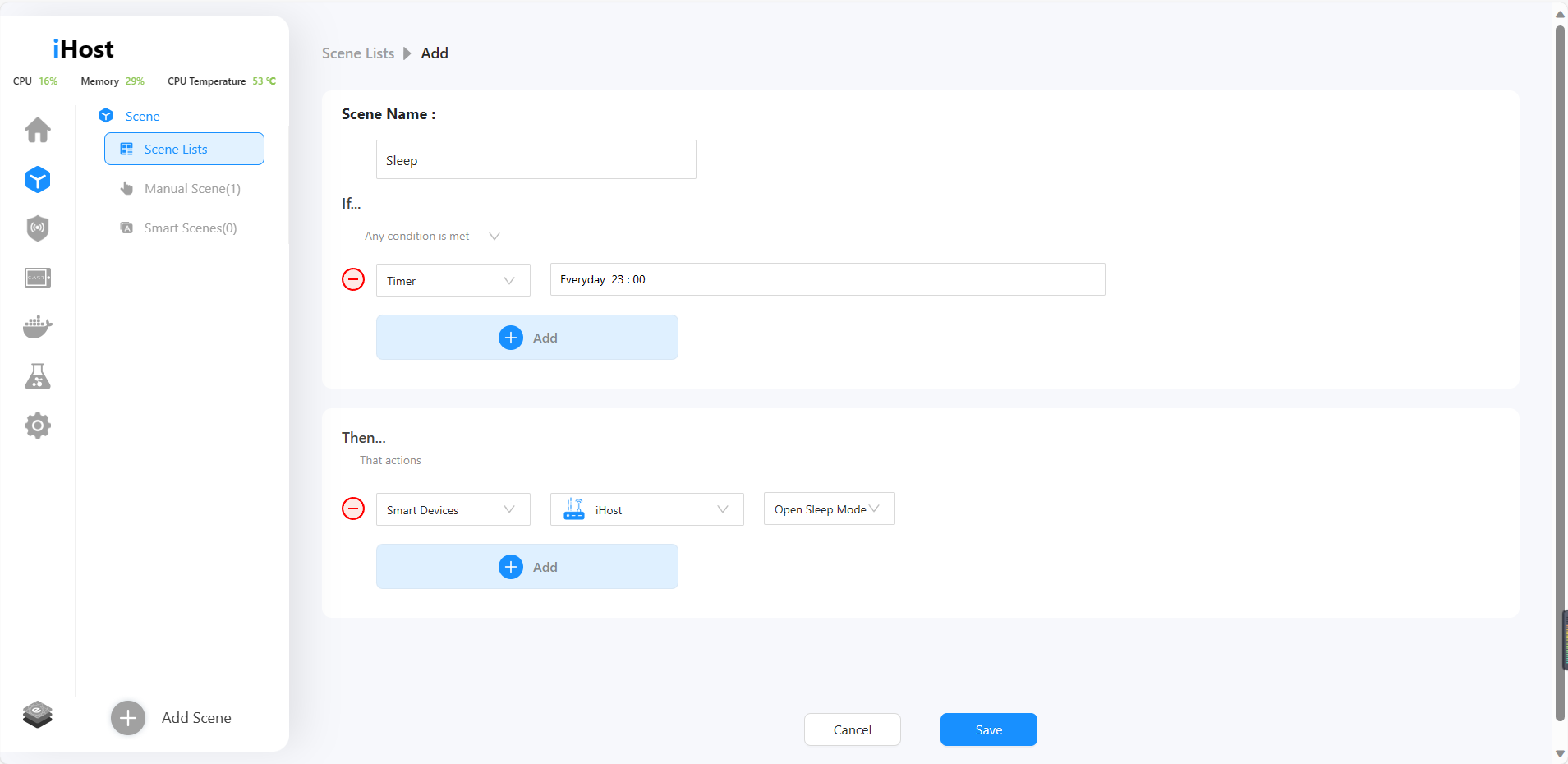


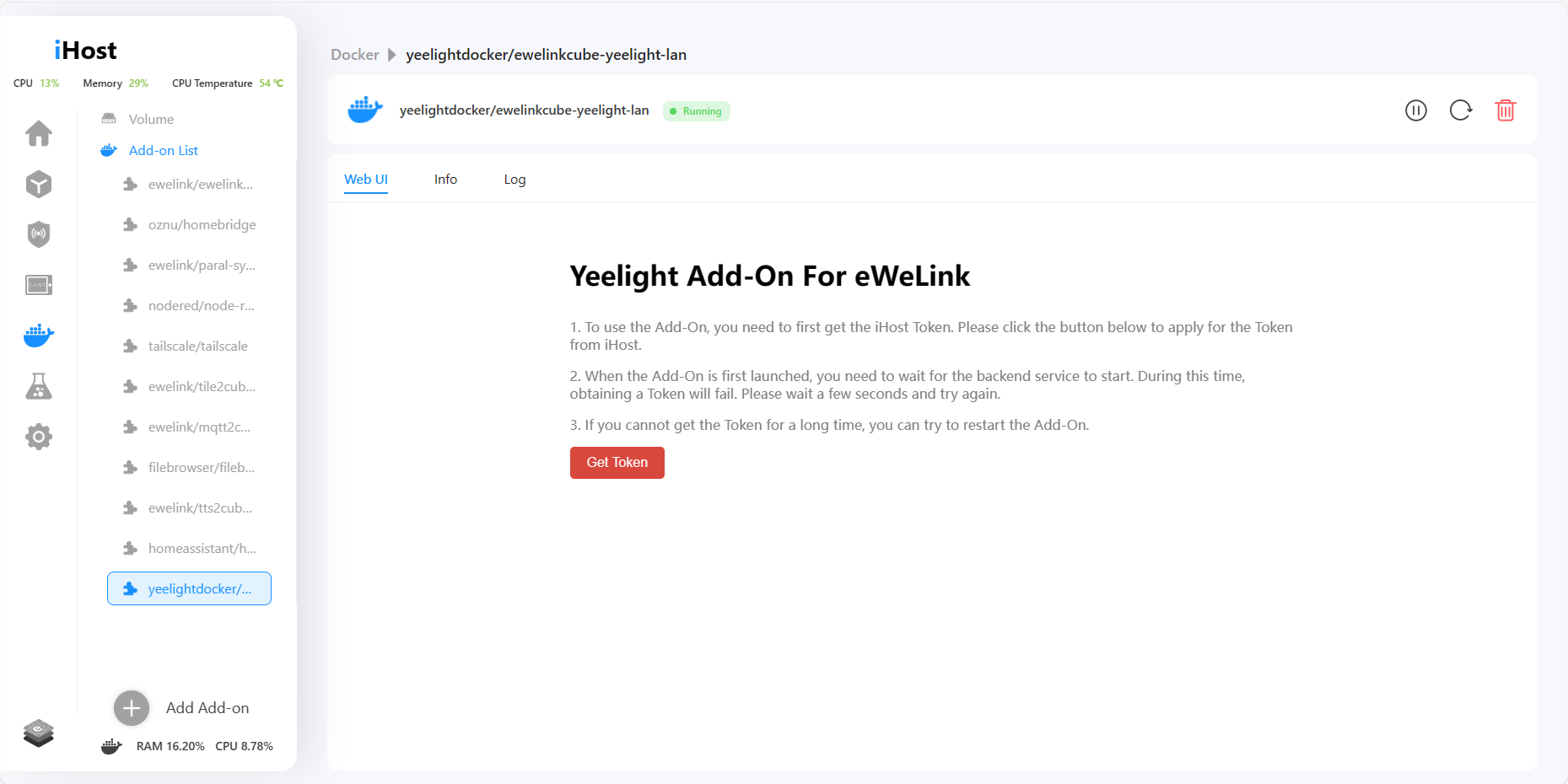


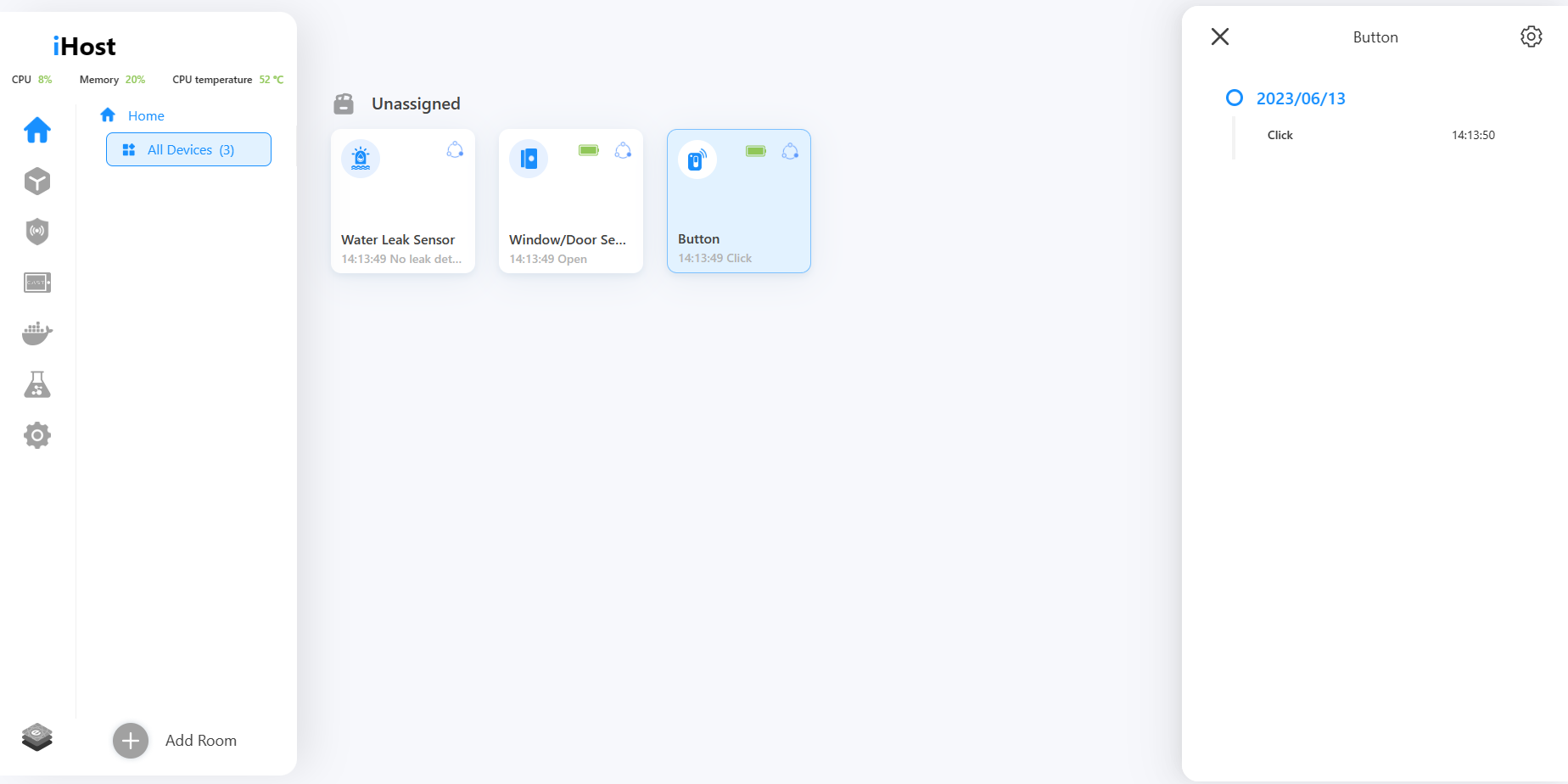
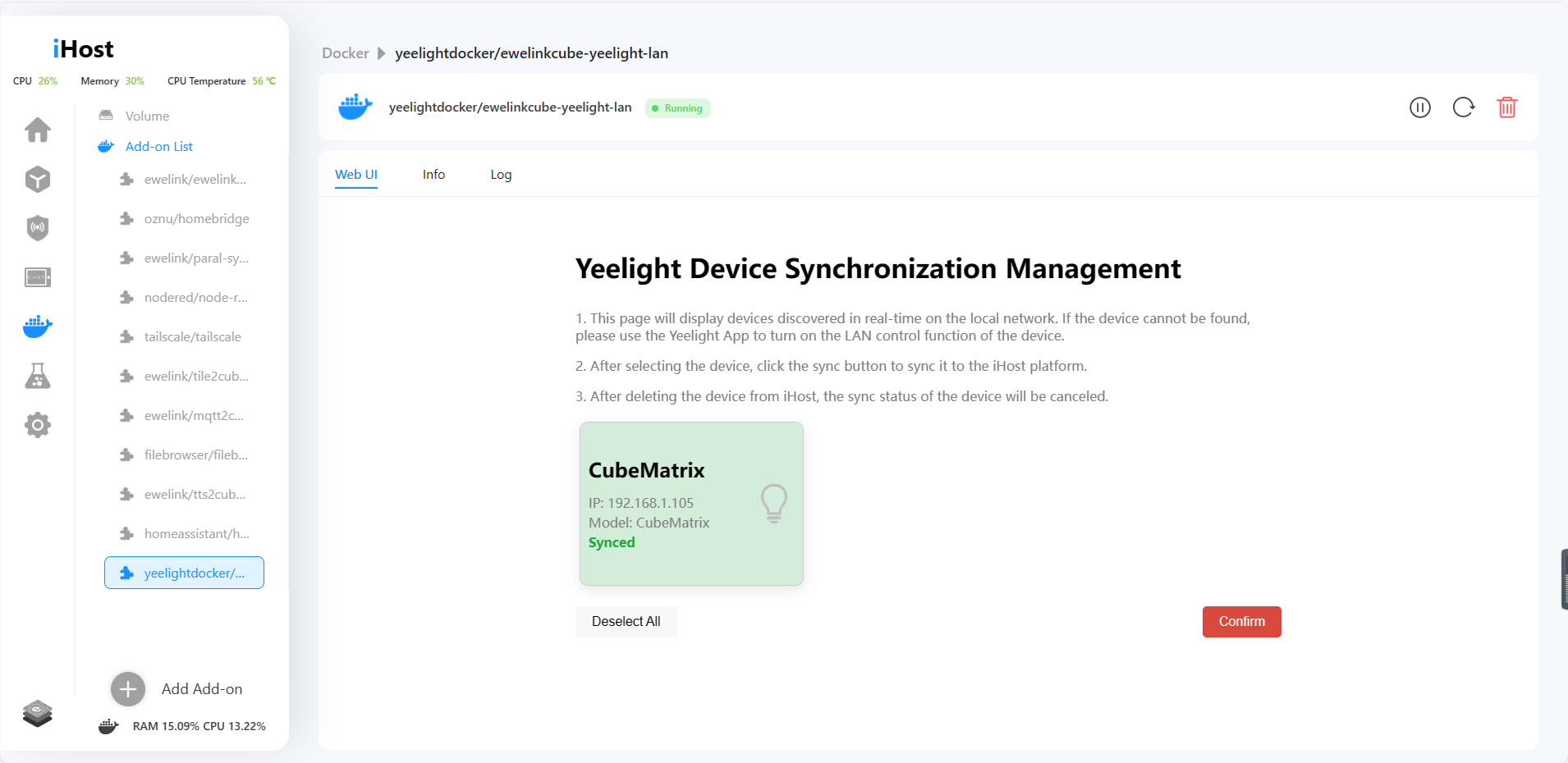 4. Now you can control the Yeelight device in iHost, and set the local scene!

















SONOFF PM –
Hello everyone!
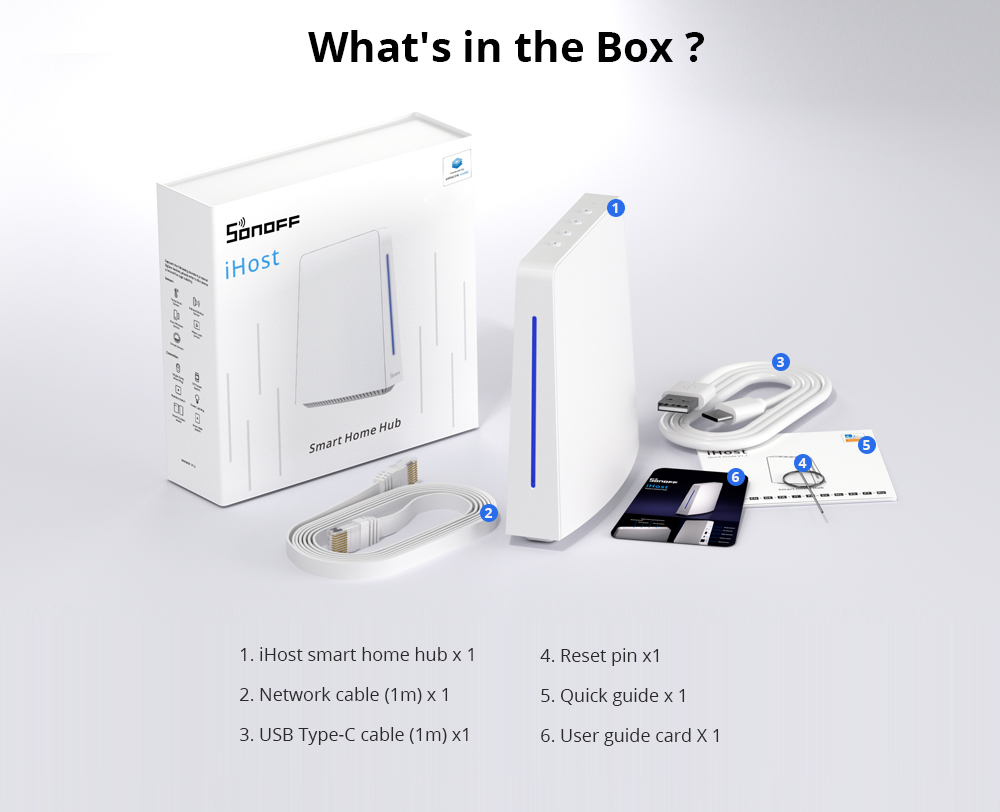
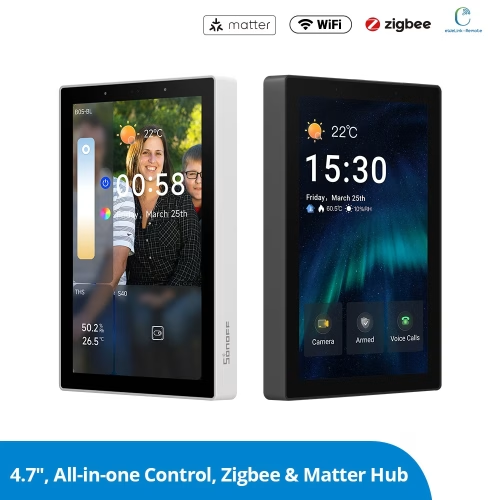
I’m thrilled to announce that our new product, SONOFF iHost Smart Home Hub, is now available to meet you!
The progress of the product cannot be achieved without your feedback and suggestions. We warmly welcome everyone to participate in the discussion and provide any ideas or suggestions. We will continue to update and optimize iHost to bring you a better user experience.
Thank you for your support!
Mohammad Hossein Norouzi –
Hello dear hope that you’re doing great, great job, this is thing that i discussed about in 2016 with Jerry, finally it’s here after several years, we have a brand, it’s name is Arylic, multi room audio system, that supports HTTP API COMMAND, due iHOST support HTTP API , i can share all command list with you , could you prepare a driver to integrate the music servers with iHOST? Please keep in touch with my email,
noroozi.hossein@yahoo.com
Daniel Zhan –
We will evaluate your feature request and get back to you, thanks for your support.
Viljar –
Any plans to add RF in future versions?
Daniel Zhan –
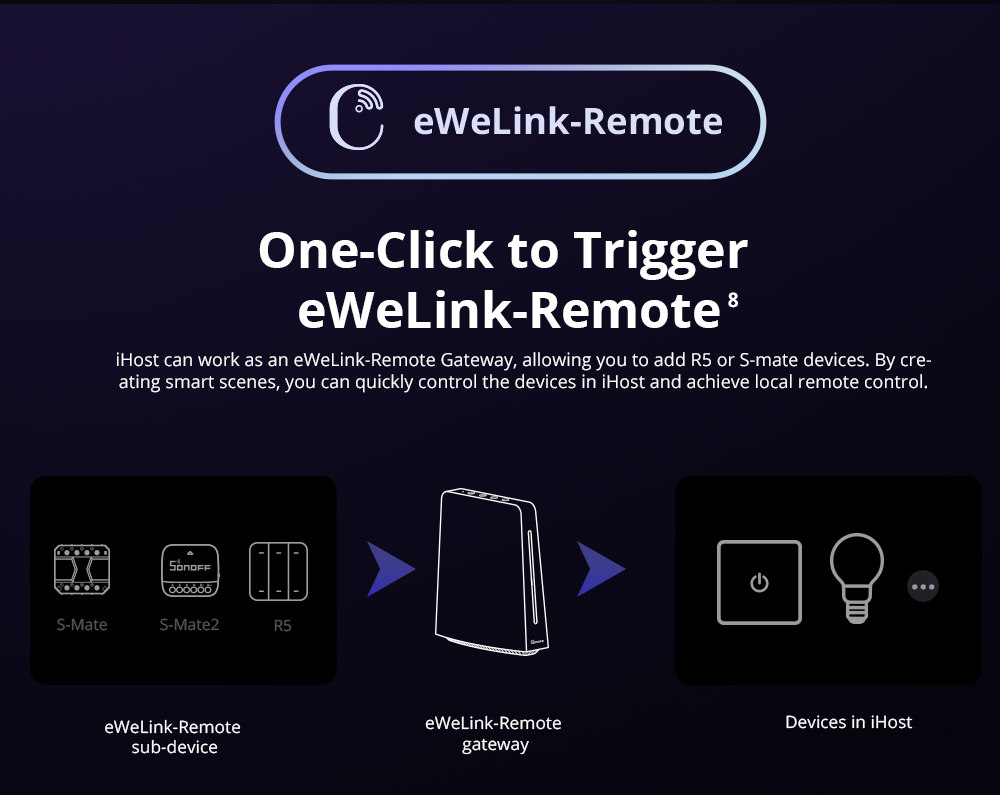
We did not have a development plan for adding RF hardware capability of iHost. The iHost will support the eWeLink Remote feature which is more reliable and convenient for sub-device management. However, we will develop a new RFBridge product with an IR feature and LAN which would be able to be synced the RF sub-device to iHost via the eWeLink Smart Home add-on. Thanks for your support.
ysty89 (verified owner) –
Hi,
What will happen if the same scene is set up via eWeLink cloud and locally on iHost as well? Will it run twice and we need to choose which one to enable? If so for any non-supported iHost device we will still need to rely on eWeLink cloud scenes I suppose (like the WiFi devices that do not support LAN mode) and separate them from the supported devices scenes.
Also are there any plans to add official support for Home Assistant as well via Docker?
Thank you,
Istvan
Freeizng –
Yes, if the scene is set up in both the cloud and ihost, it will execute twice. We recommend that if the device can connect to ihost through a local area, you only need to set the local scenario. More and more devices will be upgraded to support LAN access.
Rob –
Any possibility to buy the device and load our own image / OS on it – looks amazing but would like to use in a slightly different application ?
Daniel Zhan –
Yes, it is possible as the iHost is based on Linux development. However, it is not recommended to do that as we are not sure you will succeed or not, and there is a risk that you may encounter issues that my team can not help out with. Once you load your own OS, you are not able to return to iHost official firmware as our firmware is confidential and not open to the public.
Hedda –
The hardware alone should be perfect as a computer if reinstalled and repurposed as a dedicated computer for Home Assistant OS -> https://community.home-assistant.io/t/sonoff-ihost-smart-home-hub-computer-from-itead-can-it-be-hacked-to-run-home-assistant-os-with-bluetooth-thread-matter-and-zha-integrations/545962
Pharizna –
Why not open to the public?… or, at least, open the port 22 to use SSH for dockers, etc 🙂
JN –
Will the local API also support https calls instead of http?
Freeizng –
Yes, we have plans support HTTPS. However, we can only use the self-signed certificate, which requires the user to configure to accept the self-signed certificate.
Spyros –
Hi, so iHost will not support wall switches like T1 EU or sockets like S26?
Freeizng –
https://sonoff.tech/ihost-user-guides/add-on/#eWeLink-Smart-Home-Add-on
THK –
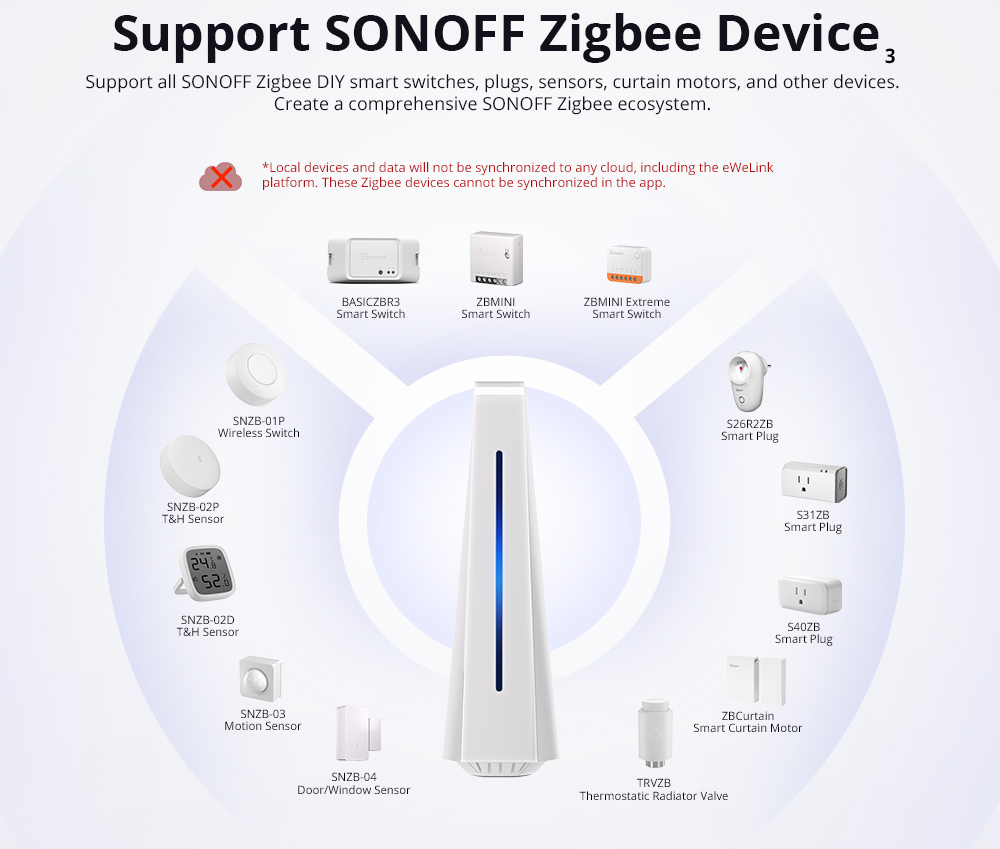
I only use Sonoff zigbee elements so far. Can I replace the existing Zigbee bridge with iHost? What is the range of iHost for zigbee devices and is there any limit to the number of devices as with a classic bridge? Thank you
Daniel Zhan –
It depends on your need. The iHost is an entirely local hub, the sub-devices of iHost will not be able to sync to eWeLink APP and cloud so if you need entirely local control and scenes, then Yes. If you want to keep the cloud feature like voice control, IFTTT, etc, then Zigbee bridge is better. BTW, We will upgrade the ZB Bridge Pro with the LAN feature and NSPanel Pro addon so that their sub-devices can be synced to iHost via the eWeLink Smart Home Addon. Maybe you can consider iHost+ZB Bridge Pro /NSPanel Pro for your smart home solution as the sub-device can be remotely controlled/viewed. Alexa, Google, and other voice platforms are linked, meanwhile, it goes with the advantages of local stability and reliability.
THK –
Great News 🙂 I will be waiting for the ZigBee bridge with LAN port 😉
Hedda –
Pretty sure Daniel Zhan only meant that they will add Local API for controlling the Sonoff ZBBridge Pro locally over LAN and not that they plan on adding a physical RJ45 Ethernet port to Sonoff ZBBridge Pro? However I think it would be great if a physical RJ45 Ethernet port was added to the next variant of Sonoff ZBBridge as Wi-Fi interfere with Zigbee.
Jack Z (verified owner) –
I use 2 x SONOFF Zigbee Bridge Pro Hub. This is because larger area of my system. Single hub will not cover all area. This system is working OK now.
I ordered 1 iHost Smart Home Hub today.
Can I import all my Sonoff devices to iHost Smart Home Hub and use this hub instead of cloud?
Can this be done by docker and import all devices from ewelink.cc?
The whole point is to use 1 iHost Smart Home Hub instead of ewelink cloud but keep ZigBee devices connected to 2 local SONOFF Zigbee Bridge Pro Hubs?
Daniel Zhan –
We will upgrade the ZB Bridge Pro with the LAN feature so that the sub-devices can be synced to iHost via the eWeLink Smart Home Addon. We are working on this development now.
Jack Z (verified owner) –
When this could be completed?
Hedda –
Will the hardware and firmware be locked down or can we install our own operating system of choice if we are willing to waive the right to support and warranty? That is, I would lite to use this as a computer and install an alternative operating system that I know will not be supported by ITead/Sonoff.
Hedda –
More specifically I would like to hack it to install a other Linux operating system such as for example a fork of Home Assistant Operating System -> https://github.com/home-assistant/operating-system
Hedda –
Posted the same question to the Home Assistant community forum here -> https://community.home-assistant.io/t/sonoff-ihost-smart-home-hub-computer-from-itead-can-it-be-hacked-to-run-home-assistant-os-with-bluetooth-thread-matter-and-zha-integrations/545962
Freeizng –
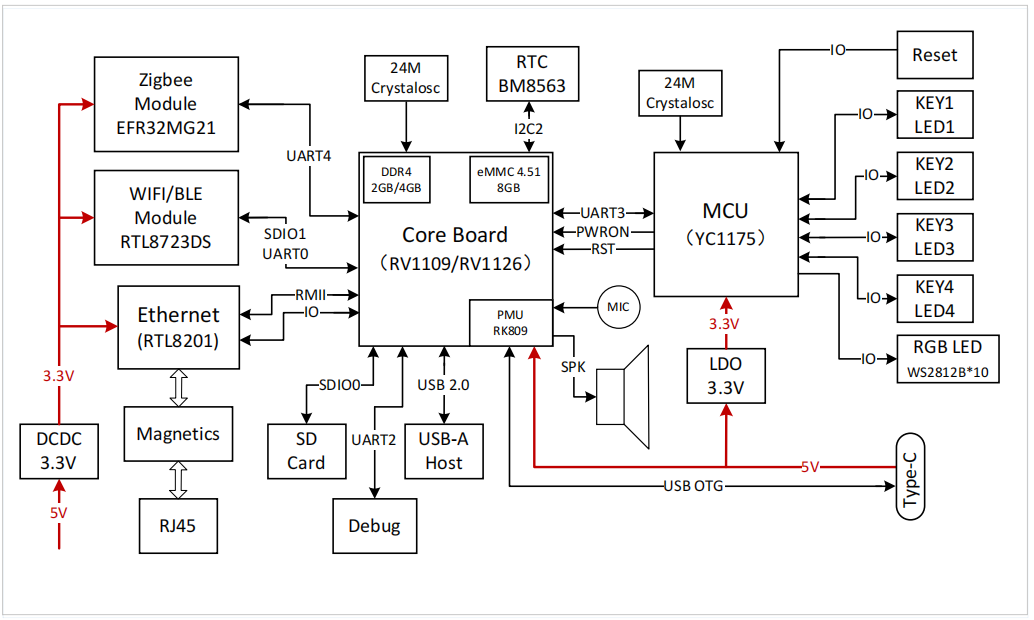
If you are willing to waive the right to support and warranty, yes – in app you can enable the developer mode and reinstall any operating sysem you want. We will not give out any support and official document about how to build and flash your own opertiong system – you have to make sure you know how to use these two rockchip chips. What we can offer just a hardware block diagram – label all module interfaces for you – We’ll update it in the next week
Hedda –
That is not very open if you will not give out any support and official document about how to build and flash your own operating system.
Why not as long as Sonoff make it clear that doing so is not officially supported and voids the warranty?
Sonoff will surely sell A LOT more hardware devices if they allow users to use this hardware just as any other single-board computer.
Selling more hardware should make ITead/Sonoff more money and maybe even make hardware less expensive as an economy of scale.
LQ –
How many docker container can be run at the same time?
Freeizng –
It depen on what docker container you run …
giovannimarra1985 –
Hi all,
This sounds like a very interesting device 😃
I am wondering if I make a full home automation system locally, do you think is possible to connect it with Google Home? And all the devices that are compatible with ewelink app, are going to be compatible with this device too?
Thanks
Daniel Zhan –
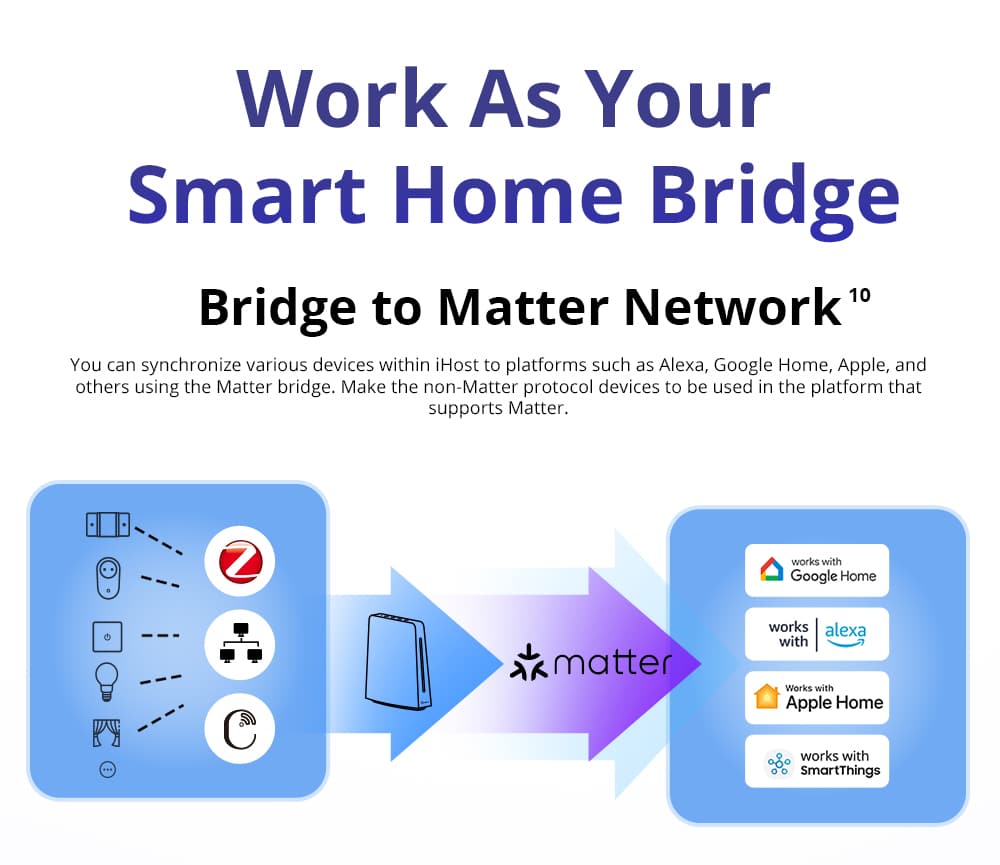
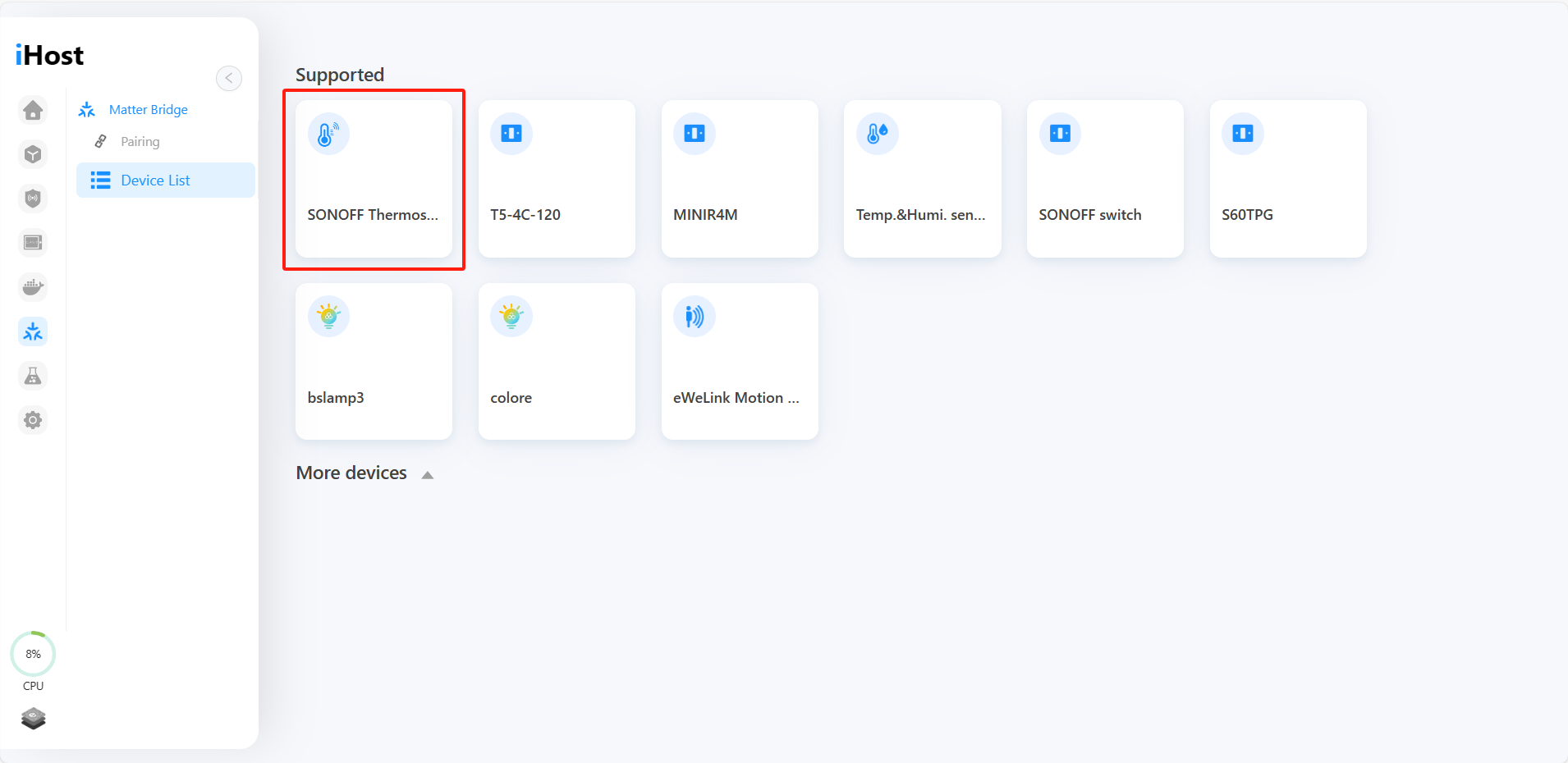
The iHost will support Matter as a Matter bridge connected with Matter hub like Google Assistant or Alexa. Your SONOFF WiFi devices in eWeLink account can be synced to iHost via eWeLink Smart Home Addon refer to the user guide of below link.
https://sonoff.tech/ihost-user-guides/add-on/#eWeLink-Smart-Home-Add-on
Chris (verified owner) –
Will this work with Alexa.
Currently all my lights and some sockets also motion sensors and window sensors are Zigbee devices these are connected to a Tuya Hub.
I use Alexa to turn on devices via voice control.
Will I still be able to do this with the I host smart home hub.
Daniel Zhan –
The iHost will support Matter as a Matter bridge connected with Matter hub like Google Assistant or Alexa. Expected in Q3/4 of 2023.
Jérôme Houck –
Hello,
I have a lot of earliest Sonoff devices (BasicR1, 4ChProR2, … ) which support LAN mode. I suppose they are not compatible with iHost (not in the Sonoff support device list) but is it planned to add them in the future ?
Freezing –
https://sonoff.tech/ihost-user-guides/add-on/#eWeLink-Smart-Home-Add-on
Jérôme Houck –
Thank you for your quick answer. I saw this Sonoff support device list but my question was if it is planned (or not) to integrate previous versions of Sonoff devices in this list in the future?
Freezing –
BasicR1 should be supported as BasicR2 – they are the same firmware just different hardware. 4CH
Jérôme Houck –
Great ! So my old BasicR1 should be supported. What’s about 4ChProR2 ?
David –
Wifi conexion
David –
Hi have wifi antenas from a switch/hub.
The house is big.
How will be the connection to the son off that do not connect directly with the SONOFF iHost Smart Home Hub?
Hedda –
Does the onboard EFR32MG21 (Zigbee radio module) use the exact same firmware as ITead’s “Sonoff Zigbee 3.0 USB Dongle Plus V2” (model “ZBDongle-E”) which is also based on EFR32MG21?
Freezing –
Normally it should be the same firmware. Even if it isn’t, you can easily flash the firmware you need for it, because the module is left next to the individual pin pads you need to burn
Jon –
Looking at the FAQ – the question regarding the USB port, is it correct to say that the iHost will natively support Matter protocol in a future update, but will not be able to act as a Thread Border Router without a USB addon dongle in the future?
Assuming that understanding is correct, is there any approximate timeline or approximate cost for that addon?
Last there was also mention of a IR dongle, I assume different dongles would be mutually exclusive? As in presumably not possible to use a USB hub to use both an IR dongle and Thread dongle at the same time.
Freezing –
No additional dongle is required, and iHost can support wifi-matter. If you need to support Thread-matter device access, yes, it needs to plug in a USB dongle – the MG21 itself will only be used for ZigBee-enabled device access
Henry Podgorny –
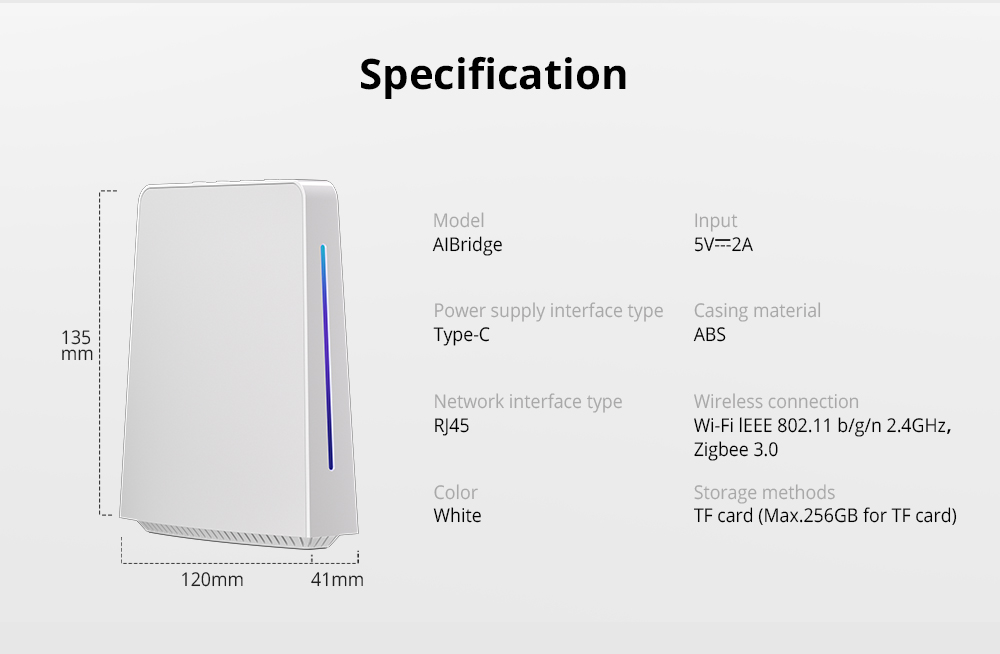
What is the difference between the RV1109 DDR4 2G and RV1126 DDR4 4G. Which one should I buy and why.
Hedda –
The “4G” RV1126-based model has 4GB of RAM and a Quad-Core CPU, and the “2G” RV1109-based model has only 2GB of RAM and a Dual-Core CPU, otherwise, all the other specifications look to be exactly the same.
Andreas –
Does ITead plan to make another model that will offer a compute module with a 64-bit ARMv8 SoC instead?
Perhaps a third model with 64-bit ARMv8 SoC and 8GB RAM to seperate it further?
This Sonoff iHost would have even more potential as a local server for the home if it coukd also run 64-bit applications in containers.
RealEmond –
Bonjour
J’aimerais savoir si avec le iHost Smart Home Hub tous mes appareilles vont fonctionnés même si je n’ai plus d’internet ?
Merci !
Elliot –
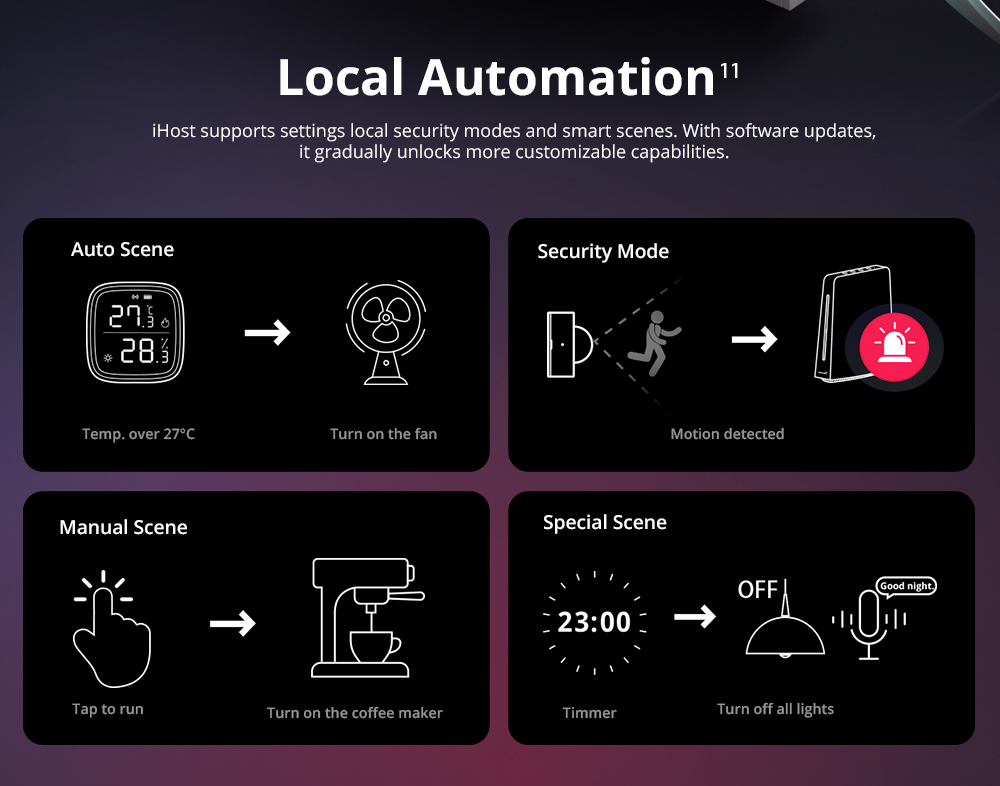
Bonjour oui, le but de ce produit est de rendre local les serveur ewelink en quelque sorte , une fois connecté au produit meme si il n’y a plus de réseau ,ils continueront de fonctionner comme si de rien était
Renato De Silva –
Hi,
i would like to know if the new devices is compatible to xiomi devices?
Smart Hub can host all the 3rd party devices? to access in 1 application?
Daniel Zhan –
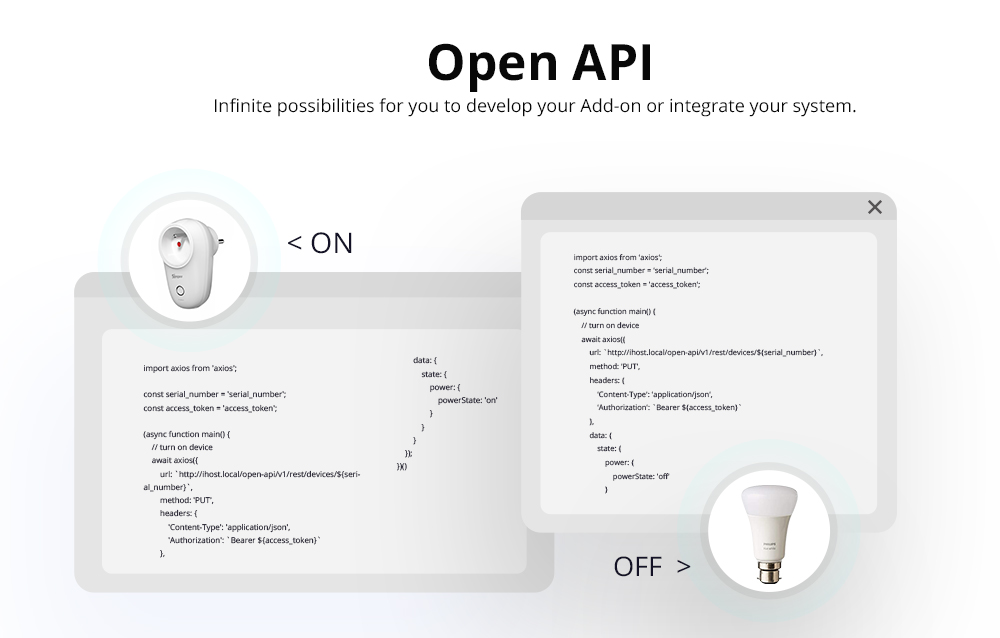
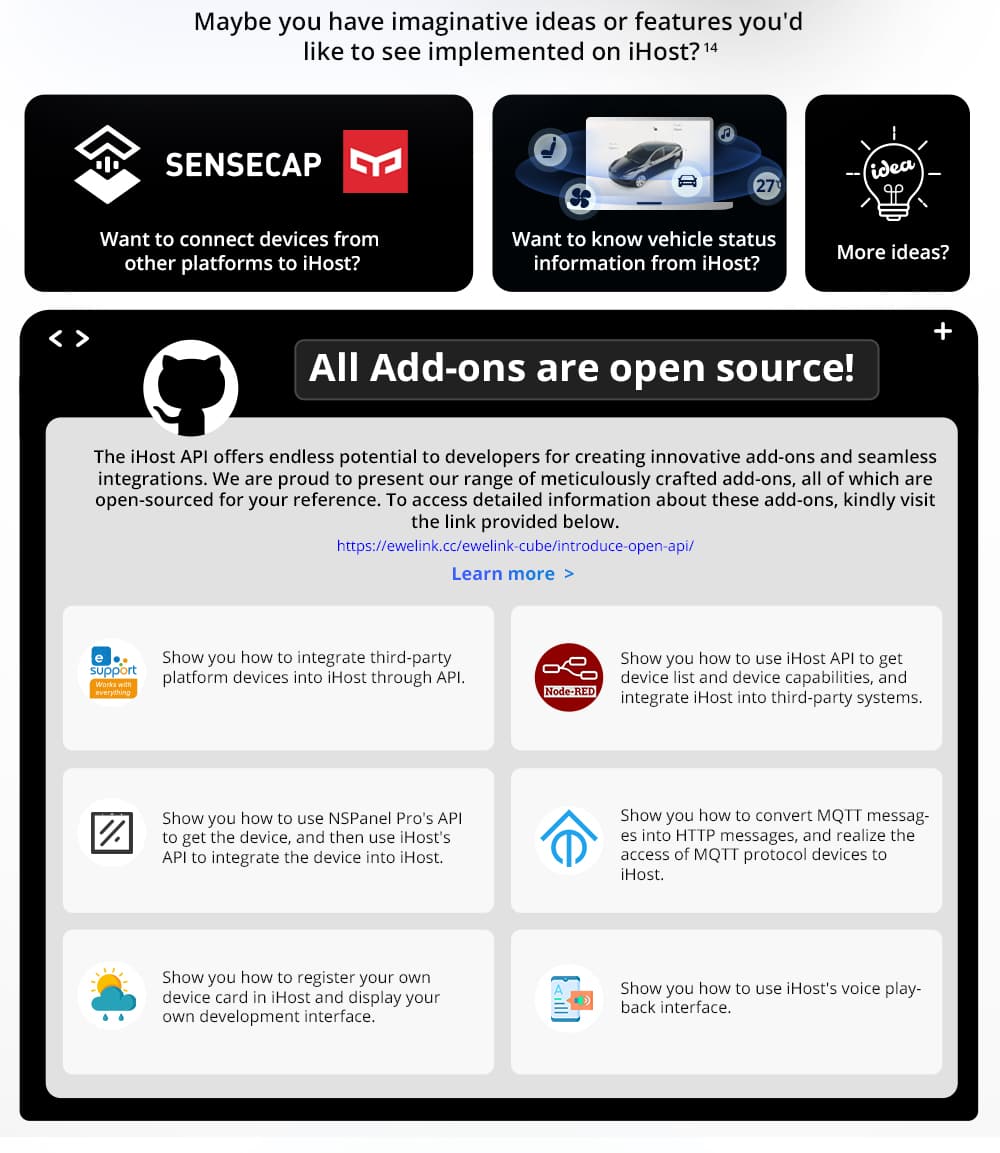
The iHost open API allows third-party device integration development.
It is available now as you can access it from the link: https://sonoff.tech/ihost-open-api-interface/
Philippe –
Hello.
Before buying, i would like to know if the iHost smart home hub is compatible with DW2 wifi sensors ?
Thanks for your answer
Daniel Zhan –
The DW2 WiFi is not supported to be connected to Host.
Philippe –
Too bad, then I won’t buy this hub because I have 6 DW2 wifi sensors in my house.
Thanks.
Paul Lewis (verified owner) –
ihost is not supported by EWeLink, why is that and will it ever be supported
Daniel Zhan –
The iHost is an entirely local hub, the sub-devices of iHost will not be able to sync to eWeLink APP and cloud, We will upgrade the ZB Bridge Pro (expected in Q3) with the LAN feature and NSPanel Pro addon so that their sub-devices can be synced to iHost via the eWeLink Smart Home Addon. Maybe you can consider iHost+ZB Bridge Pro /NSPanel Pro for your smart home solution as the sub-device can be remotely controlled/viewed. Alexa, Google, and other voice platforms are linked, meanwhile, it goes with the advantages of local stability and reliability.
Florin –
Dear Sonoff Team, can you please specify what is the range that iHost is covering? I know the Zigbee Bridge Pro has 80m in it’s specification, but I could not find any specs on the iHost.
chris (verified owner) –
Hello I have now received my iHost so far very pleased it easily detected my ZigBee devices and Ip camera , so now I want to record and store the video from the camera, on my nas drive. I am guessing that will require an add on but what one.
Gentian Fetahi (verified owner) –
Will Sonoff led lights be supported on iHost or never?!
Daniel Zhan –
The LED light strips including L1/L2/L3 series do not support the LAN feature, thus, they can not be synced to iHost via eWeLink Smart Home addon.
Dawid (verified owner) –
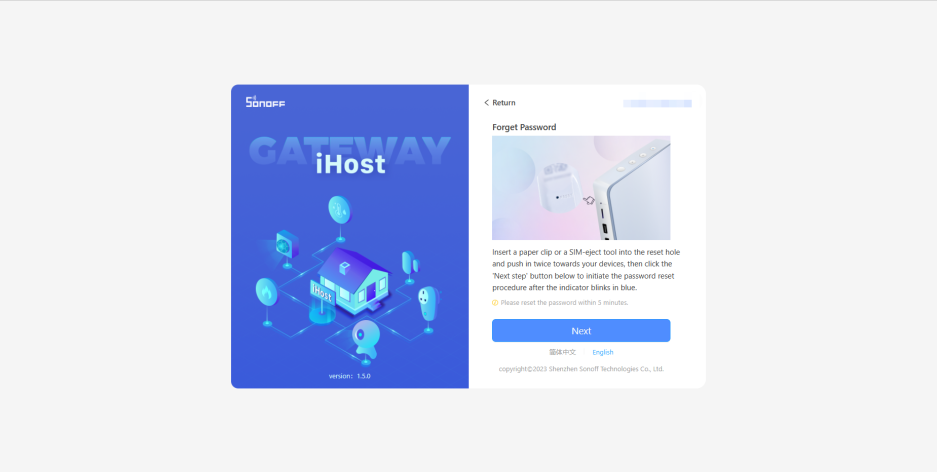
1. Hi. After long press RESET BUTON (indicator turn red) when iHost restart is still set up and have all ad-ons ;/
2. Will You add a LED L1 L2 to ewelink sync ?
Roberto Ezquerro –
Also are there any plans to add official support for Home Assistant as well via Docker?
Thank you,
Roberto
Daniel Zhan –
You can install the Home Assistant via the docker hub (container) installation method, please refer to the below link for further info: https://www.home-assistant.io/installation/
Pharizna –
OK… but It’s not possible to edit the configuration through YAML files or install HACS, etc 🙁
Sylwester Sosnowski (verified owner) –
I would like to run custom things on it.. How to activate SSH? How can i get the firmware?
Daniel Zhan –
The official iHost firmware is mainly for general consumers as a ready-to-go local server. The root access and SSH is not available to users. What custom things do you want to run, we may consider your feature request. thx
Bob Nystrom (verified owner) –
Hi
My iHost just arrived and I have been trying to set up the SD card (128GB)
iHost knows the card is there but won’t format it.
It says it is but doesn’t
Does the card need any special formatting beforehand
Thanks
Bob
Daniel Zhan –
Thank you for bringing this issue to our attention. We apologize for the inconvenience caused by the malfunctioning of the SD card on your iHost device. We understand how frustrating it can be when a product fails to meet your expectations.
We have received similar feedback from other customers regarding the formatting issue with some SD cards on the iHost. Rest assured that we are working on optimizing the format feature and releasing a new firmware update to address this issue.
We appreciate your patience and understanding in this matter. We would also like to thank you for being a loyal customer and bringing this matter to our attention. We take feedback from our customers seriously as it helps us improve the quality of our products and services.
Bob (verified owner) –
Daniel
Thanks for the reply
Do you know when the new firmware will be ready?
Bob Nystrom (verified owner) –
Daniel
I tried a SD card from another manufacturer and the max GB for the iHost and it worked perfectly
It may be a problem with certain manufacturers
Juan Ardissone (verified owner) –
Can you tell what SD card are you using?
I can do it work with the SD taht sonoff send to me
Bob (verified owner) –
The card that worked was a Scandisk Ultra 256 GB
The card I got from Sonoff was a Kingston Micro 128 GB. It was no longer usable after trying to format it with iHost
Chris (verified owner) –
Hello I have been having a few issues with my I Host i connected my IP camera to it without any issues, the next day the cameras IP no was changed by my router so I deleted the camera , rebooted and reinstalled it with the new IP address , then fixed the camera IP address camera worked well for a day or so then the I host could not find the camera , I check the cameras IP address that was ok, Checked the camera detail in the I Host and found it have reverted to the original IP address.
Also I find that the some time connection is very slow and camera can not be connected and the only fix for this is a reboot.
How can these issues be resolved.
Roberto Ezquerro (verified owner) –
Can 433MHZ RF devices be controlled without having an RF bridge?
Freezing –
No. Because iHost doesn’t have such hardware capability support – RFBridge’s LAN support Addon is already in development and should be out by the end of next month.
JP (verified owner) –
Hi everybody,
When will the NS Panel Pro and the DUAL R3 Lite be supported by iHost?
Thank you for your support!
Freezing –
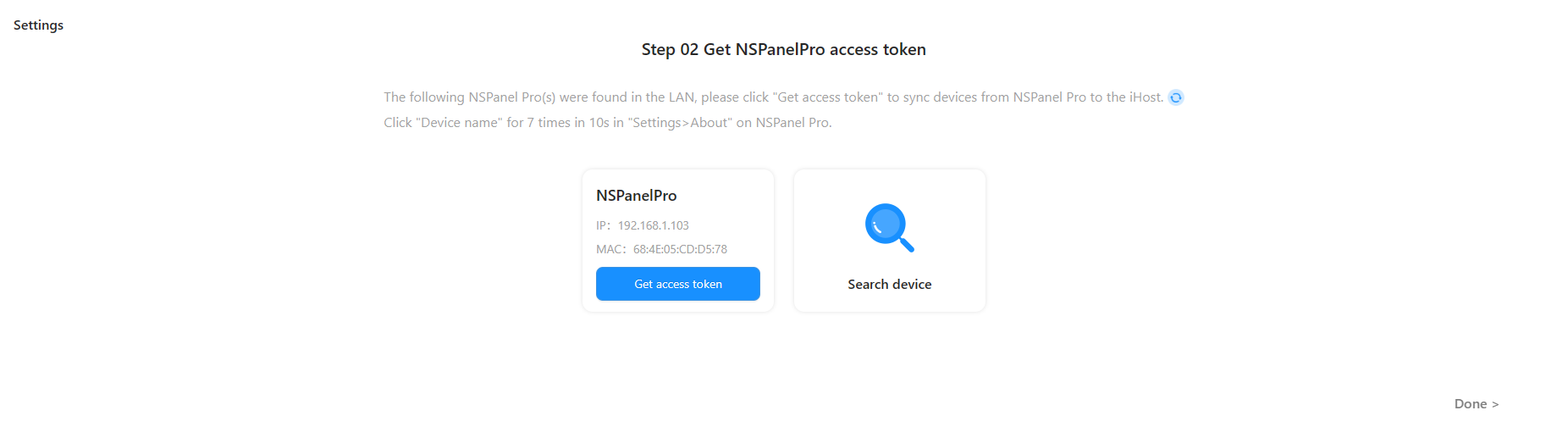
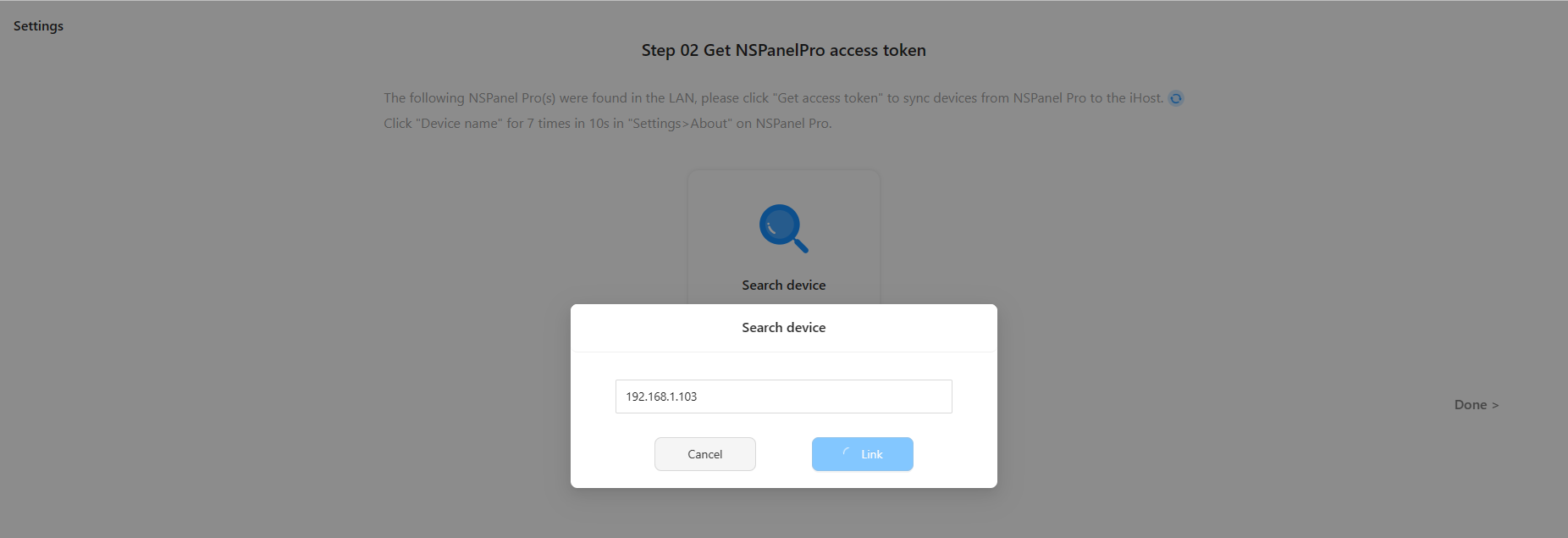
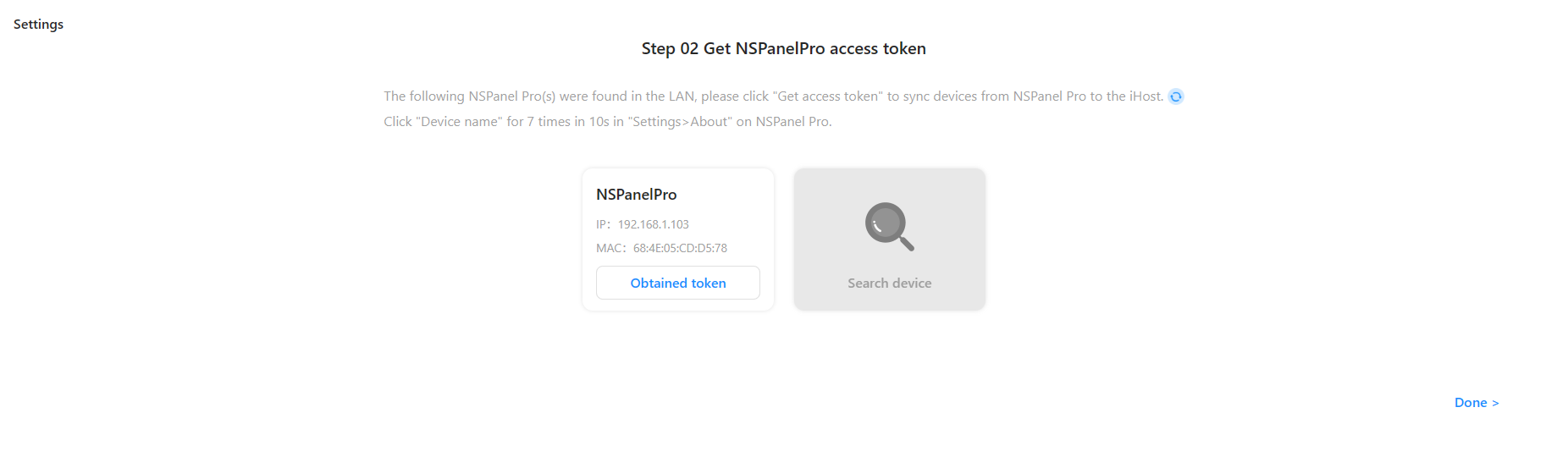
A New Addon which supports NSPanel Pro for LAN data synchronization, is already in development and is expected to be released in 3-4 months. DUAL R3 Lite will be supported in the next eWeLink Smart Home Addon update
JP (verified owner) –
Hi Freezing, I have seen the Paral addon, to control zigbee devices on NSPanel Pro from Ihost; is this an intermediate solution before the full support of the NSPanel pro? We are expecting to be able to select scenes created on IHost from the NS Panel Pro.
Henrique Andrade (verified owner) –
Does it work with Aqara Zigbee smart door locks ?
pszpila_d –
Witam.
Szykuje się do zakupu systemu sonoff. Jeśli kupię iHost to czy będą mi działaś wasze wszystkie produkty zigbee i wi-fi czy będę musiał coś jeszcze dokupić ?
Daniel Zhan –
You can find guidelines for the iHost from the below link to see if this product meets your need.
https://sonoff.tech/ihost-user-guides/
Yehuda –
Do all wifi devices need to be on the same network with the I Host? Or it can control all devices that are linked to it and can be accessed from the wifi? even if they are not on the same network?
Daniel Zhan –
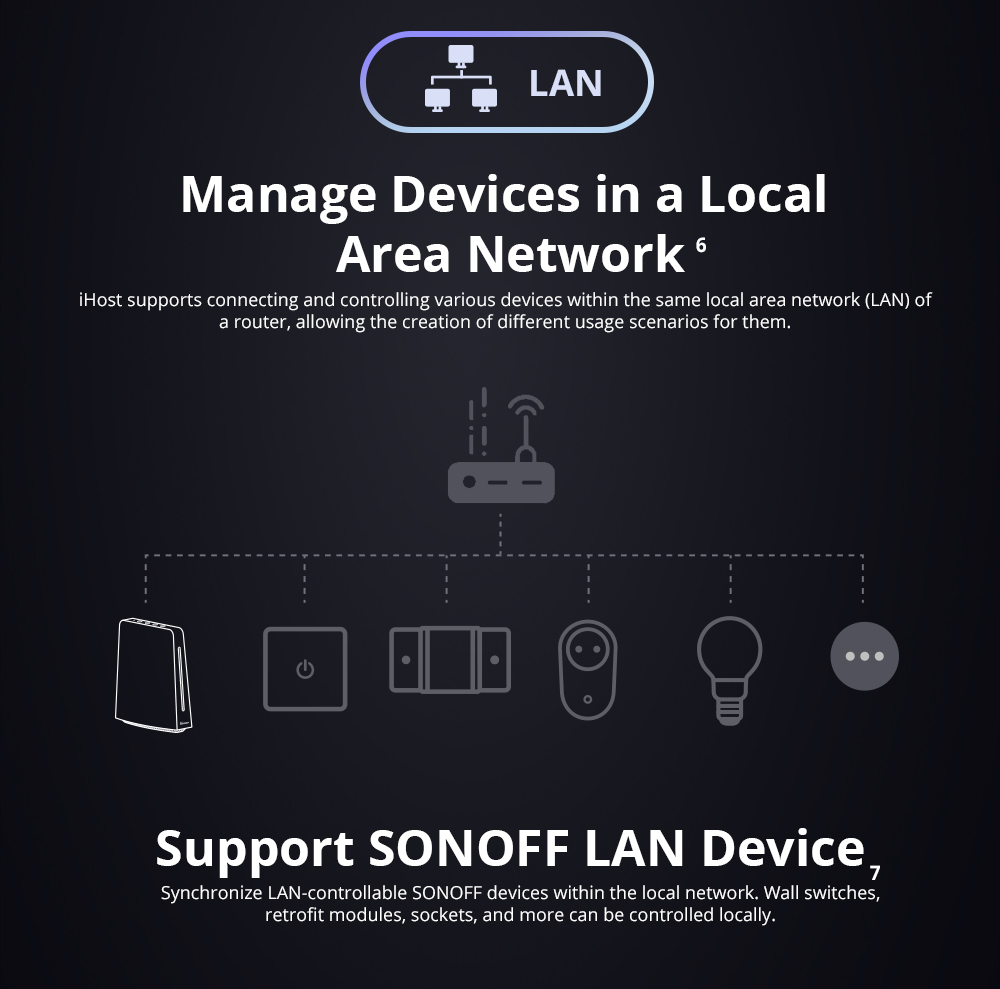
If you want to sync the WiFi devices to iHost, the WiFi devices must be on the same network (LAN) as it applies the mDNS discovery mechanism. Hope this helps.
Paul Kresfelder (verified owner) –
Are there plans to support TuyaLocal? This would make a lot of devices compatible.
Michael Connolly –
I have over 20 TX switches installed (Wi-Fi only) and I’m asking if the IHost will connect to the wifi only switches?
Daniel Zhan –
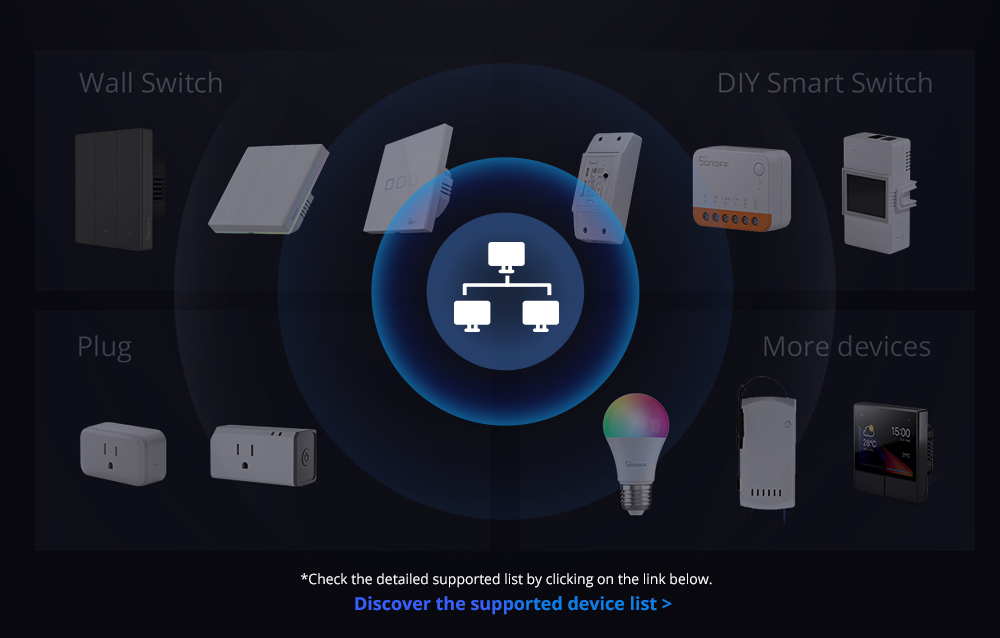
You can refer to the below link to see which devices are supported to sync to iHost, the WiFi devices are not connected to iHost directly, devices are discovered in LAN and synced via the eWeLink Smart Home addon.
https://sonoff.tech/ihost-user-guides/add-on/#eWeLink-Smart-Home-Add-on
Shlee –
How do you update the firmware?
SONOFF PM –
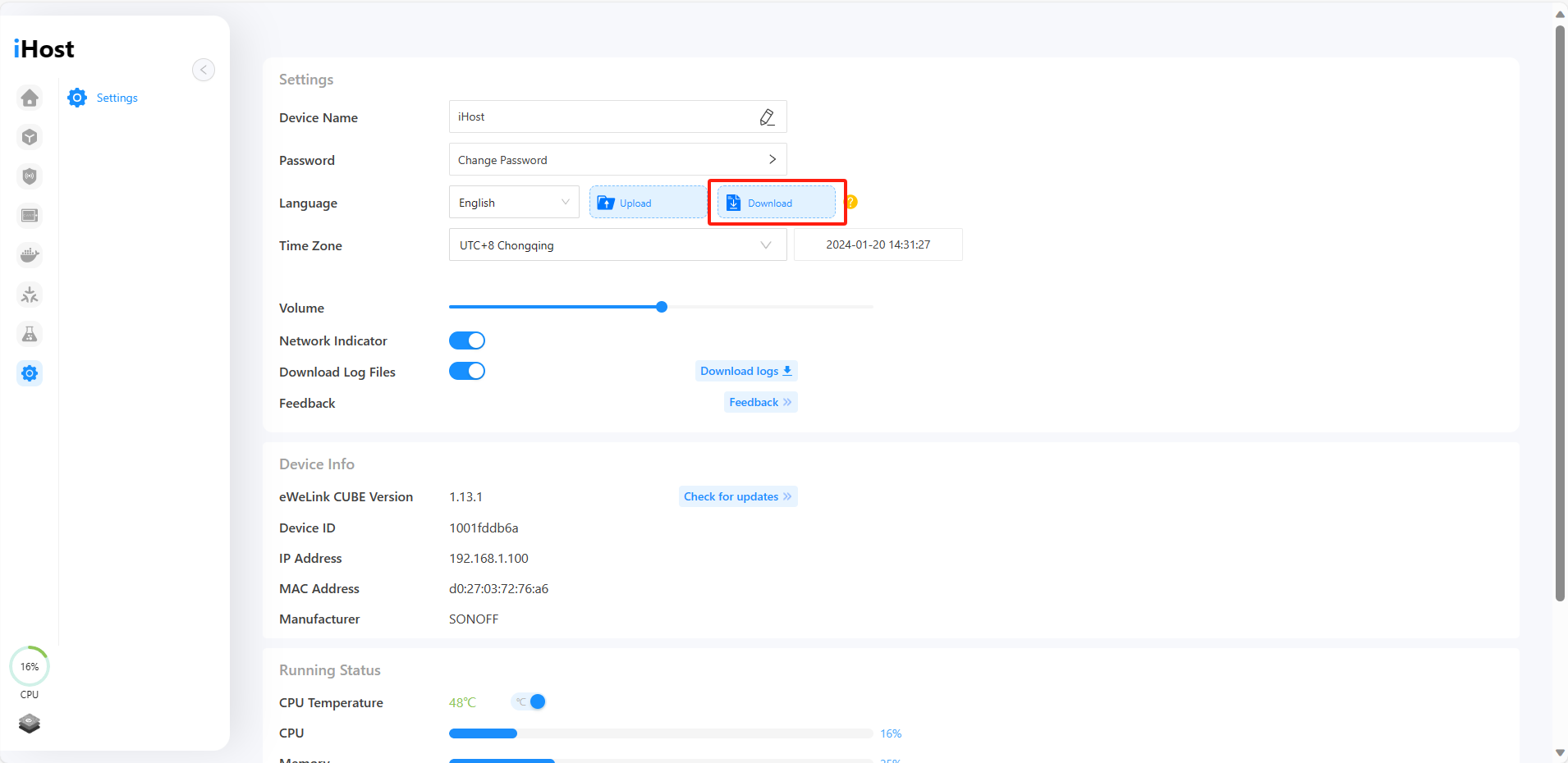
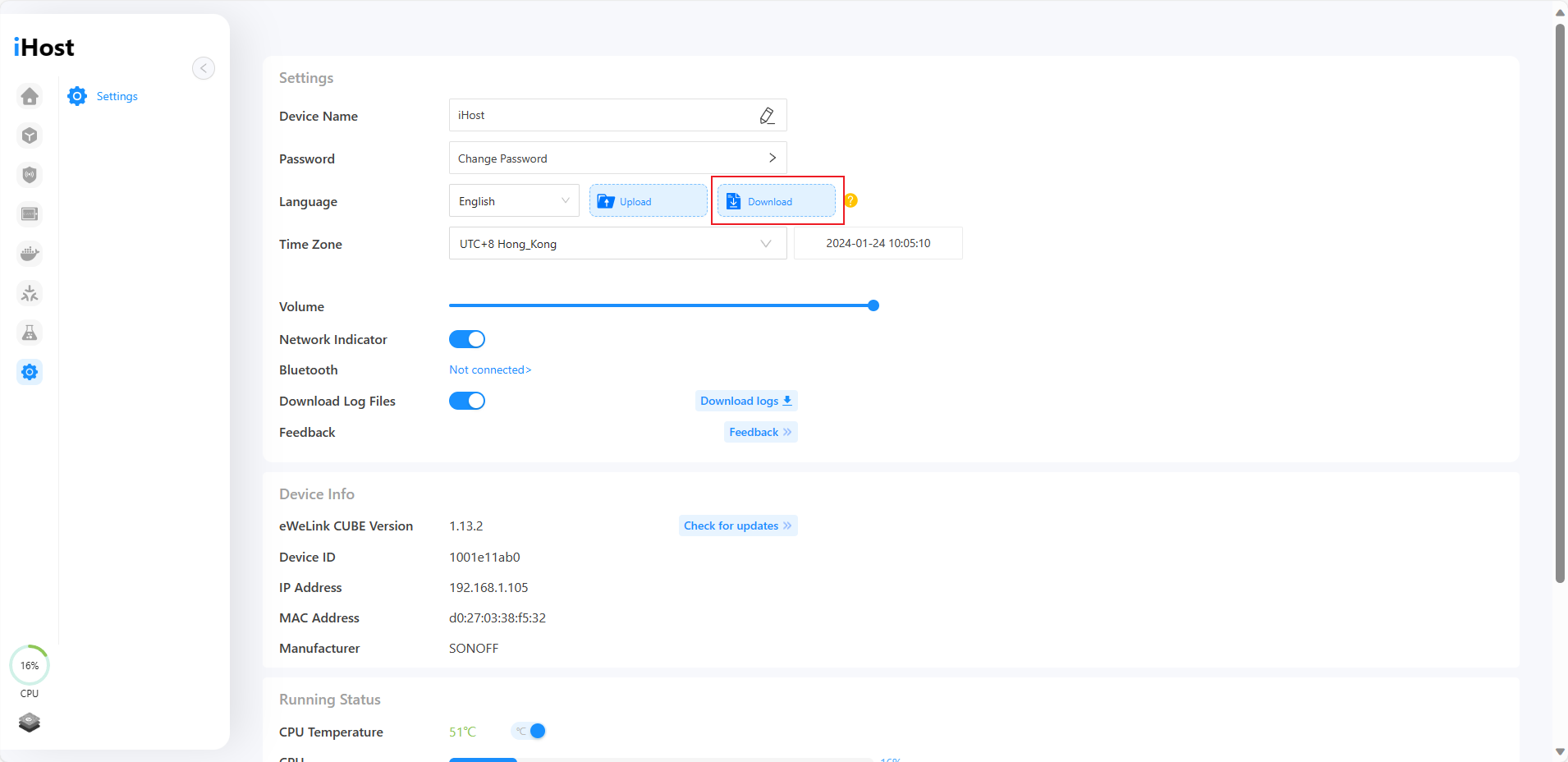
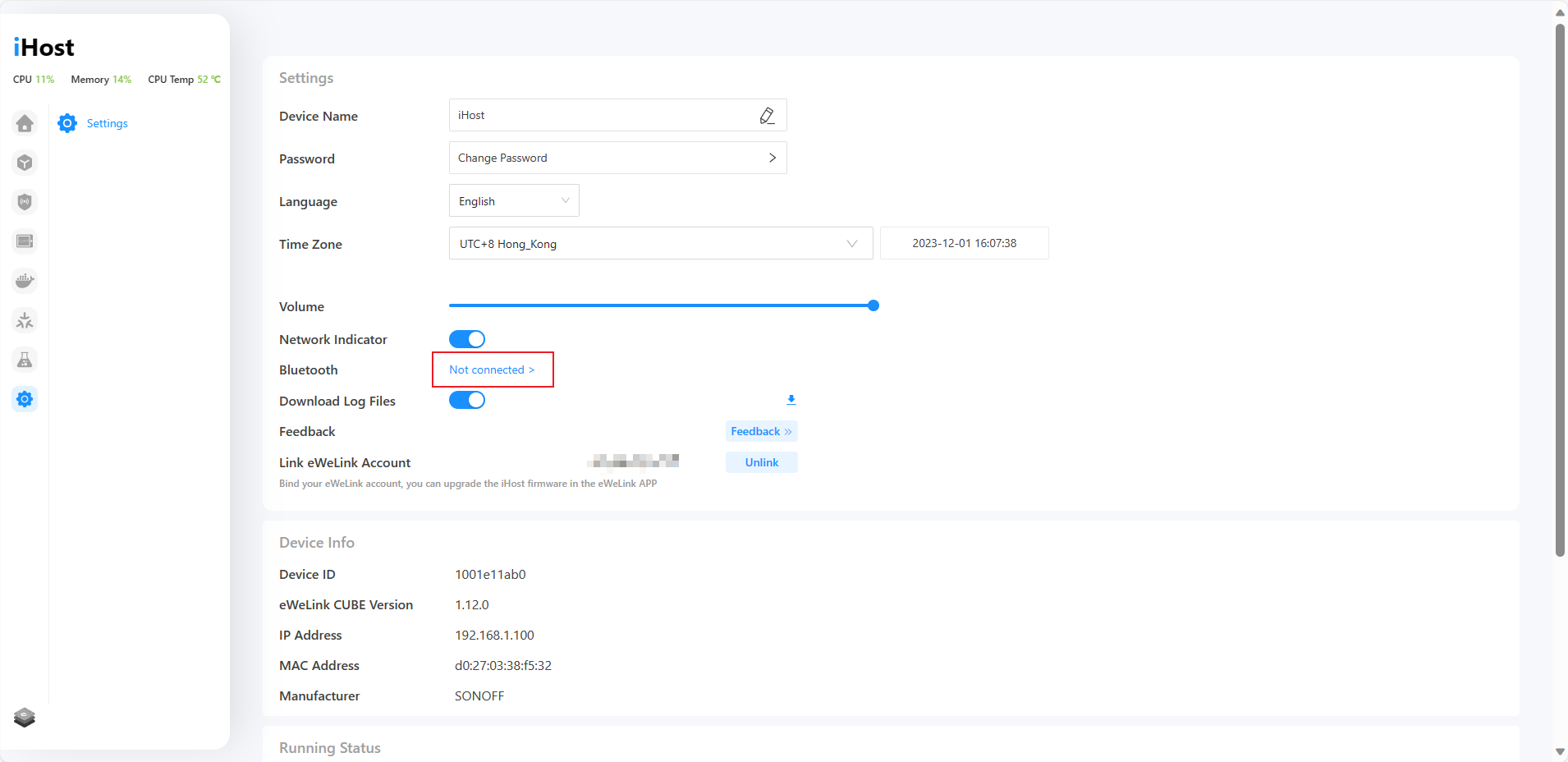
Hi Shlee, you can update in “Settings”. Operation instruction can refer to the below link: https://sonoff.tech/ihost-user-guides/#Login-and-OTA
Robert (verified owner) –
Hello,
I bought iHost a few days ago and am anxiously waiting for it to be delivered to me. I have a question: can I connect my Zigbee devices to the iHost and then be able to see/control them from the eWeLink app? I currently use the Echo Studio’s zigbee controller to connect devices but this way I can only control them from the Alexa app.
Thank you for your support.
SONOFF PM –
Hi Robert. Because local devices and data will not be synchronized to any cloud, Zigbee devices added to iHost cannot be controlled on the phone and eWeLink APP.
Dan (verified owner) –
How do I set a static ip address? The address received via DHCP from the MIKROTIK router is new every time after restarting the device, although I installed it as STATIC on the DHCP server, I ask you to fix this error because it is not convenient to use a new IP address every time. Other network devices work in this mode without error.
Dan (verified owner) –
I connected the snzb-01 button via the zigbee protocol, the button was added and works. It is not connected to the script button, i.e. you can add a script, but you cannot assign it to the button. Please fix this bag error.
Ivan Mihaylov –
Does it work with Aqara Zigbee Light Sensor T1 or other light/brightness sensor?
SONOFF PM –
Sorry Ivan, iHost is not supported light sensor now.
Jack Z (verified owner) –
This is useless device without promised upgrade for the ZB Bridge Pro with the LAN feature.
When this promise will be delivered?
“We will upgrade the ZB Bridge Pro with the LAN feature so that the sub-devices can be synced to iHost via the eWeLink Smart Home Addon”
Daniel Zhan –
We are working on this now and the new firmware update with LAN feature will be released in Sept.
Robert (verified owner) –
Hi
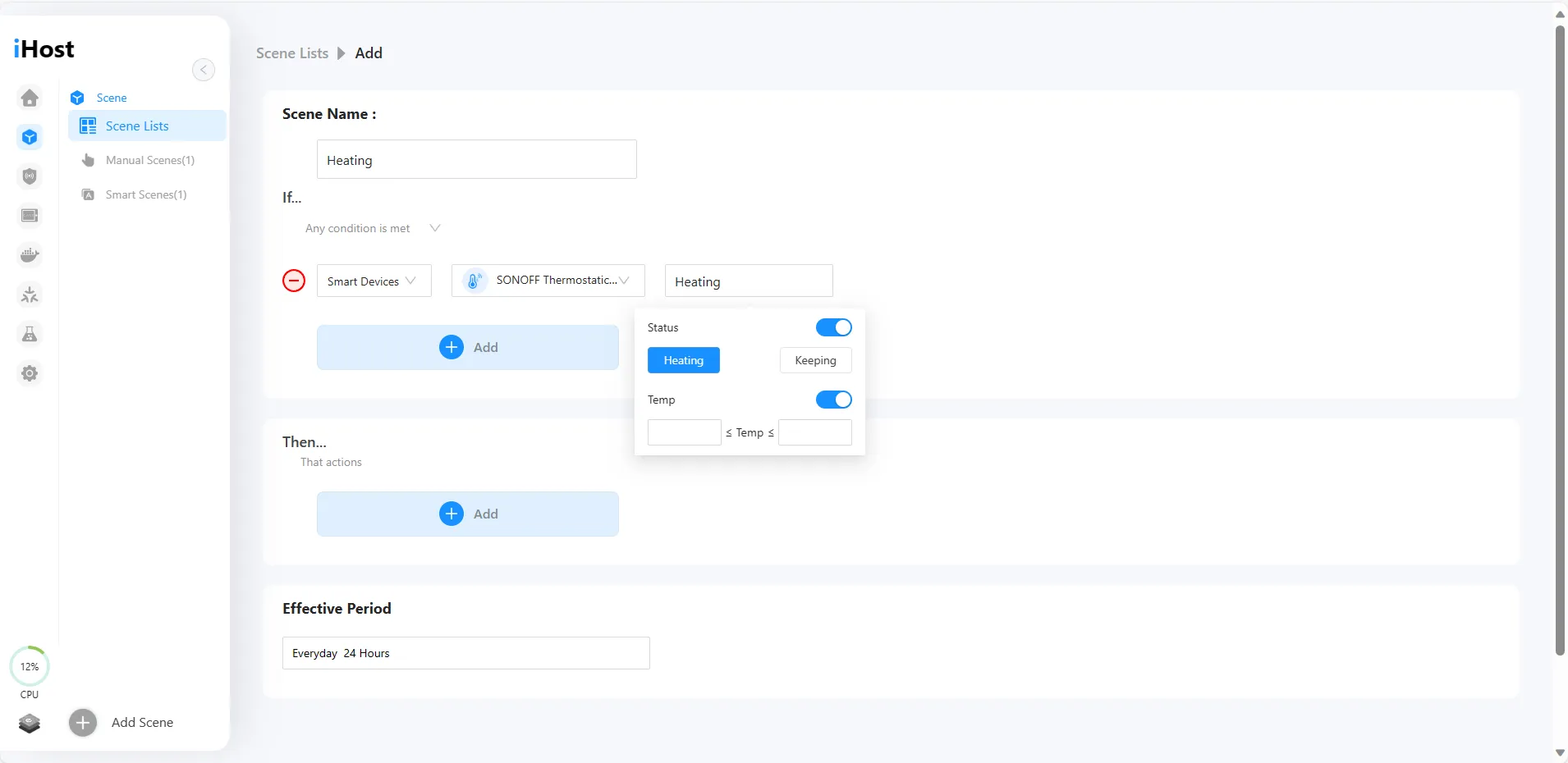
I’m trying to set up a scene on Ihost using all conditions have to be met (no motion on 2 sensors) before the action is performed to shut off the lights.
I never does turn the lights off
Robert
Daniel Zhan –
We will optimize the smart scene logic and fix the issue, thanks for your report.
Daniel Zhan –
Hi Robert, we have fixed this issue in 1.8.0 version firmware, please check if it works as expected.
thx
Robert (verified owner) –
Hi Daniel
Yes it works great
Thanks
Robert (verified owner) –
Hi
Two conditions that would be very useful if added to the “timer” condition
being able to select sunrise/sunset based on a persons londitude/latitude location
being able to select greater than/equal (>=) or less than/equal (<=) from specific times
Thanks
jponceh (verified owner) –
Hi everyone,
When will NS Panel pro be fully supported by IHost? With Paral-Sync add on, you can only get access to Zigbee devices connected to the NS Panel Pro, but you cannot execute any scene on IHost from the Panel. Current functionality of Paral-Sync is makes NS Panel Pro work like a simple Zigbee router.
Thanks,
JP
iqramul hoque –
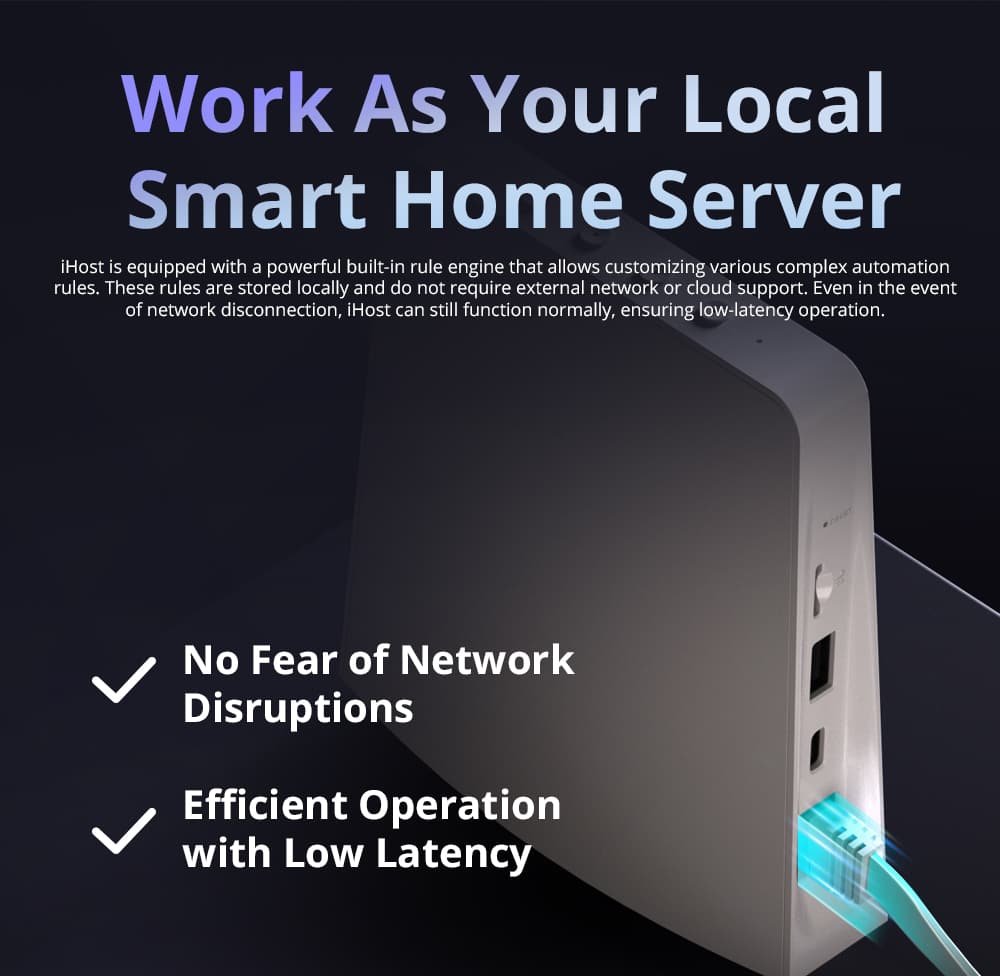
Really Happy to See a Solution Like Ihost…as an engineer of Home Automation I prefer to use local control because its reliable and clients don’t depends on cloud all the time incase of internet connection lost client can still control his equipment. Specially integration with Node-red and Home Assistant will boom your products soon.
aleadosa (verified owner) –
What is the meaning of red light LED ON at iHost front?
arcss –
Hello. I have firmware 1.4.2 and there is no “check for updates” function in the settings. The device itself does not offer an update. What should I do?
Milan (verified owner) –
SONOFF iHOST